Data is the fuel of modern marketing. But while most teams are swimming in internal data (analytics, CRM, ad performance), they are often starving for external data.
What are your competitors charging right now ? What are customers saying about your brand on Reddit ? Which influencers are rising in your niche ?
Traditionally, gathering this data meant weeks of manual research or expensive enterprise tools.But in 2025, ** no-code web scraping ** has democratized access to external data.
This checklist is designed for marketing teams who want to build a data-driven edge.We will cover the high-impact use cases you should be scraping for, and how to do it without hiring a developer or learning Python.
Phase 1: Competitor Intelligence(Know Thy Enemy)
The most common starting point for marketing scraping is keeping tabs on the competition.You shouldn't be surprised by a competitor's price drop—you should know about it the moment it happens.
- [] ** Price Monitoring *: Scrape competitor pricing pages daily or weekly. - Why : React faster to sales or repricing strategies. - Expert Tip *: Don't just scrape the price. Scrape stock status (in stock/out of stock) to estimate their sales velocity. -[] ** Feature Audits *: Extract feature lists and pricing tiers from competitor "Pricing" or "Features" pages. - Why *: Create "Us vs Them" comparison pages based on hard data, not guesses.
- [] ** Content Strategy Tracking *: Scrape their blog or resource center. - Why *: Analyze which topics they are doubling down on.If they published 5 articles on "AI Security" last month, that is a signal of their roadmap.
- [] ** Ad Library Monitoring *: Scrape the Facebook / Meta Ad Library or Google Ads Transparency Center for competitor domains. - Why *: See exactly what value props they are testing in paid media.
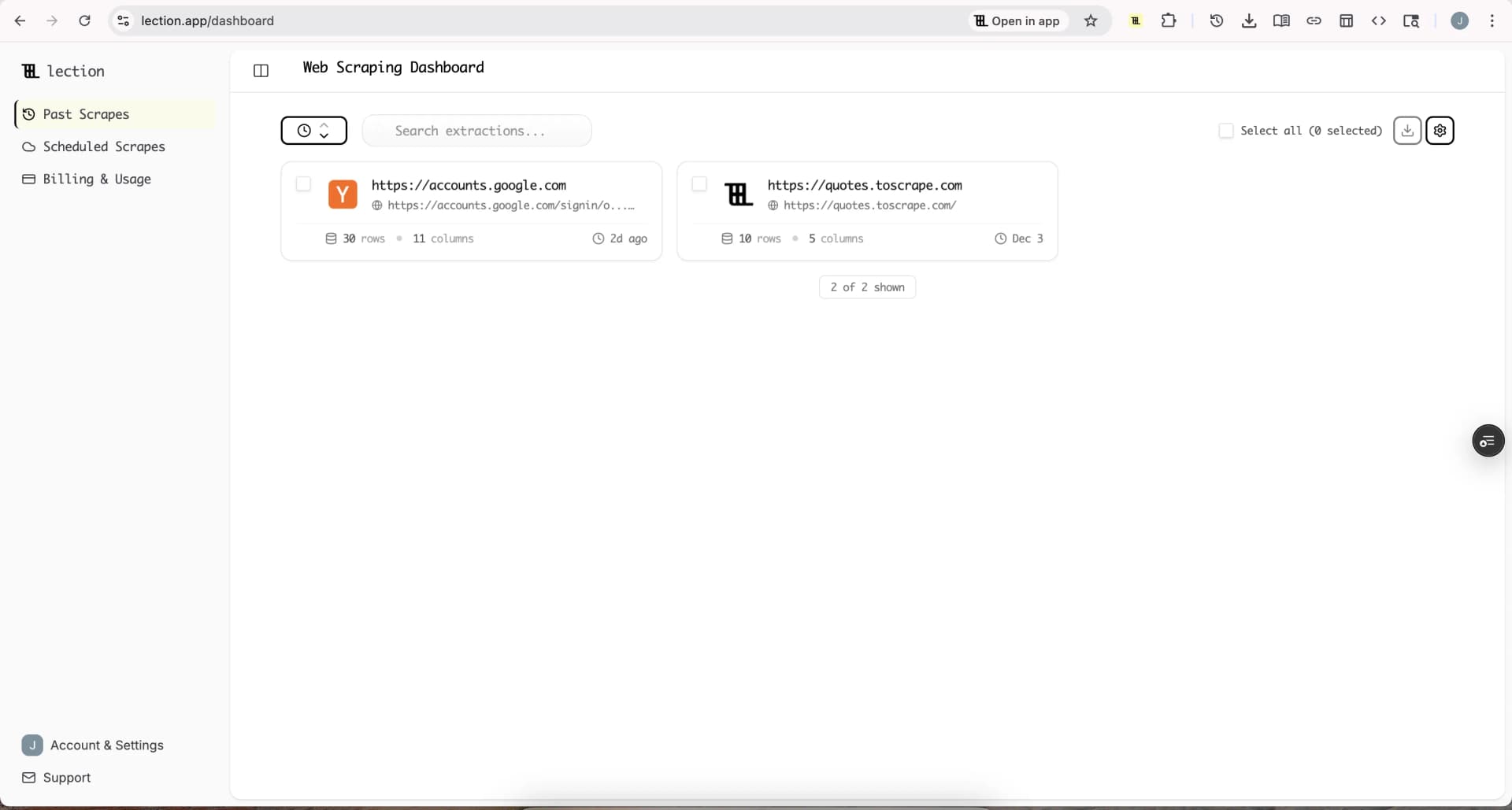
** Tool Tip **: UseLection to schedule a weekly scrape of key competitor pages.Since Lection's AI adapts to layout changes, you won't need to fix the scraper every time they update their site design.
Phase 2: Market Research & Sentiment(Know Thy Customer)
Focus groups are slow.The internet is a real-time focus group that never sleeps.You just need to listen.
- [] ** Review Aggregation *: Scrape reviews from G2, Capterra, Amazon, or Trustpilot. - Why *: Analyze sentiment.What is the #1 complaint about your competitor ? Make that the headline of your landing page.
- [] ** Social Listening *: Scrape mentions on Reddit, Twitter(X), or niche forums. - Why : Identify non-obvious pain points. - Example *: Scrape r / marketing to see what tools people are recommending(or complaining about) in your category.
- [] ** Trend Spotting *: Scrape "Trending" sections of relevant industry news sites or aggregators. - Why *: Ride the wave of emerging topics before they become saturated.
Phase 3: SEO & Content Ops(Own the Search)
SEO tools are great, but sometimes you need raw data to find the gaps they miss.
- [] ** SERP Monitoring *: Scrape Google Search results for your high-value keywords. - Why *: Track who is ranking for "best [your category] software" and what kind of content they are writing(listicle vs.guide).
- [] ** Programmatic SEO Data *: Scrape datasets to build programmatic pages. - Example *: A real estate site scraping local school ratings to create "Neighborhood Guides" for 500 cities automatically.
Phase 4: Lead Generation(Fill the Funnel)
Stop buying stale lists.Build your own fresh, targeted lead lists.
- [] ** Directory Scraping *: Scrape industry-specific directories(e.g., Yelp, Yellow Pages, Association member lists). - Why *: High-intent leads that aren't in every other competitor's CRM yet.
- [] ** LinkedIn Prospecting *: Scrape search results for specific job titles. - Note *: Always pair this with personalized outreach, not spam.
- [] ** Event Attendee / Sponsor Lists *: Scrape exhibitor lists from trade show websites. - Why *: Companies spending money on booths have budget and active intent.
The "No-Code" Advantage
In the past, running this checklist required a dedicated data engineer.If a website changed a div class, the Python script broke, and the data stopped flowing.
AI-native tools like Lection changed the game.
Because Lection uses AI to visually understand the page (like a human does), it is:
- Resilient: It handles layout shifts automatically.
- Accessible: No code required. Just point and click.
- Fast: Set up a new scrape in 3 minutes, not 3 days.
How to Get Started
- Pick one high-impact use case from the checklist above (e.g., Competitor Pricing).
- Install Lection in your browser.
- Run your first scrape and export the data to Google Sheets.
- Set a schedule. Automate it to run weekly so the data comes to you.
The difference between a "hunch" and a "strategy" is data. Start filling your data gap today.