When you are validating a business idea or building a quick proof of concept, time is everything. The difference between shipping a prototype in 3 hours versus 3 days can determine whether you beat a competitor to market or miss your window entirely.
BothLection and [Apify](https:/ / apify.com) promise to help you extract web data.But their approaches could not be more different.This comparison will help you choose the right tool when speed and simplicity matter most.
The Core Philosophy Difference
Before we compare features, let us understand the fundamental difference in how these tools think about web scraping.
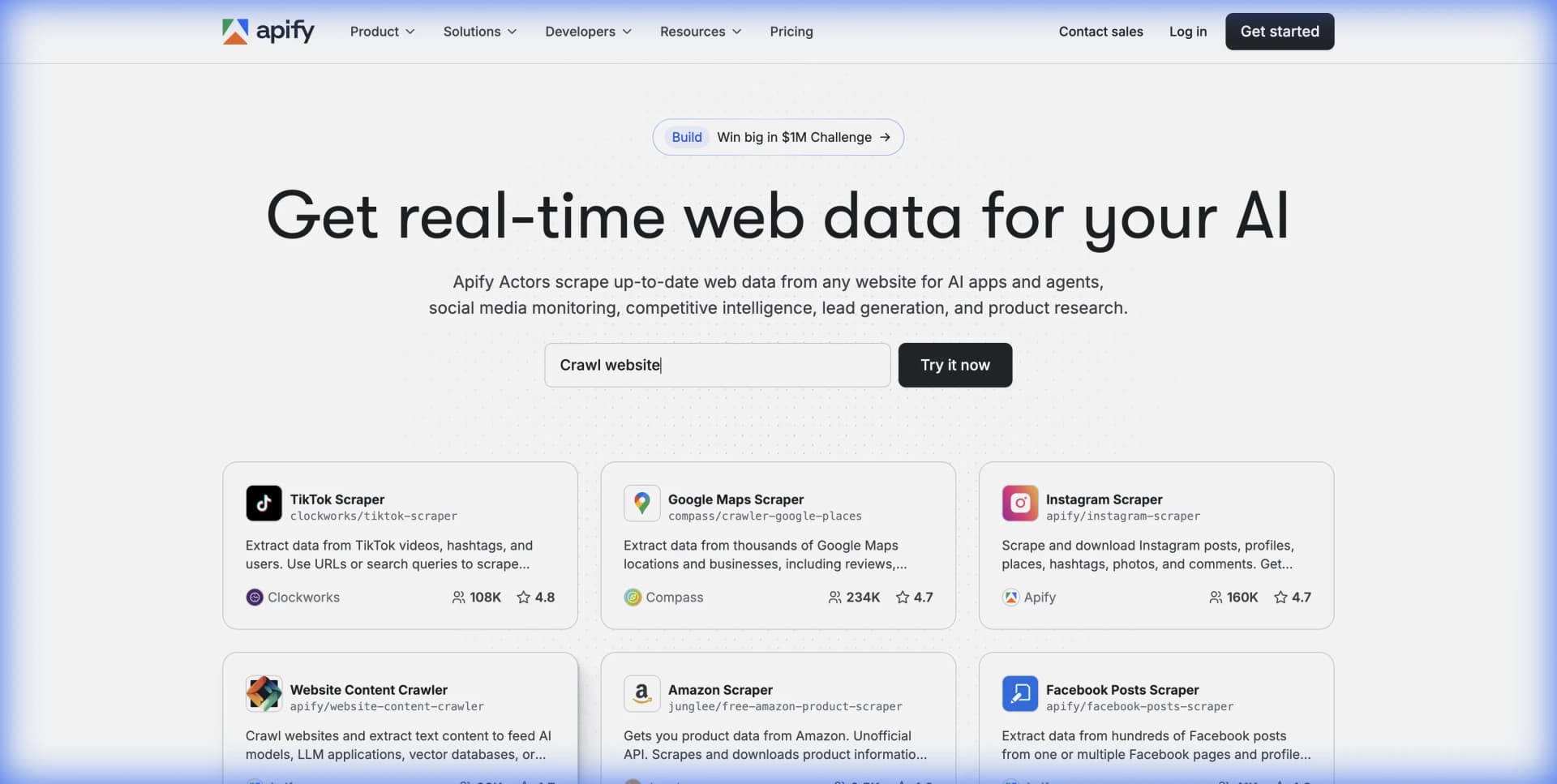
** Apify ** is a developer platform.It provides cloud infrastructure, an SDK, and a marketplace of pre-built scripts called "Actors." If you are comfortable writing JavaScript or Python, Apify gives you the power to build sophisticated, customized scraping pipelines.
** Lection ** is an AI-native browser extension.It uses visual AI to understand web pages the way you see them.There is no code to write, no SDK to learn, and no scripts to debug.You point at what you want, and Lection extracts it.
Think of it this way: Apify is like buying a professional kitchen with commercial-grade equipment.Lection is like ordering delivery.Both get you fed, but the path is very different.
Feature Comparison: What Each Tool Offers
Learning Curve and Setup Time
** Apify **:
-
Requires creating an account and navigating their Console interface -Pre-built Actors work out of the box, but customization requires JavaScript or Python knowledge -Understanding concepts like "Compute Units," "Actors," and "Datasets" takes time -Setup for a custom scraper: 1-4 hours depending on complexity
** Lection **: -
Install the Chrome extension and you are ready -No concepts to learn beyond "point and click" -Works immediately on any website that loads in your browser -Setup for a new scrape: 2-5 minutes
** Verdict for Rapid Prototyping **: Lection wins decisively here.If your goal is to get data today, not next week, the zero-learning-curve approach saves hours of valuable prototyping time.
Pre-Built Solutions vs.Universal Flexibility
** Apify **: Apify's Actor Store offers over 5,000 pre-built scrapers for specific websites. Need to scrape Amazon? There is an Actor for that. Google Maps? Actor for that too.
However, there are limits:
-
If no Actor exists for your target site, you need to build one yourself -Actors can break when target sites change their structure -Each Actor has its own configuration and quirks to learn
** Lection **:
Lection's AI approach means it works on any website that loads in Chrome. There is no "repository" to search because the tool adapts to whatever page you show it.
-Works on niche sites, internal tools, and brand new products with no existing scrapers -AI adapts to layout changes automatically -Consistent interface regardless of target site
** Verdict for Rapid Prototyping **: It depends on your target.If Apify has an Actor for your exact use case, it can be fast.But for novel sites or when exploring multiple data sources, Lection's universal approach eliminates the "does a scraper exist?" question entirely.
Handling Dynamic Content
Modern websites are built with JavaScript frameworks(React, Vue, Angular) that render content dynamically.Both tools handle this, but differently.
** Apify **: You need to choose the right approach: Puppeteer Actor, Playwright Actor, or the Cheerio-based lighter options.Dynamic content handling often requires understanding how JavaScript pages render and adding explicit waits for elements.
** Lection **: Because Lection runs inside your actual browser session, it sees precisely what you see.If the content is visible to you, it is scrapable.No configuration needed for JavaScript-heavy sites.
** Verdict for Rapid Prototyping **: Lection's browser-native approach means fewer surprises. What you see is what you get.
Pricing and Cost Predictability
** Apify Pricing ** (as of December 2025):
- Free tier: $5 in credits / month -Starter: $39 / month($39 in credits) -Scale: $199 / month($199 in credits) -Business: $999 / month($999 in credits)
Apify uses "Compute Units"(CUs) to measure usage, combining CPU and memory consumption.One complex scraping Actor might consume 10 CUs, another might use 0.5 CUs.This variability makes cost prediction challenging for new users.
** Lection Pricing **: Lection offers straightforward tier-based pricing with predictable costs.Free tier available for exploration, with scaling options for power users.
** Verdict for Rapid Prototyping **: For prototyping, predictable costs matter.You do not want to accidentally burn through your budget while testing different approaches.Lection's simpler pricing model reduces financial surprises.
Cloud Scraping and Automation
Both tools offer cloud-based execution, but the implementation differs.
** Apify **:
-
Full cloud infrastructure with scheduling
-
Detailed run logs and monitoring -Complex pipeline orchestration possible -Requires understanding of their platform concepts
** Lection **: -
Cloud scraping runs without keeping your browser open -Simple scheduling interface for recurring extractions -Direct integrations with Google Sheets, Zapier, Make
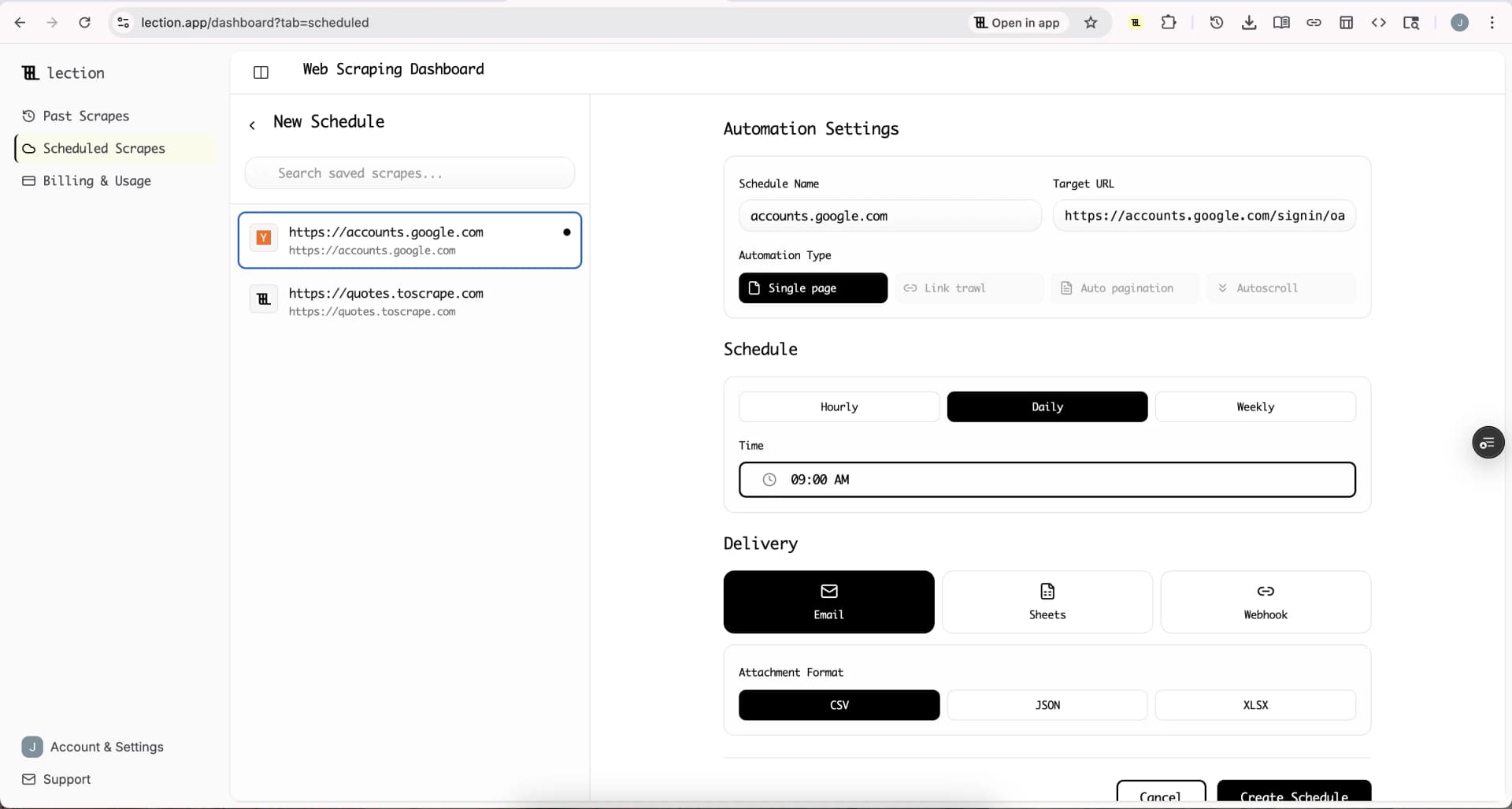
** Verdict for Rapid Prototyping **: Both work, but Lection's simpler scheduling gets you to "set and forget" automation faster.
When to Choose Apify
Apify makes sense when:
- ** You have JavaScript or Python developers on your team ** who can build and maintain custom Actors
- ** You need enterprise-scale infrastructure ** handling millions of requests with sophisticated retry logic
- ** Your use case matches an existing Actor exactly ** and you do not need customization
- ** You need advanced proxy rotation ** and anti-detection features for challenging sites
- ** You are building a scraping product ** where control over every detail matters
Apify's marketplace model shines when a verified, well-maintained Actor exists for your specific target. The Instagram scraper, for example, has been refined over years to handle the platform's anti-bot measures.
When to Choose Lection
Lection excels when:
- ** Speed to first data matters most **.You need validation data today, not after learning a new platform
- ** Your team lacks dedicated developers **.Marketers, researchers, founders, and analysts can use Lection without technical help
- ** You are exploring multiple data sources **.Testing hypotheses means scraping many different sites quickly
- ** The target site is novel or niche **.If no pre-built Actor exists, Lection works immediately
- ** You want minimal maintenance **.AI-powered adaptation means fewer broken scrapers when sites update
A Real Prototyping Scenario
Imagine you are a founder validating a marketplace idea.You need to understand pricing patterns across 5 different niche e-commerce sites, none of which have existing scrapers built for them.
** With Apify **:
- Search Actor Store for each site(likely no matches for niche sites) 2. Learn the Apify SDK and set up development environment
- Write custom scraping logic for each site
- Debug issues with JavaScript rendering
- Deploy to Apify cloud
- ** Time: days to a week depending on experience **
** With Lection **:
- Navigate to first site, click Lection icon
- Point at the price, title, and other fields
- Enable pagination, run the scrape
- Export to Google Sheets
- Repeat for remaining 4 sites
- ** Time: 1-2 hours total **
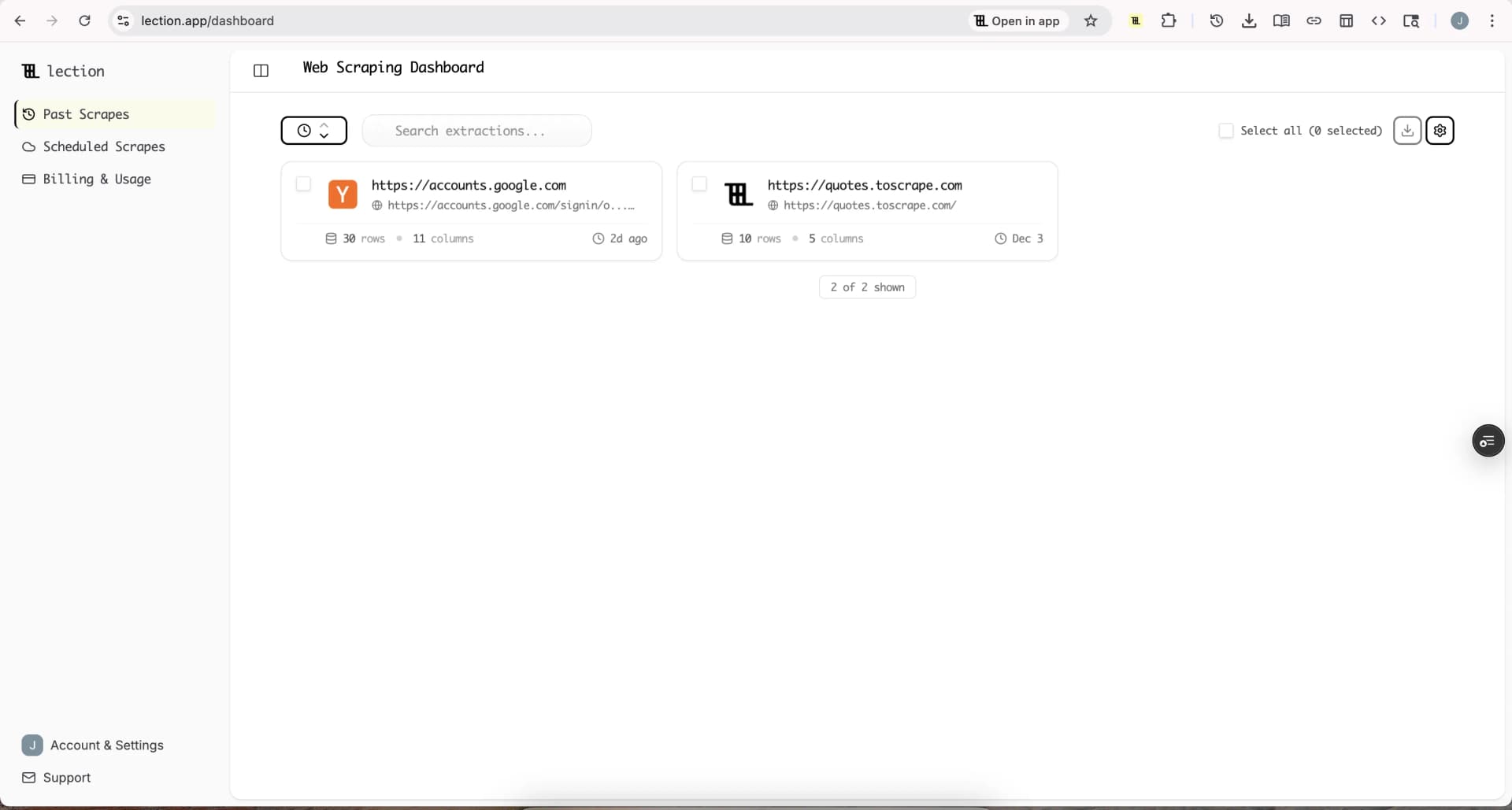
When prototyping, the Lection approach delivers validated data before you would even finish setting up Apify for a custom project.
Feature Comparison Table
| Feature | Lection | Apify |
|---|---|---|
| ** No-code operation ** | ✅ Full | ⚠️ Limited(Actors work out of box, custom requires code) |
| ** Time to first scrape ** | Minutes | Hours to days |
| ** Works on any site ** | ✅ Yes | ⚠️ Needs Actor or custom code |
| ** AI-powered adaptation ** | ✅ Yes | ❌ No |
| ** Cloud scheduling ** | ✅ Yes | ✅ Yes |
| ** Google Sheets integration ** | ✅ Direct | ⚠️ Via Actor / API |
| ** Proxy management ** | ✅ Handled | ✅ Advanced options |
| ** Pre-built scrapers ** | N / A(works universally) | 5,000 + Actors |
| ** Custom code support ** | ❌ No | ✅ Full SDK |
| ** Learning curve ** | Low | Medium to High |
The Bottom Line for Rapid Prototyping
Apify is a powerful professional tool.If you are building a scraping-as-a-product business or need fine-grained control over every aspect of data extraction, it deserves serious consideration.
But for rapid prototyping, where the goal is to validate ideas quickly and iterate based on real data, Lection is the faster path.The time saved in setup, learning, and debugging translates directly into faster iteration cycles.
Here is a useful mental model:
- ** Use Apify ** when you are building infrastructure meant to last months or years -** Use Lection ** when you need answers by end of day
The best tool is the one that gets you from question to answer fastest.For most prototyping scenarios, that tool is Lection.
Ready to see for yourself ? Install Lection and extract your first dataset in minutes.
---
Related Reading
-Best Bright Data Alternatives in 2025 -Lection vs Octoparse: Complete Comparison -How to Scrape Data from LinkedIn Without Code -Explore all tutorials and guides