For years, Octoparse has been a dominant player in the no-code web scraping tools market. With its desktop application and powerful template system, it helped define the category of visual scrapers.
But as we move into 2025, the landscape is shifting. AI-native tools like Lection are changing how we think about data extraction—moving away from rigid templates toward intelligent, adaptive agents that live right in your browser.
In this guide, we'll provide a comprehensive comparison of Lection vs Octoparse, examining features, ease of use, and pricing to help you decide which tool is right for your data needs.
At a Glance: The Core Difference
The fundamental difference lies in their architecture and philosophy:
- Octoparse is a standalone desktop software (like a browser specifically for scraping) that relies on complex visual workflows and point-and-click logic.
- Lection is an AI-native Chrome extension that integrates directly into your daily workflow, using LLMs to understand page structure dynamically.
What is Octoparse?
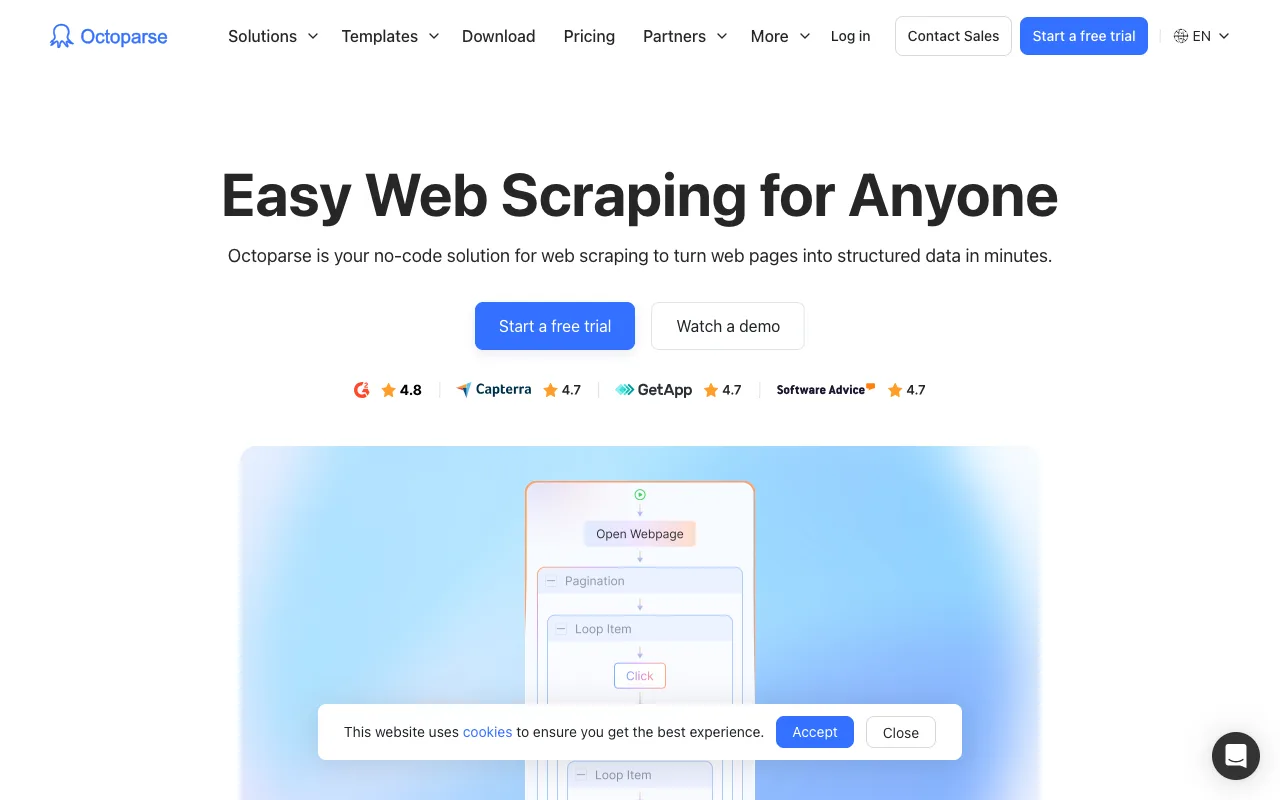
Octoparse is a powerful visual web scraping software that mimics human web browsing behavior. It allows you to create scraping tasks by clicking on elements on a webpage.
Pros
- Mature Feature Set: Years of development mean it has a button for almost everything.
- Templates: Extensive library of pre-built templates for popular sites.
- Cloud Extraction: Ability to offload tasks to their cloud servers.
Cons
- Steep Learning Curve: The interface can be overwhelming for beginners.
- Desktop App Required: You must install and run heavy software; it doesn't live in your browser.
- Maintenance Heavy: When websites change their HTML structure, Octoparse tasks often break and require manual repairs.
What is Lection?
Lection represents the next generation of web scraping. Instead of programming a robot with clicks, you're guiding an AI agent. Lection lives in your browser, ready to extract data from any page you visit.
Pros
- Zero Learning Curve: If you can point at what you want, Lection understands.
- AI-Powered: Automatically detects lists, pagination, and data fields using computer vision and LLMs.
- Browser-Native: No context switching. Scrape while you research.
- Resilient: AI agents adapt to minor layout changes better than rigid XPath selectors.
Cons
- Newer Ecosystem: Fewer years on the market than Octoparse.
Feature Comparison
| Feature | Octoparse | Lection |
|---|---|---|
| Interface | Desktop Application | Chrome Extension |
| Technology | Visual Selector / XPath | AI & Computer Vision |
| Learning Curve | High (Steep) | Low (Instant) |
| Cloud Scraping | Yes (Paid plans) | Yes |
| Pagination Handling | Manual Setup | Automatic / AI-detected |
| Google Sheets Export | Manual / Zapier | Direct Integration |
| Maintenance | High (Breakable rules) | Low (Adaptive AI) |
Deep Dive: User Experience
The Octoparse Workflow
Using Octoparse typically involves:
- Downloading and installing the software.
- Entering a URL to load it in their internal browser.
- Defining a loop command for pagination.
- Defining extraction steps.
- Running a local test.
- Uploading to the cloud.
It's powerful, but it feels like software engineering.
The Lection Workflow
Using Lection is seamless:
- Visit any page in Chrome.
- Click the Lection extension.
- Select the data you want.
- Click "Export".
Lection's "Fast. Dynamic. Reusable." philosophy means you spend less time configuring and more time analyzing data.
Pricing and Value
Octoparse uses a tiered model where serious features (like cloud extraction and high-speed runs) are locked behind substantial monthly subscriptions (often starting around $75-$89/month for useful tiers).
Lection offers a more flexible, modern pricing structure designed for growth, making enterprise-grade AI scraping accessible to startups and individuals.
Conclusion: Which Should You Choose?
Choose Octoparse if:
- You need to scrape extremely obscure legacy sites that require a dedicated desktop browser environment.
- You have a team of developers who are comfortable maintaining complex scraping scripts.
Choose Lection if:
- You want to extract data quickly without a steep learning curve.
- You value a modern, browser-based workflow.
- You need data from dynamic, modern web apps (React, Vue, etc.).
- You want the power of AI to handle messy or changing website structures.
The future of scraping is intelligent, not mechanical. Ready to experience the difference? Install Lection today and start building your datasets in minutes.