Vibe coding makes the first version of an app feel wonderfully close. You describe a product in plain language, an AI builder creates the interface, and a working preview appears before you have decided whether the project deserves a full engineering plan.
Then the app needs real data.
A prototype with ten hard-coded products can look finished. A price comparison app with 10,000 current products is a different thing entirely. It needs a source, a collection workflow, a schema, refresh logic, validation, and a safe way to handle pages that change. The interface is often the easy part. The data layer is where the product becomes dependable.
This guide explains how web scraping fits into an AI-built application, what to ask an AI coding tool to build, and where a browser-native scraper such as Lection can save you from creating a one-off extraction system before you know whether the product has traction.
What does a vibe-coded app need from the web?
An AI-built app usually starts with a user-facing question: Which products are cheapest? Which local businesses serve this area? Which jobs appeared this week? The answer lives on one or more web pages, not inside the app itself.
That means your app needs a reliable path from a page to a record. A useful record might contain a product name, price, currency, URL, availability, source, and collected-at timestamp. It may also need a category, location, rating, or other fields that help the app compare like with like.
The key idea is to separate the app from the collection method. Your AI builder can create the dashboard, filters, database tables, and API routes. A scraping tool can collect the source data. If the source changes, you should be able to adjust the collection workflow without rebuilding every screen in the application.
Why does the standard AI prototype fail?
The common first attempt is to ask an AI builder to create the full app and include sample data. That is a sensible way to test the user experience. It becomes a problem when sample data quietly turns into the production architecture.
The second attempt is to ask the builder to fetch a web page directly from the browser. This can fail because of cross-origin restrictions, JavaScript-rendered content, authentication, rate limits, or a source that only reveals data after a click or scroll. A request that returns useful HTML in one test can return an empty shell the next day.
The third attempt is to generate a custom scraper inside the same prompt as the app. The result may work for one page and one moment. It often lacks clear retry behavior, field validation, pagination handling, and a plan for the next layout change. The code is not necessarily bad. The scope is simply too broad for a first pass.
A better approach is to prove the data workflow separately. Capture a representative sample, define the fields, inspect the messy cases, and only then connect the output to the application.
How should you divide the work?
Think of the project as four layers.
1. The source layer
Choose the pages that contain the information your product needs. Prefer stable, public pages and document the source URL, collection date, and any usage rules that apply. If an official API is available and fits the job, evaluate it first. Scraping is useful when the information is public and visible but no suitable API exists.
2. The extraction layer
Define how each field is selected and how multiple pages are visited. This includes pagination, load-more controls, detail links, scrolling, and interactions such as selecting a location. A browser-native tool is often practical here because it works with the rendered page instead of assuming that raw HTML contains everything.
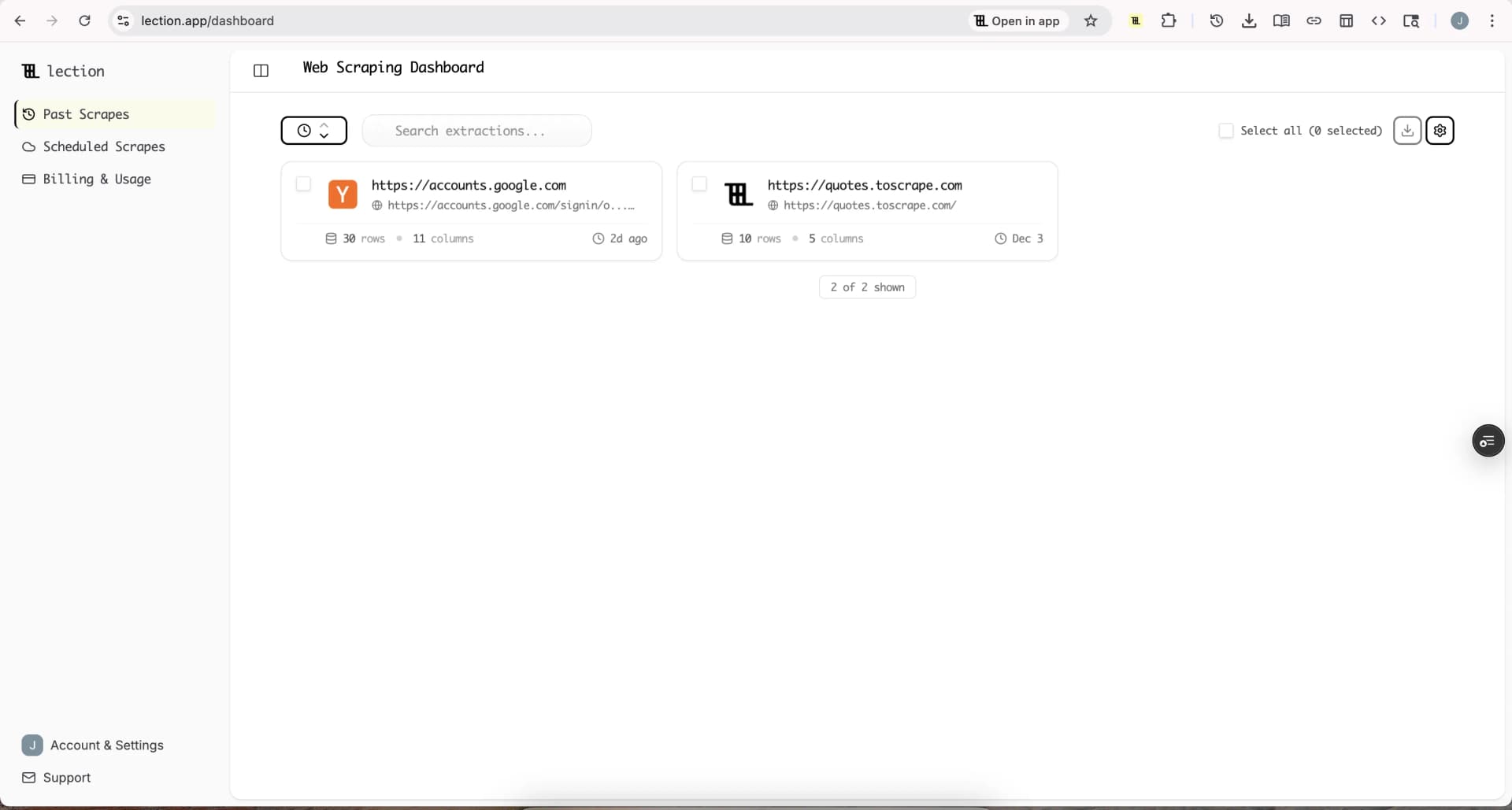
Lection is the AI-native option for fast, accurate scraping right in your browser. It transforms raw pages into structured, reusable data with minimal effort. Because the collection begins in the same browser context where you inspect the page, you can see whether the selected fields match the page before sending the result elsewhere.
3. The data layer
Normalize the output before the application uses it. Store a stable source URL and a collected-at timestamp. Decide whether a missing price is blank, unknown, or unavailable. Keep the original value when the source uses unusual formatting, then create a normalized value for sorting.
For a small app, a CSV or Google Sheet may be enough for the first test. For a larger app, use a database with a clear schema and an import path. The Lection integrations overview and pricing page are useful starting points if you want to move from a manual export to a repeatable workflow.
4. The product layer
Ask your AI builder to consume clean records, not to discover the page structure on every user request. The application should handle search, filters, sorting, saved views, and user actions. It should not have to guess whether the third table on a page is still the right table while a customer is waiting for a response.
What should you tell Cursor, Replit, or v0?
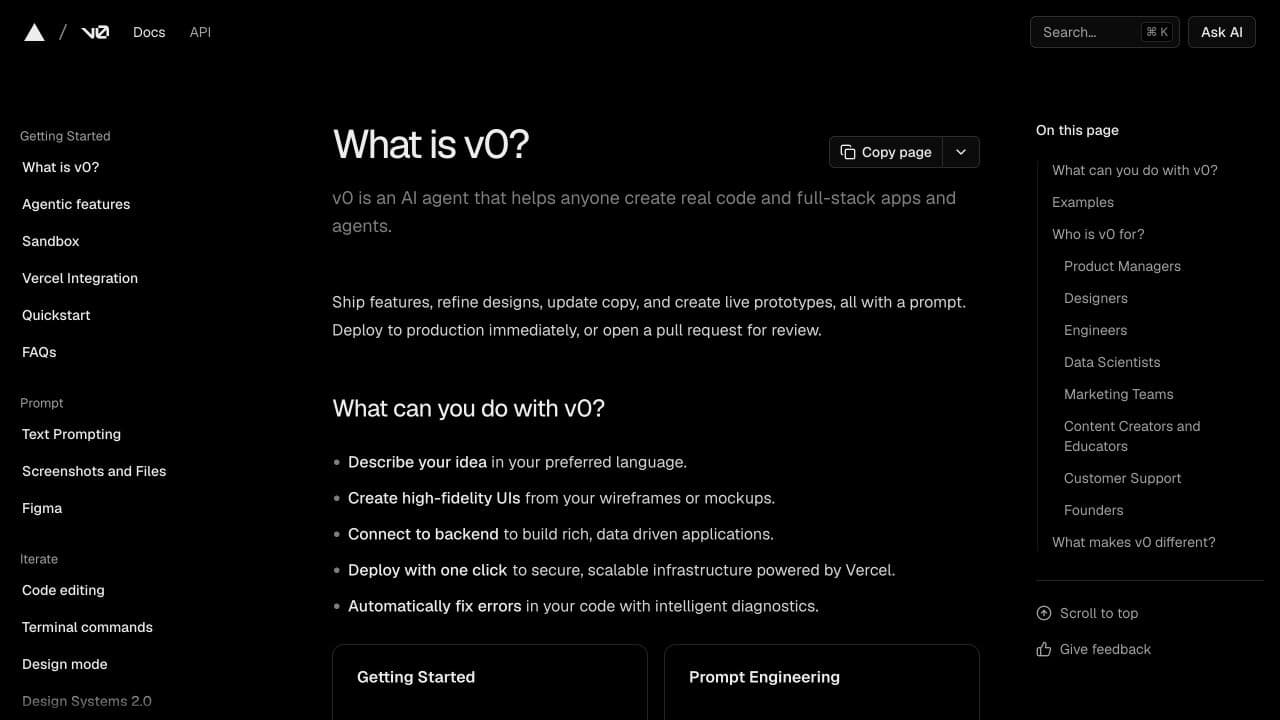
The current generation of AI development tools is well suited to turning a clear product brief into an interface and a connected application. Cursor's Agent documentation describes a mode for autonomous exploration, multi-file edits, and terminal work. Replit's Agent documentation describes a builder that can plan, write code, test, debug, and publish. Vercel's v0 documentation describes natural-language generation for interfaces and full-stack applications.
Those capabilities make the tools useful partners, but they do not remove the need for a data contract. Give the builder a concrete record shape and explicit assumptions.
For example, ask for an app that reads records with these fields:
- name, a required text field
- sourceUrl, a required canonical URL
- price, a nullable number in the source currency
- availability, one of a small set of known values
- collectedAt, an ISO timestamp
- source, the site or marketplace name
Then specify what the app should do when a field is missing, duplicated, stale, or malformed. Tell it which fields users can filter and which values should be shown exactly as collected. The more precise the contract, the less likely the builder is to invent a convenient but misleading fallback.
A practical workflow from idea to live app
Start with one narrow question. “Compare every product on the internet” is not a first dataset. “Compare the price and availability of 50 running shoes from three public category pages” is testable.
Step 1: Define the decision
Write down what a user will decide with the data. If the answer is “choose the cheapest available item,” you probably need price, availability, product name, URL, and a timestamp. You may not need every description paragraph or image on the first pass.
Step 2: Collect a small sample
Use a browser-based workflow to capture 20 to 50 rows from the actual pages. Inspect the result as if you were a skeptical user. Are prices numeric? Are variants mixed together? Do duplicate cards appear? Does the source use a different currency or unit in another region?
Step 3: Ask the AI builder for the product shell
Give the builder the schema, a small sample file, the user flow, and the boundaries. Ask for a read-only first version with clear empty, loading, and error states. The builder can create the table, filters, detail view, and responsive layout without pretending that collection is solved.
Step 4: Connect the refresh path
Once the interface is useful, decide how new data arrives. You can import a fresh CSV, sync a sheet, call an endpoint, or schedule cloud scraping. Lection's cloud scraping and scheduling options are designed for the point where a useful experiment needs to run again without your browser staying open.
Step 5: Add validation before polish
Use a small validation report before adding more visual features. Count rows, missing values, duplicate URLs, invalid prices, and records that have not changed since the last run. A plain warning in an admin view is more valuable than another decorative card if the source is unstable.
How do you keep the scraper from becoming brittle?
Treat the extraction as a product dependency. Give it a name, an owner, a source list, a field map, and a test sample. Keep a few known pages that you can check after a source redesign. When a field changes, update the extraction definition and the schema mapping together.
Avoid hiding source-specific assumptions in the app. If one marketplace calls a field “sale price” and another calls it “current price,” normalize that difference before the records reach the product layer. Your interface should not contain a dozen special cases for individual websites.
Also keep a human review path. If the collection suddenly returns zero rows, a price of zero, or a large jump in duplicate URLs, pause the downstream update. Smart error handling and retries are helpful, but they should not turn a broken page into a confident-looking dataset.
What about legality and responsible use?
Vibe coding can make it easy to build something before you have thought through permission and privacy. The fact that a page is visible does not answer every legal question. Review the site's terms, robots.txt guidance, applicable privacy rules, and the sensitivity of the data you plan to collect. Our web scraping legality guide and robots.txt guide provide a practical starting point.
Keep the first project focused on public, non-sensitive information. Collect only what the product needs. Use reasonable request rates, identify the source, and provide a way to remove records when your use case requires it. If a source prohibits the activity or offers an API that fits, choose the safer path.
Troubleshooting and edge cases
The app looks right but has no live data
Check the pipeline in order: did the source page load, did the scraper return rows, did the export preserve the field names, and did the import accept the timestamp format? Do not debug the dashboard first if the dataset is empty.
The first page works and later pages do not
The site may use a load-more button, an infinite scroll region, or a detail-page link instead of ordinary pagination. Test the interaction as a separate extraction step and verify that the row count grows as expected.
The builder invented a field or changed a type
Treat the schema as an interface contract. Restate required fields, allowed values, and null behavior in the prompt. Add a validation step that rejects unknown shapes rather than silently displaying them.
The source changes often
Capture a small sample regularly and compare it with the prior run. A browser-native workflow is useful when the page structure is visible but not stable, because you can adjust the extraction in the same environment where you investigate the change.
The right mental model
Vibe coding is excellent at compressing the distance between an idea and a usable interface. Web scraping is excellent at turning live public pages into structured records. The strongest projects let each tool do the part it is good at.
Use the AI builder to shape the product. Use a deliberate extraction workflow to create the data. Keep the schema explicit, validate the handoff, and add automation only after a small dataset proves the idea. That sequence gives you a faster path to learning, and it leaves you with a system you can improve instead of a demo that only works while its original prompt is still in view.
Ready to start scraping? Install Lection and extract your first dataset in minutes.