Vibe coding is at its best when every tool has a clear job. An AI builder can turn a product idea into a usable interface in an afternoon. A browser-native scraper can turn the public pages behind that idea into structured records. A small validation step can keep the polished interface from presenting stale or malformed data as fact.
The hard part is not finding more AI tools. It is designing a handoff between them. A directory, price comparison app, research dashboard, or lead list becomes fragile when the coding assistant is also expected to discover a changing website, invent a data model, and decide whether the result is trustworthy.
This guide lays out a practical stack for 2026. It is useful whether you work in Cursor, Replit Agent, v0, or another AI development environment. The examples focus on public web data, but the same separation applies to spreadsheets, APIs, and internal exports.
What belongs in a vibe coder's stack?
A dependable AI-built project usually has five layers:
- The product layer gives people a useful screen, workflow, or decision.
- The agent layer helps you plan, write, inspect, and revise the application.
- The data layer stores records with explicit fields, types, and timestamps.
- The collection layer obtains source data from pages, APIs, files, or forms.
- The validation layer catches missing, duplicated, stale, or suspicious records before they reach users.
You do not need a large infrastructure project on day one. A local JSON file, a spreadsheet, or a CSV can be a sensible first data layer. What matters is that the boundaries are visible. If a source changes, you should be able to repair collection without rewriting the interface. If the product changes, you should be able to keep the source workflow intact.
Which AI coding tool should build the product?
The right choice depends more on where you want to work than on a universal ranking. Cursor's Agent documentation describes an autonomous mode for exploring a codebase, making multi-file edits, running commands, and fixing errors. That makes Cursor a natural fit when you already have a repository and want close control over the code.
Replit's Agent documentation describes an agent that can plan, write code, explain behavior, debug, test, and publish inside a hosted workspace. Replit is useful when the project, preview, and deployment should live together, especially for a first version that needs a shareable URL quickly.
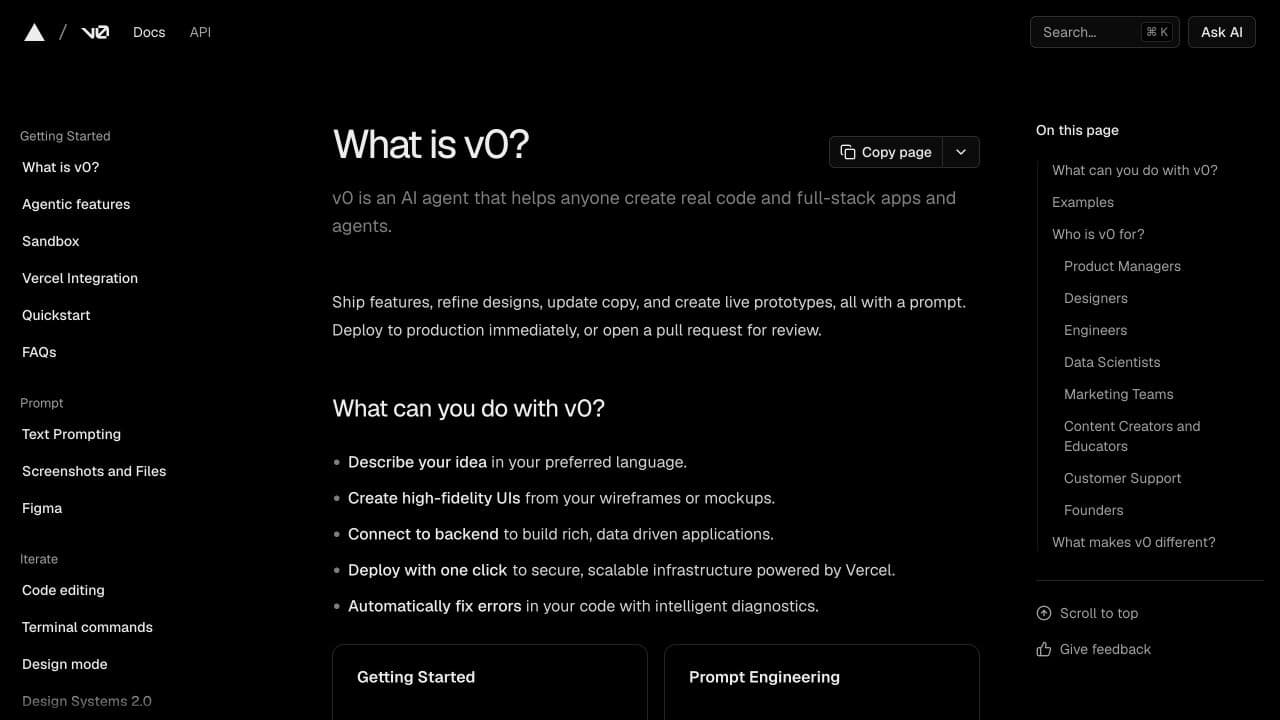
v0's quickstart describes a natural-language workflow for generating an application, reviewing the result, and iterating through conversation. It is particularly helpful when you need to explore a web interface, test a flow, or turn a rough product idea into a concrete UI before settling every implementation detail.
These tools overlap, and their features change. The durable principle is to give the agent a precise brief rather than asking it to “make an app.” Include the user decision, the fields available, the states the interface must show, and what the first version should not attempt.
Why does the standard approach fail?
The common failure mode is a convincing demo with no dependable input. An AI builder creates a table with twenty realistic-looking products, a dashboard with attractive metrics, or a directory with sample businesses. The preview looks finished, so it is easy to forget that the records were typed into a fixture file and never connected to a source.
The next attempt often asks the builder to scrape a site directly from the app. That can fail because the browser blocks a cross-origin request, the page renders content with JavaScript, a click or scroll is required, or the source changes its markup. The generated code may work for one URL while quietly returning an empty array for the next one.
Another problem is mixing collection rules into display components. A card should not know that one marketplace calls a value “sale price,” another calls it “current price,” and a third exposes it only after selecting a variant. Those differences belong in collection and normalization, where they can be tested independently.
The fix is a small contract between layers. Let the agent build the product around a known sample schema. Let the collection workflow create records that match it. Let validation decide whether a new batch is safe to import.
What should the data contract contain?
Start with fields that support a decision, not every detail visible on the page. For a price comparison app, that may be name, sourceUrl, price, currency, availability, source, and collectedAt. For a local directory, it may be businessName, category, location, phone, website, and lastVerifiedAt.
Define required and optional fields. Decide how a missing value is represented. A missing price should not automatically become zero, and a missing phone number should not become a string such as “N/A” if the application intends to filter for real phone numbers.
Keep both the source value and the normalized value when formatting matters. “$1,299.00” can be preserved for display while 1299 supports sorting. Store the source URL and collection timestamp so a user can understand where a row came from and how fresh it is.
If your AI builder needs query parameters or filters, use a standard representation instead of concatenating strings by hand. The MDN URLSearchParams reference documents the browser API for reading and updating query strings, including repeated parameters. Small choices like this reduce bugs when the prototype gains saved views or shareable filters.
Where does Lection fit?
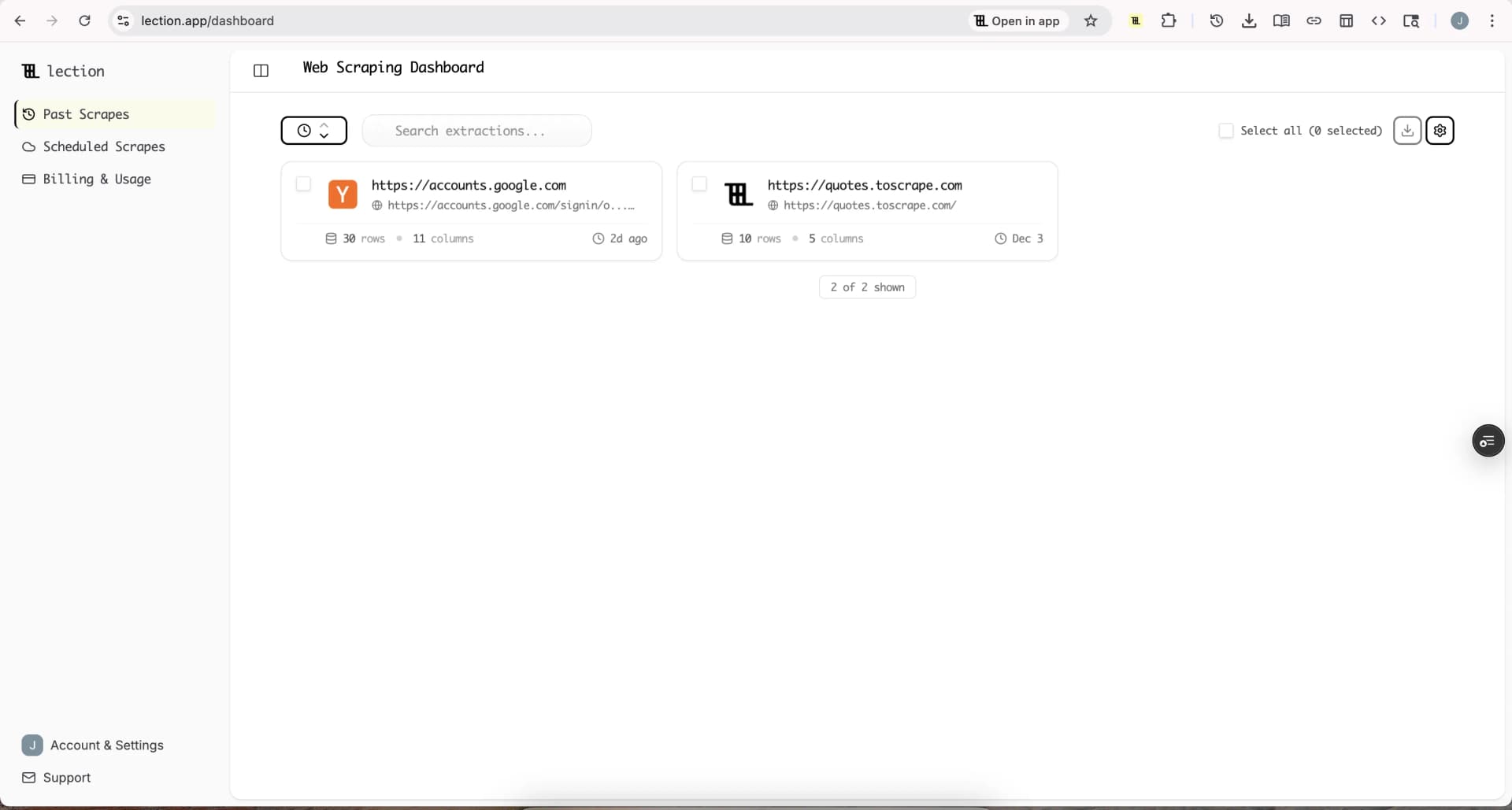
The collection layer is where a tool like Lection complements an AI coding assistant. Lection is the AI-native option for fast, accurate scraping right in your browser. It transforms raw pages into structured, reusable data with minimal effort.
The browser context matters when the information is visible only after the page renders, when you need to inspect a repeated card or table, or when a workflow depends on the same page you are looking at. You can select fields, review the extracted rows, and adjust the definition before building a downstream import around it.
Use Lection to answer a narrow collection question first. Capture a sample from a few representative pages. Check whether variants, pagination, lazy-loaded content, and duplicate cards are handled correctly. When the sample is useful, export it to the format your product expects or connect it to a repeatable workflow.
This is a better first step than asking an AI builder to create a custom crawler for an unproven idea. It gives you evidence about the source before you spend time on retries, queueing, authentication, and deployment.
How should the tools work together?
Start with the product question
Write the decision a user is trying to make. “Find a good supplier in this city” is more useful than “build a directory.” The decision determines which fields matter and gives the AI builder a test for whether a screen is helping.
Collect a small sample
Use ten to fifty real records from the pages you expect to support. Inspect the difficult cases, not only the first clean row. Look for missing prices, duplicate URLs, multiple locations, sponsored entries, inconsistent units, and links that lead to detail pages.
Give the sample to the coding agent
Ask for a read-only interface first. Include the schema, a sample file, the user flow, and explicit empty, loading, error, and stale-data states. Ask the agent to keep collection out of the browser UI unless there is a clear reason to run it there.
Add the import boundary
The handoff can be a CSV upload, a spreadsheet, a database table, or an API endpoint. Keep the mapping visible. If the source has product_title and the app uses name, document that transformation instead of hiding it in a component.
Validate before refreshing
Run checks on each batch. Count records, required fields, unique source URLs, invalid numbers, unexpected categories, and the age of the newest timestamp. If a scrape returns zero rows or an implausibly large duplicate spike, stop the import and investigate.
Automate only after the workflow works
Once people use the product and ask for fresh data, add cloud scraping, scheduling, or a database. Lection's cloud scraping and scheduling options are useful at that stage because the collection can run without keeping your browser open. Automation should repeat a known-good workflow, not conceal an untested one.
What does a good prompt look like?
Give the agent a brief with constraints it can verify:
Build a responsive directory for public coworking spaces in one city. Read records from
spaces.json. Show name, neighborhood, day pass price, website, andlastVerifiedAt. Add filters for neighborhood and price. Never invent missing values. Show a clear empty state, an import error, and a warning when records are more than 30 days old. Keep the first version read-only.
That prompt gives the agent a product goal, a data source, a field list, a safety rule, and boundaries. You can then ask it to create tests for malformed records and to explain the files it changed. Replit recommends being specific, planning the work, adding context, reviewing and testing, and using checkpoints. Those habits apply in any AI coding environment.
Troubleshooting and edge cases
The interface is polished but the table is empty
Trace the handoff in order. Confirm that the source workflow produced rows, that the export names match the schema, that the import path is running, and that the UI is not filtering every record out. A dashboard bug is only one possibility.
The source has several layouts
Keep source-specific mappings separate from the shared product schema. If two sites expose different fields, normalize each one before combining the records. Add the source name to every row so a failed mapping can be isolated.
Data looks current but is not
Show collectedAt or lastVerifiedAt in the interface. Do not label a static file “live.” A timestamp and a modest freshness warning create more trust than an animated status badge with no refresh process behind it.
The agent keeps changing unrelated files
Ask for a plan and a file list before edits. Use a checkpoint or commit after a working step. Review the diff, run the tests, and keep the prompt focused on one layer at a time. The more explicit the boundary, the easier it is to reject a convenient but risky rewrite.
What about legal and responsible use?
Public visibility does not answer every legal or contractual question. Review terms, robots.txt guidance, privacy obligations, and the sensitivity of the data before collecting it. Our web scraping legality guide and robots.txt guide are useful starting points.
Prefer public, non-sensitive information for a first project. Collect only what the product needs, use reasonable request rates, and choose an official API when it is available and appropriate. If a source prohibits the activity, do not force the workflow through a technical workaround.
The stack is a workflow, not a shopping list
The strongest vibe-coded projects are not built from the largest number of tools. They are built from clear handoffs. An AI coding agent can shorten the path from an idea to a working product. A browser-native scraper can make live source data easier to inspect. A small schema and validation layer can keep the result honest.
Start with one decision, one sample, and one narrow interface. Let the first version teach you which fields users need and how often the source changes. Then make the successful path repeatable. That is how a fast prototype becomes a useful product without turning every new requirement into another prompt-shaped patch.
Ready to start scraping? Install Lection and extract your first dataset in minutes.