Web scraping used to sound like a developer-only skill. You pictured Python scripts, terminal windows, and someone explaining regex for the fifth time. The tools people actually use in 2026 look very different. They run inside the same browser you already work in, and they let you click the data you want instead of writing code to find it.
That shift matters beyond convenience. The Business Research Company's web scraping market report estimates the market will grow from $0.99 billion in 2025 to $1.17 billion in 2026, and it names the development of low-code and no-code scraping platforms as a major trend. The people driving that growth are not engineers. They are analysts, marketers, founders, and researchers who need website data without a software project attached to it.
This explainer covers what no-code web scraping is, how it works under the hood, the main types of tools, where they fit, and where they do not.
What does no-code web scraping mean?
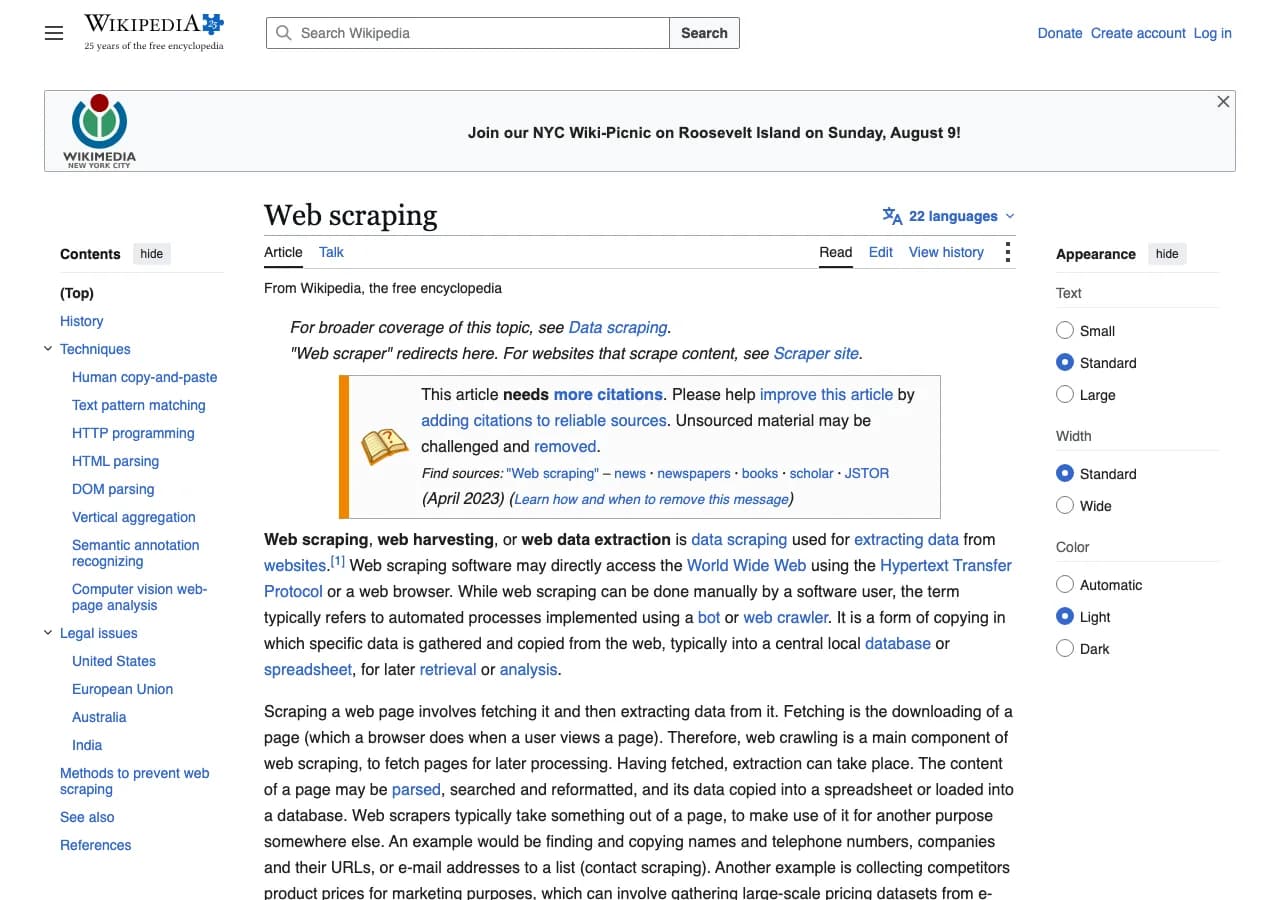
No-code web scraping is the process of extracting data from websites using point-and-click tools instead of writing programs. You open a page, select the fields you want, and the tool returns rows of structured data. Web scraping in the general sense still means automated extraction of information from web pages. The no-code label refers to how the extraction is configured, not to a different kind of data.
A useful way to think about it: code-based scraping is like programming a robot to fetch and read pages. No-code scraping is like showing someone exactly which parts of a page matter and asking them to copy those parts into a spreadsheet, at a speed no human can match.
The term covers several tool shapes. Browser extensions, desktop applications, cloud platforms, and even spreadsheet functions all qualify. What they share is that a non-developer can operate them without reading documentation about classes, selectors, and servers.
How no-code scraping works under the hood
No-code tools still perform the same underlying steps that a script would: fetch a page, locate the target data, and structure it into rows. The difference is who orchestrates each step.
The browser renders the page
Most modern websites load their content with JavaScript. A simple script that requests raw HTML often gets an empty shell, because the data appears only after the browser runs the page's code. Tools like Lection, which run inside your Chrome browser, avoid that problem entirely. The page renders fully, then extraction happens against what you can actually see.
You point at data instead of writing selectors
In a code-based workflow, you write CSS selectors or XPath queries to describe where data lives. In a no-code workflow, you click on an example value, and the tool infers the pattern. If you click one product price, the tool applies the same rule to every product card on the page. You can still refine the selection when the pattern is imperfect, but you never write a selector by hand.
Pagination and structure are handled for you
The tedious part of scraping is rarely the first page. It is the 30 pages of results behind it. No-code tools automate pagination, scrolling, and load-more interactions so a single definition can collect hundreds of rows. If the site uses an infinite scroll feed, the tool scrolls for you. If it uses numbered pages, it walks through them.
Output lands where you already work
Extraction is only half of the job. No-code tools export to CSV, Excel, JSON, and Google Sheets, and many connect directly to automation platforms. The web scraping glossary is a good reference if terms like XPath or pagination are new, because the same vocabulary appears across every tool category.
The main types of no-code scrapers
The market has settled into a few distinct shapes, and each fits different working styles.
Browser extensions
Extensions live where you do your research. You open a site, start the tool, and extract from the live page. This is the lightest setup: no separate application, no cloud account required for small jobs, and you work with your existing login sessions. It is the best fit when discovery matters, when the page changes as you learn, and when you want to validate data visually before exporting.
Desktop and cloud platforms
Desktop applications and cloud platforms give you more room for heavy jobs. They often include scheduling, proxy rotation, and larger data pipelines. The tradeoff is that you configure work in a separate environment, away from the live page, which adds setup friction and makes layout changes harder to spot.
Spreadsheet formulas
Google Sheets offers IMPORTXML and IMPORTHTML functions that pull data directly into cells. They are genuinely useful for simple, static pages, and they cost nothing to start. They also stop working on many modern sites because they cannot execute JavaScript, handle logins, or paginate. The IMPORTXML vs IMPORTHTML comparison covers where those formulas shine and where they break.
Why teams switch from manual copy-paste
The real alternative to no-code scraping is not Python. It is copy-paste. A marketer building a prospect list copies company names, websites, and emails from a directory. A seller records competitor prices before a pricing meeting. A researcher collects funding announcements by hand. This works until the list passes a few dozen rows, at which point three problems appear at once.
The first is time. A 400-row extraction with six fields per row is roughly 2,400 individual copy-paste actions, and each one is an opportunity to grab the wrong cell.
The second is inconsistency. Different people format dates differently, skip optional fields, or copy the URL instead of the name. The dataset gets messy before it is even complete.
The third is staleness. A one-time snapshot is stale the moment the page changes. Manual collection makes every refresh a full redo, which is why recurring needs are the strongest argument for automation.
Where no-code scraping has limits
No-code does not mean no limits. Being honest about them makes the tool choice easier.
Very large projects, such as millions of records with complex anti-bot requirements, may still justify a technical platform or a professional service. Highly specialized logic, such as joining data across dozens of source layouts with custom rules, is easier to express in code. And when an official API exists, it is often the right answer regardless of tooling. The free public APIs guide covers when an API should replace scraping entirely.
There are also legal and ethical boundaries that no tool can automate away. The web scraping legality guide explains how terms of service, robots.txt, and data protection law apply in different contexts. The practical rule for most teams: scrape public data politely, respect the site's rules, and keep personal data out of the workflow unless you have a clear basis for using it.
How to choose a no-code scraping tool
Match the tool to how the work actually happens, not to the demo.
- If your workflow starts in a browser and the schema changes as you learn, choose a browser extension that extracts from the live page.
- If you need recurring runs without keeping a browser open, choose a tool with cloud scraping and scheduling.
- If you need data routed into Sheets, Notion, Airtable, or a CRM, check the export and integration story first.
- If your pages are static HTML tables, spreadsheet formulas may be enough, at least to start.
- If the site is heavy JavaScript, requires login, or blocks simple requests, a browser-based tool is the practical choice. Cloudflare's explainer on content scraping describes how much of the modern web is assembled dynamically, which is exactly the environment where browser rendering wins.
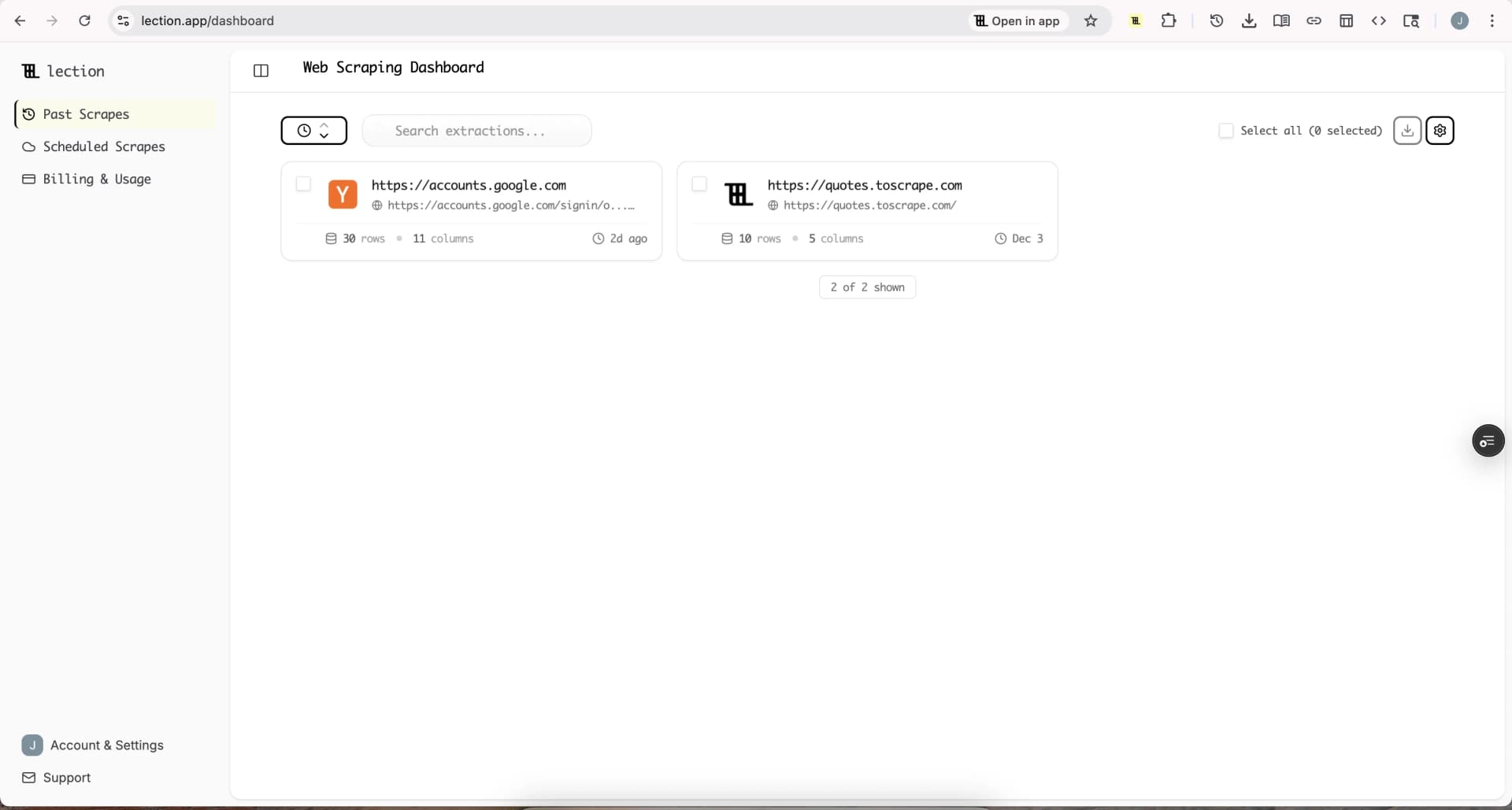
Lection is the AI-native option for fast, accurate scraping right in your browser. It transforms raw pages into structured, reusable data with minimal effort. The features overview and pricing page show the product surface, but the deciding factor is usually simpler: your team already lives in Chrome, and the extraction should happen there too.
A typical no-code workflow
A no-code extraction rarely takes more than five steps:
- Open the page with the data you need.
- Start the tool and select the fields on the first item.
- Review the pattern to confirm it matches every item.
- Run the extraction and spot-check a few rows.
- Export to Sheets, CSV, or a connected tool.
The same five steps scale to recurring needs when the tool supports cloud scheduling, because the definition you built once runs again on your schedule. That is how no-code scraping stops being a one-off trick and becomes a repeatable workflow.
Conclusion
No-code web scraping is not a simplified version of real scraping. It is a different operating model: the browser does the rendering, the tool does the structuring, and you stay in charge of what data matters. For teams that need website data without owning a software project, it is usually the fastest reliable path from a live page to a usable dataset.
Ready to start scraping? Install Lection and extract your first dataset in minutes.
Related Reading
- Beautiful Soup Alternatives for Analysts
- Selenium Alternatives for Non-Developers
- Beginner's Guide to Web Scraping (No Coding Required)
- Web Scraping Glossary: Terms Explained
- Free Public APIs You Can Use Instead of Scraping
- Web Scraping Statistics 2026
- Web Scraping for Vibe Coders
- Explore all tutorials and guides