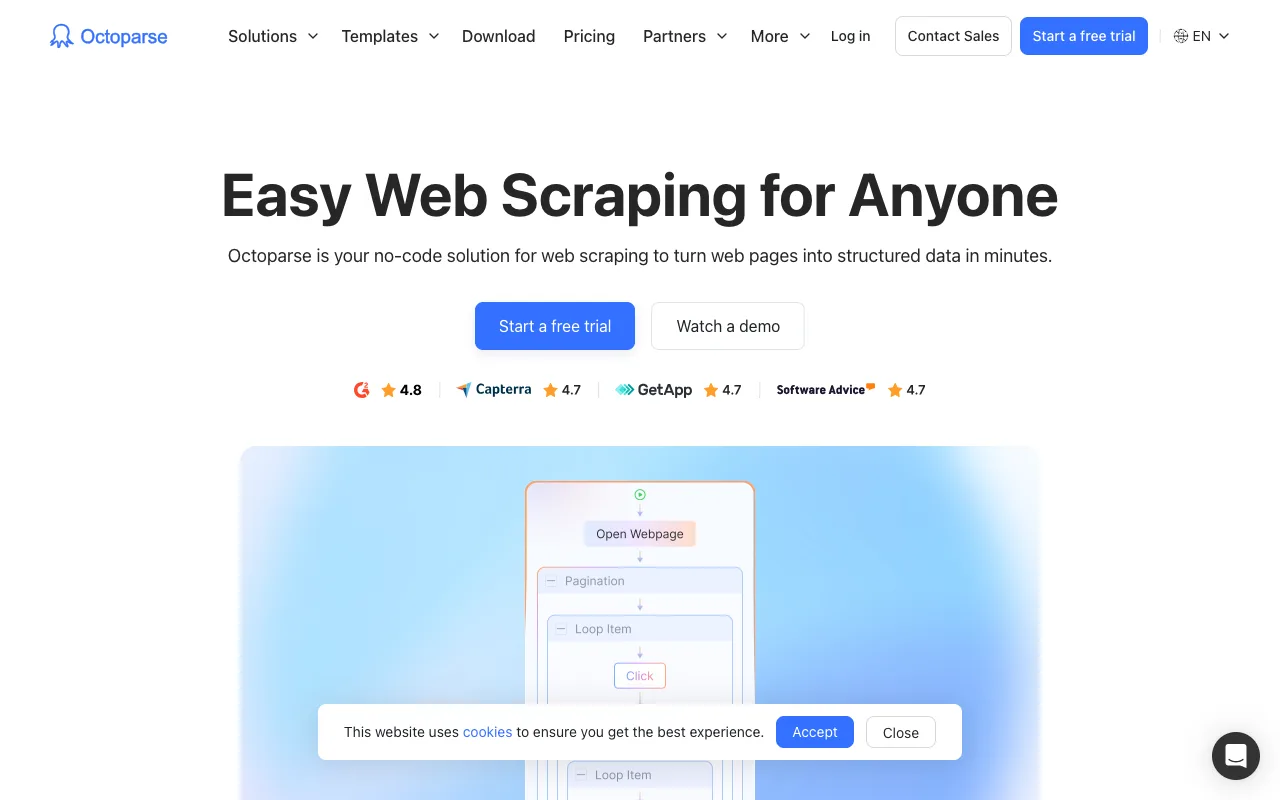
Octoparse has been one of the first names many people hear when they start researching no-code web scraping. That makes sense. It has been around for years, it covers a wide range of extraction patterns, and its template library gives beginners a clear feeling that they can get started without writing Python or touching an API.
The problem is that "beginner-friendly" and "no-code" are not the same thing. Plenty of teams start with Octoparse, then realize the real difficulty appears after the first demo run. The desktop-style builder takes time to learn, custom page flows need more maintenance than expected, and the difference between a quick test and a stable recurring workflow becomes obvious fast.
If that sounds familiar, you do not necessarily need a more powerful tool. You may need a simpler one.
Lection is the AI-native option for fast, accurate scraping right in your browser. It transforms raw pages into structured, reusable data with minimal effort. For beginners, that matters because the fastest way to learn scraping is usually to stay close to the live page, validate the data visually, and export something useful before the setup overhead takes over.
This guide covers the best Octoparse alternatives for beginners in 2026, explains where Octoparse still makes sense, and shows how to pick a tool that lowers setup friction instead of moving it around.
Why beginners start looking past Octoparse
Octoparse is a credible product. The question is whether it matches the way a new scraper operator actually learns.
The desktop workflow adds a layer between you and the page
Many beginners assume the hard part of scraping is understanding the website. In practice, the first hard part is often understanding the tool itself.
With Octoparse, the workflow usually starts in its own builder rather than directly inside the browser tab where you discovered the data. That extra layer matters. Instead of asking "what fields do I need from this page?" beginners often end up asking "which loop step do I create first?" or "why did this pagination rule stop working on page three?"
That does not mean Octoparse is bad. It means the product asks a new user to adopt a scraping mental model before they have confidence in the data outcome.
The free plan helps you test, not necessarily operate
As checked on July 14, 2026, Octoparse says its free plan includes 10 tasks, local extraction, and up to 50,000 exported rows per month. Its paid plans start at $69 per month billed annually for Standard and $249 per month billed annually for Professional. Octoparse also says the Standard plan includes 100 tasks, cloud extraction with up to 3 concurrent cloud processes, 500+ preset templates, IP rotation, residential proxies, automatic CAPTCHA solving, unlimited exports, task scheduling, and Data Export API access. You can review the current structure on the official Octoparse pricing page.
That is not unreasonable pricing for a mature tool. The issue for beginners is that the jump from "I proved this works" to "I can run this as a repeatable workflow" often lands right when cloud extraction, scheduling, and resilience features start to matter.
Templates reduce setup, but custom jobs still need patience
Templates are one of Octoparse's strongest beginner features. If your target site is common and the template is maintained well, you can get results quickly.
The friction appears when the target workflow is less standard:
- a niche business directory
- a logged-in dashboard
- a search page that opens detail pages in different layouts
- a site where you need to adjust the schema while you explore
That is the moment when beginners realize they are not choosing only a scraper. They are choosing a maintenance style.
If your team mainly needs repeatable exports into Sheets or automations, the recurring scrape guide and Zapier workflow guide are worth reading alongside this comparison.
Quick comparison table
| Tool | Best for | Starting point | Main tradeoff |
|---|---|---|---|
| Lection | Browser-first scraping beginners | Free tier available | Less focused on generic app automation |
| Browse AI | Simple page monitoring and recurring checks | Free plan with 50 monthly credits | Credit math becomes visible as jobs expand |
| Bardeen | Browser automation with scraping mixed in | Free plan with 100 credits | Scraping is only one part of the product |
| Apify | Ambitious teams that may grow into code | Free plan, Starter at $29/month plus usage | More technical than most beginners expect |
Alternative 1: Lection
Lection is the best Octoparse alternative for beginners who want the scrape to start where the work already happens: in the browser.
Why it feels easier to learn
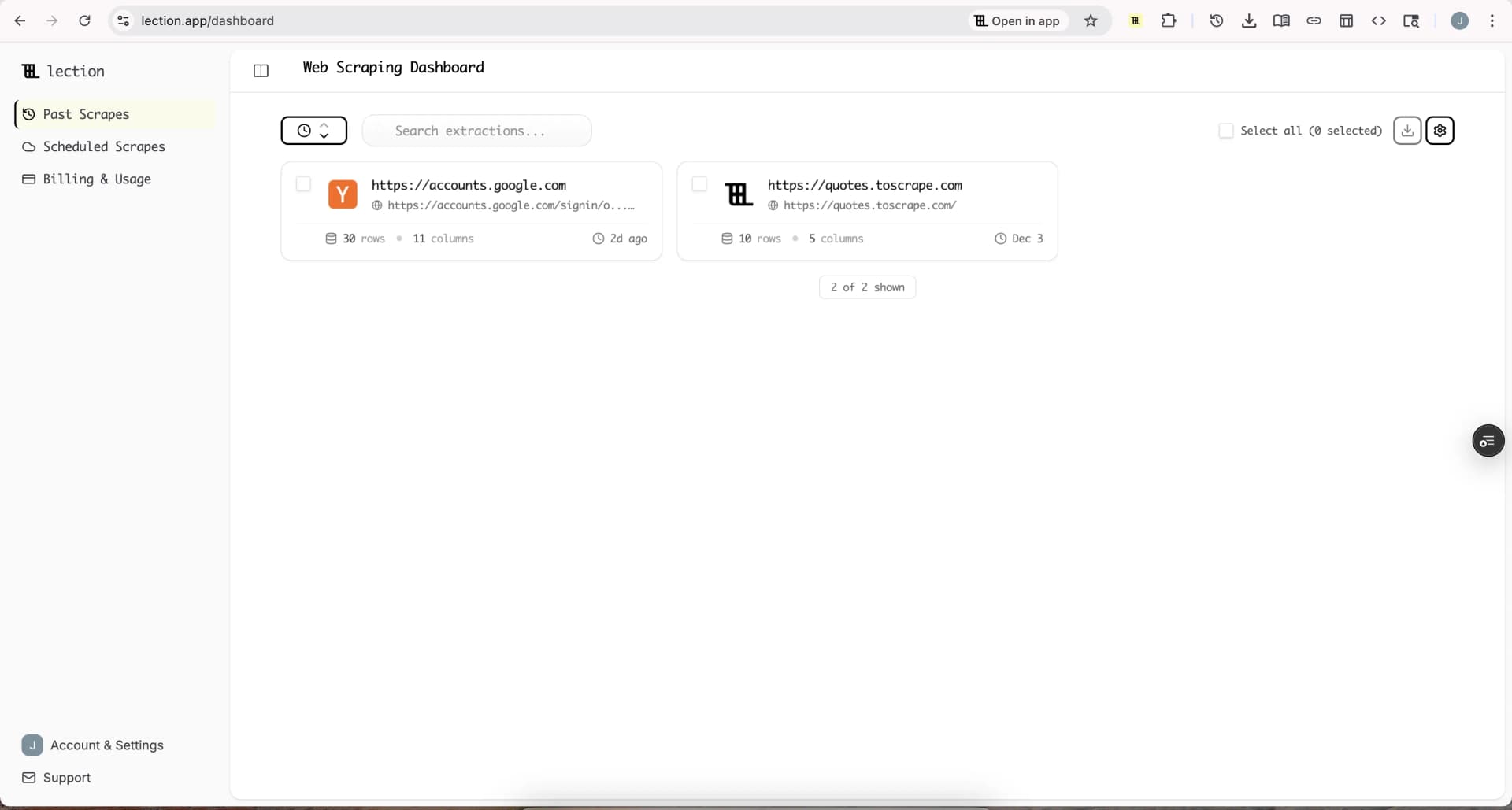
Instead of pulling you into a separate desktop-style environment, Lection lets you inspect the live page, point at the data, and shape the output while you are still looking at the target site. That sounds small until you compare onboarding experiences side by side.
Beginners usually need three things from their first scraper:
- confidence that the right data was captured
- a way to correct the schema without rebuilding the workflow
- a clear path from extraction to spreadsheet or recurring job
Lection is strong on all three. The browser-native flow makes QA easier because the page and the extraction live in the same context. The AI-native extraction model also makes it easier to adapt when the page structure is inconsistent or only becomes clear after a few clicks.
If your goal is to go from raw page to usable dataset with minimal ceremony, the features overview and pricing page show that workflow clearly.
Where it beats Octoparse for beginners
Lection is the stronger choice when:
- you want to learn scraping by interacting directly with the live page
- the page schema changes while you explore
- your workflow will end in Google Sheets, CSV, or cloud scheduling
- you want less time spent learning a builder and more time validating output
Octoparse still has more of the legacy power-user feel. Lection is better when speed, clarity, and low-friction iteration matter more than builder depth.
Alternative 2: Browse AI
Browse AI is a reasonable Octoparse alternative for beginners who care more about monitoring and repeat extraction than hands-on browser-side exploration.
Why some new users prefer it
The product makes a simple promise: teach a robot a page pattern, then let it watch or extract that pattern repeatedly. For straightforward jobs, that feels approachable. You do not need to think about a full scraping stack. You think about a robot, a page, and an output.
As checked on July 14, 2026, Browse AI lists a free plan with 50 monthly credits and 2 websites, a Personal plan from $19 per month billed annually, and a Professional plan from $69 per month billed annually. Those plans make it attractive for users who want to test narrow recurring jobs without committing to a larger platform up front. You can verify the current tiers on Browse AI's official pricing page if you are comparing costs closely.
Where it stops feeling simple
Beginners often like Browse AI at first because it narrows the problem. The challenge is that the credit model becomes part of the workflow design once you add more detail-page visits, screenshots, or multi-step scrapes. At that point, it can feel simpler than Octoparse on setup but less predictable on ongoing usage.
Browse AI is best when the target job is stable, scoped, and primarily about monitoring known page structures. If you want a broader comparison across similar products, our Browse AI alternatives guide goes deeper.
Alternative 3: Bardeen
Bardeen is the best Octoparse alternative for beginners whose real need is browser automation first and scraping second.
Why it can be a better beginner fit
Some users come to Octoparse thinking they need a scraper, when what they really need is a browser workflow that collects a few fields and passes them into a spreadsheet or CRM. Bardeen fits that use case better because it treats extraction as part of a broader automation surface.
As checked on July 14, 2026, Bardeen says every user gets 100 free credits, its Basic plan starts at $10 per month billed monthly, and credits are consumed per row or action type. It also states that scraping rows typically cost 1 credit each, while enrichment rows cost 3 credits on its official pricing page.
Where it is weaker than a scraping-first tool
Bardeen is not the cleanest option for beginners who want a general-purpose data extraction system across arbitrary websites. It can absolutely collect browser data, but the product identity is broader than scraping. If your team mainly wants structured datasets rather than end-to-end GTM automations, a scraping-first tool is usually easier to operate.
Our Bardeen alternatives guide is useful if you suspect this category is closer to your real workflow.
Alternative 4: Apify
Apify is the Octoparse alternative for beginners who are comfortable starting simple but want room to grow into a much more technical platform later.
Why it attracts ambitious beginners
Apify has real breadth. Its Actor marketplace, cloud runtime, and developer tooling give it a much larger ceiling than most beginner-first products. That is appealing when a team expects its scraping program to expand from ad hoc jobs into a larger data operation.
As checked on July 14, 2026, Apify offers a free plan, a Starter plan at $29 per month plus pay-as-you-go usage, a Scale plan at $199 per month plus usage, and a Business plan at $999 per month plus usage. Its pricing page also explains that plan credits cover platform usage, with additional overage billed when needed. You can confirm the latest details on the Apify pricing page.
Why it is not the easiest first stop
Apify is easier to grow with than to learn with. Beginners who just want to capture 300 rows from a live browser session often do not need marketplace actors, compute-unit reasoning, or platform-level billing concepts yet.
That does not make Apify the wrong answer. It just means Apify is best for beginners who already know they want a platform, not only a quick first win. If you want a more direct head-to-head on browser-native rapid prototyping, read Lection vs Apify for Rapid Prototyping.
How beginners should choose between these tools
The cleanest choice usually comes from working style, not feature checklists.
Choose Lection if you want the shortest path to a usable dataset
This is the right choice if your team learns by doing, wants to stay in the browser, and needs a workflow that can move from one-time extraction to cloud scheduling without becoming a builder project.
Choose Browse AI if your job is mostly recurring monitoring
If the workflow centers on stable pages and repeated checks, Browse AI can feel more approachable than Octoparse. Just be honest about how fast a narrow robot can turn into a deeper extraction job.
Choose Bardeen if the scrape is part of a browser workflow
If you need to capture data and immediately route it into GTM motions, Bardeen may fit better than a dedicated scraper.
Choose Apify if you expect to grow into a technical platform
If you know your current beginner project is only the first step toward APIs, actors, and platform-level scale, Apify gives you room to expand without switching ecosystems later.
A practical migration plan from Octoparse
Beginners often make the same mistake when leaving a tool. They try to migrate every task before understanding why the original setup felt heavy.
1. Rebuild one live workflow, not your whole backlog
Pick a workflow that matters this week. It might be a recurring competitor price check, a lead list export, or a business directory scrape. Rebuild that first in the alternative you are testing.
2. Measure repair time, not only setup time
The first extraction demo is the easy part. The better test is whether a second teammate can understand the setup, fix a broken field, and rerun the job without a long handoff.
3. Verify the export destination early
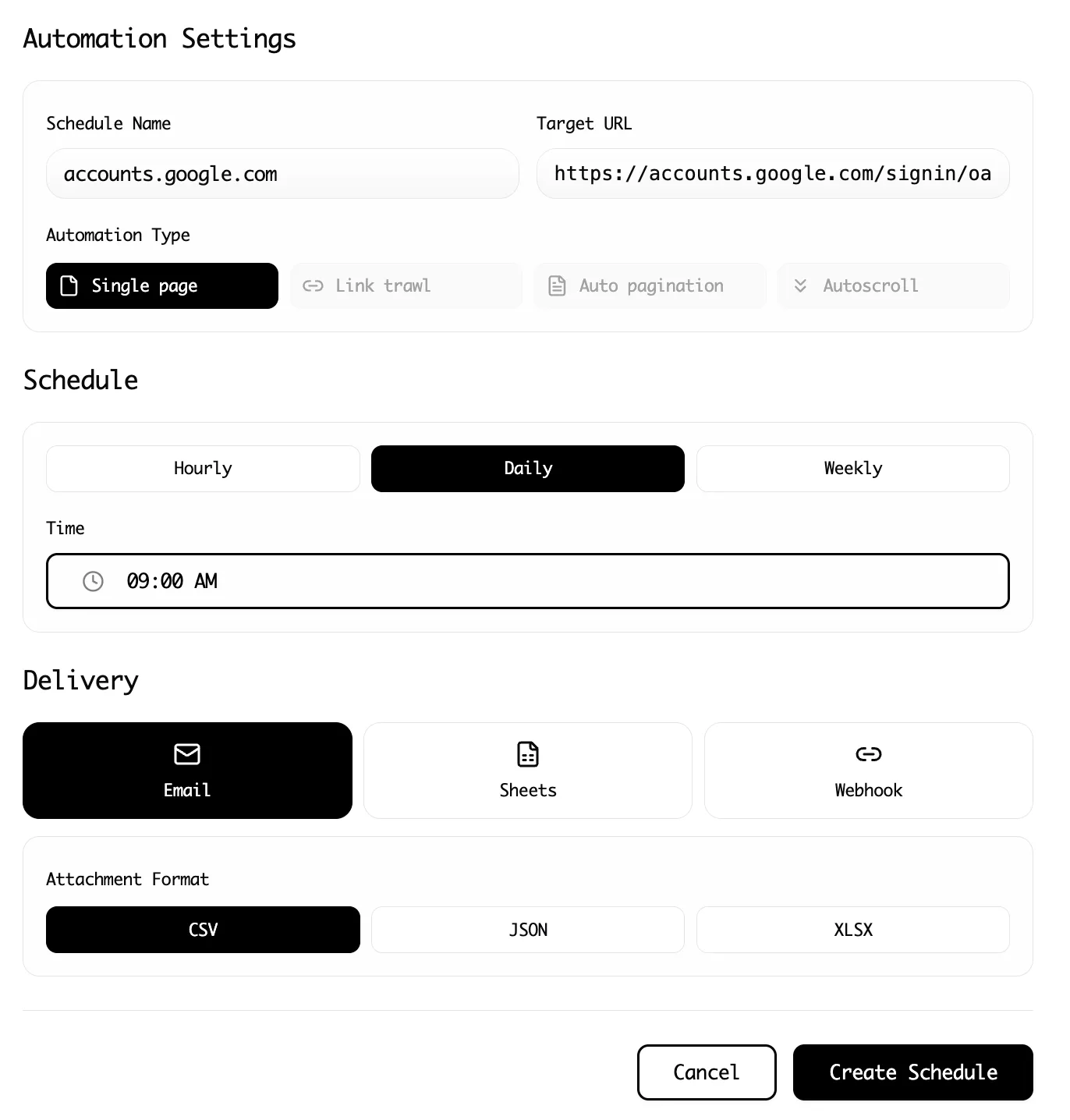
Do not stop at "the tool returned rows." Make sure the output reaches the place your team actually works, whether that is a CSV export, a sheet, or a scheduled cloud job. If recurring delivery matters, our guide to recurring web scrapes covers the operational side.
4. Keep the beginner workflow explainable
The best tool for a new operator is not the one with the most settings. It is the one that keeps the workflow understandable after the page changes, the schedule slips, or someone new has to audit the output.
Conclusion
Octoparse is still a serious no-code scraper, especially for users who do not mind a heavier builder and want access to templates plus cloud features in one platform. But many beginners do not need a heavier builder. They need a faster feedback loop.
Lection is the best Octoparse alternative for beginners who want browser-native scraping with less setup friction and a clearer path to reusable data. Browse AI works well for narrow recurring monitors. Bardeen fits browser automation workflows. Apify is the best option when "beginner" really means "early-stage platform buyer."
The right choice depends on where you want the complexity to live: in the builder, in the billing model, in the automation layer, or in the browser itself.
Ready to start scraping? Install Lection and extract your first dataset in minutes.