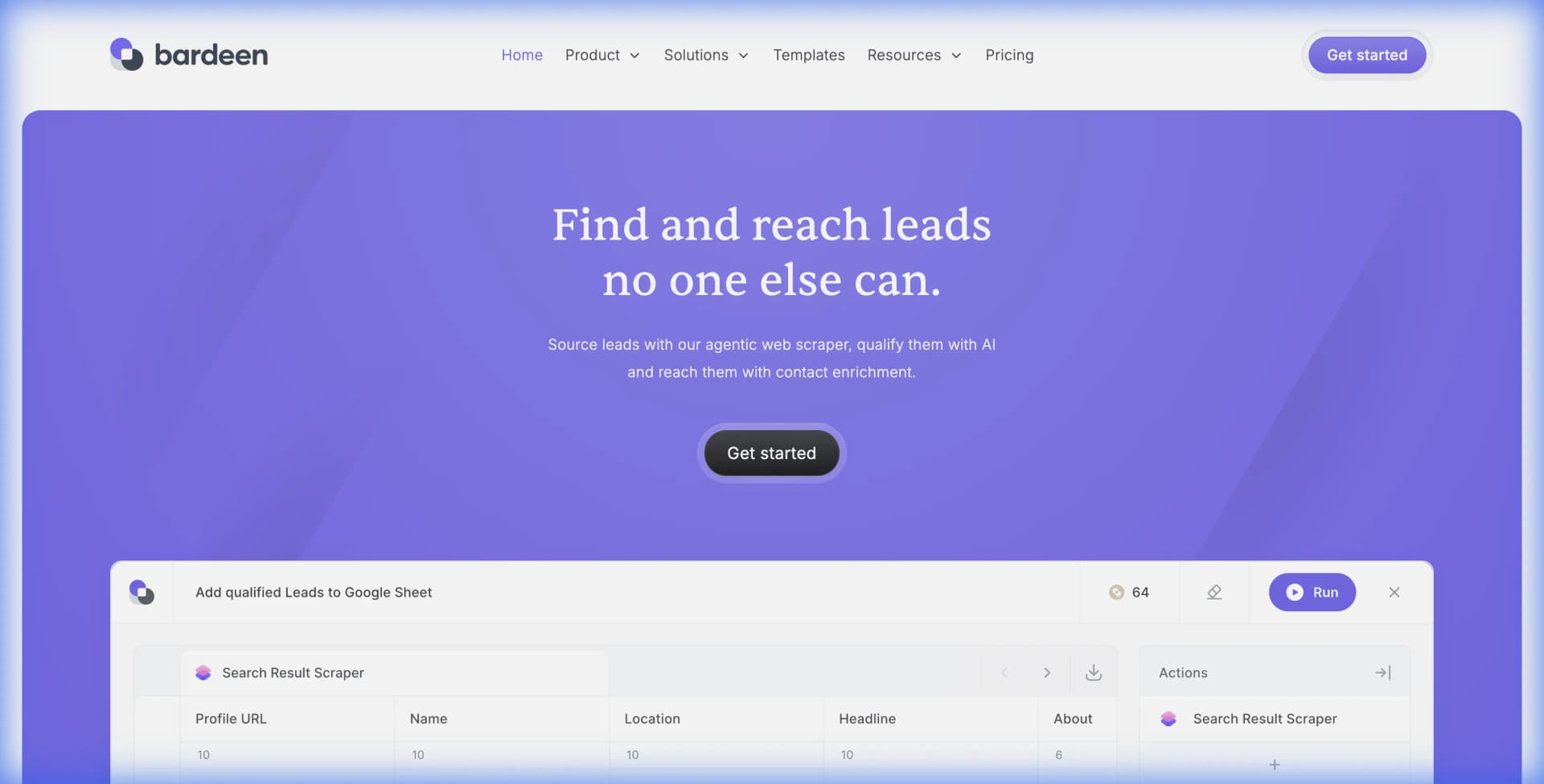
Bardeen has carved out a niche as a browser-based automation tool that connects your web browsing actions to other apps. It handles tasks like scraping LinkedIn profiles, automating data entry, and triggering workflows based on browser activity. With over 200 integrations and an AI-powered "Magic Box" that generates automations from natural language, it appeals to growth teams trying to cut manual work.
But Bardeen's credit-based pricing, browser-only architecture, and complexity have many teams searching for alternatives. Whether you need simpler pricing, better web scraping capabilities, or tools that handle non-browser workflows, several options now compete directly with Bardeen.
This guide breaks down the top Bardeen alternatives, compares their strengths and limitations, and helps you choose the right tool for your specific needs.
Why Teams Look for Bardeen Alternatives
Before exploring alternatives, it helps to understand the common frustrations that push teams away from Bardeen.
Credit-based pricing adds friction. Bardeen's Professional plan starts at around $10-15 per month, but the credit system means every AI automation consumes credits. Heavy users quickly exhaust monthly allocations and face unexpected costs. The Business plan at custom pricing offers more credits but requires sales conversations.
Browser-only architecture limits scope. Bardeen runs entirely in your browser. This works well for scraping websites and triggering actions based on browsing, but it struggles with backend workflows, scheduled tasks that need to run while you sleep, and multi-system integrations that don't involve a browser.
The learning curve is real. Bardeen's AI Playbooks and Magic Box features sound impressive, but building reliable automations still requires understanding how triggers, actions, and conditions chain together. Non-technical users often hit walls when automations fail silently.
Web scraping is just one feature. If your primary need is extracting data from websites, Bardeen treats scraping as a secondary feature to its broader automation platform. Purpose-built scraping tools often deliver better results with simpler setup.
Quick Comparison Table
| Tool | Best For | Starting Price | Key Strength |
|---|---|---|---|
| Lection | Web scraping from any website | Free tier available | AI-powered, no credit limits on cloud scrapes |
| Zapier | Simple app-to-app connections | $29.99/month | 7,000+ app integrations |
| Make | Complex visual workflows | $10.59/month | Granular multi-step logic |
| n8n | Self-hosted, developer-friendly | Free (self-hosted) | Open-source flexibility |
| Relay.app | Team collaboration on workflows | $12/month | Human-in-the-loop approvals |
Alternative 1: Lection (Best for Web Scraping)
Lection is the AI-native option when your primary need is extracting data from websites. Unlike Bardeen's broad automation focus, Lection is purpose-built for web scraping with cloud execution, scheduling, and direct exports.
How It Works
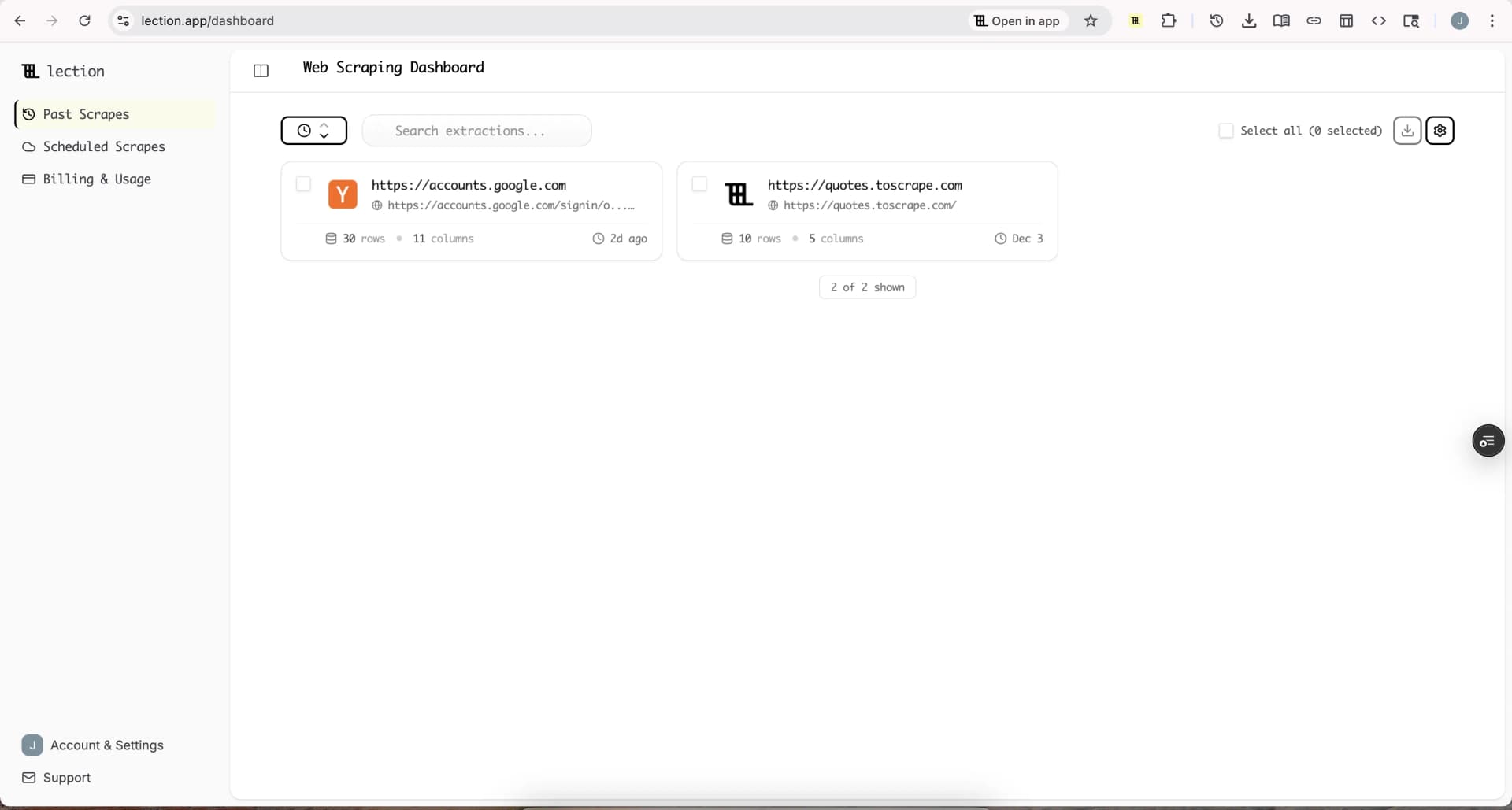
Install the Lection Chrome extension, navigate to any webpage, and click to start scraping. The AI identifies data patterns automatically. You don't need to understand CSS selectors or XPath. Point at what you want, and Lection extracts it.
Strengths
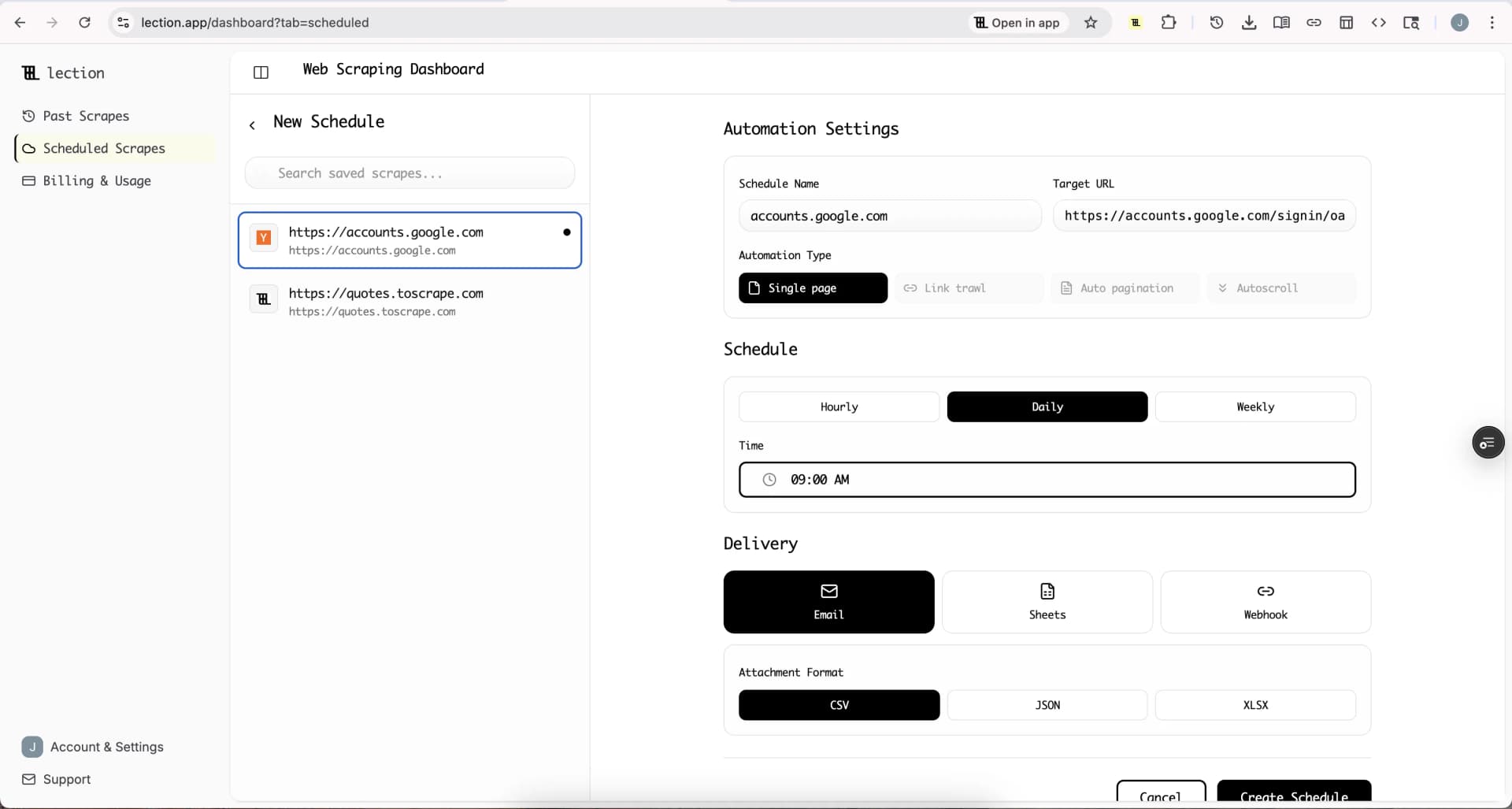
No execution limits on cloud scrapes. While Bardeen consumes credits for every action, Lection's cloud scraping runs on a schedule without counting against usage caps. You pay for capacity, not individual operations.
AI-powered data recognition. Lection's AI understands what data means, not just where it sits on the page. When websites change their layout, traditional scrapers break. Lection adapts automatically.
Works on any website. If it loads in your browser, Lection can scrape it. There's no need to check if a pre-built "Phantom" or "Playbook" exists for that site.
Deep link trawling. Extract data from linked pages automatically. Scrape a listing page, follow each link, and pull details from individual pages in one workflow.
Limitations
Focused on extraction. Lection excels at getting data out of websites and into spreadsheets, databases, or other tools. It doesn't aim to replace Zapier-style app-to-app automation.
Pricing
Lection offers a free tier for testing. Paid plans start affordably and scale based on scraping volume, not arbitrary credit limits. Check current pricing.
Alternative 2: Zapier (Best for App Connections)
Zapier remains the default choice for connecting apps without code. If your workflow involves "when X happens in App A, do Y in App B," Zapier handles this reliably.
How It Works
You create "Zaps" that connect a trigger (new email, form submission, new row in a spreadsheet) to one or more actions (create a task, send a Slack message, add to a CRM). Zapier supports over 7,000 app integrations.
Strengths
Massive integration library. Whatever SaaS tool you use, Zapier probably supports it. The breadth of integrations is unmatched.
Simple mental model. Trigger leads to action. The interface makes this clear and beginner-friendly.
Reliable execution. Zapier has years of infrastructure behind it. Zaps run consistently.
Limitations
Poor for web scraping. Zapier connects apps that have APIs. Scraping arbitrary websites requires pairing it with a dedicated scraping tool.
Pricing escalates quickly. The Starter plan at $29.99/month includes 750 tasks. Teams with moderate automation needs often land on the $103.50/month Professional plan.
Limited conditional logic. Complex branching workflows with multiple conditions get awkward in Zapier's interface.
When to Choose Zapier Over Bardeen
If you need to connect CRM systems, email platforms, project management tools, and other SaaS apps, Zapier is more reliable and has deeper integrations. But for browser-based scraping and automation, Bardeen or a purpose-built scraper like Lection is better suited.
Alternative 3: Make (Best for Complex Workflows)
Make (formerly Integromat) appeals to visual builders who want granular control over multi-step workflows with conditional logic.
How It Works
You build "Scenarios" using a visual canvas where modules represent apps and actions. Connections between modules define data flow. You can add routers, filters, and iterators to handle complex conditional logic.
Strengths
Visual workflow builder. The drag-and-drop canvas makes complex workflows visible and debuggable. You see exactly how data flows.
Excellent conditional logic. Need to route data differently based on conditions? Make's routers and filters handle this elegantly.
Competitive pricing. The Core plan at $10.59/month includes 10,000 operations. Make is often 30-50% cheaper than Zapier for comparable usage.
Limitations
Steeper learning curve. The visual power comes with complexity. New users take longer to build their first workflows compared to Zapier.
Web scraping requires additional modules. Make has HTTP and web parsing modules, but scraping dynamic JavaScript-rendered pages is complicated.
When to Choose Make Over Bardeen
If you're building multi-step workflows that require complex branching, error handling, and data transformation, Make offers more control than Bardeen's Playbooks. Make also runs in the cloud without requiring your browser to be open.
Alternative 4: n8n (Best for Technical Teams)
n8n is the open-source alternative that technical users love. You can self-host it for free or use their cloud version.
How It Works
Like Make, n8n uses a visual canvas for building workflows. Nodes connect to form data pipelines. The key difference is extensibility. You can write custom JavaScript functions, create custom nodes, and modify the source code.
Strengths
Self-hosting option. Run n8n on your own servers for complete data control and no per-operation costs.
JavaScript extensibility. When visual tools hit limits, drop into code. n8n makes this seamless.
Fair code pricing. Even the cloud version is transparent. You can see exactly what you're paying for.
Limitations
Requires technical comfort. n8n assumes you can troubleshoot your own infrastructure if self-hosting. Even the cloud version expects some technical literacy.
Smaller integration library. While growing fast, n8n has fewer native integrations than Zapier or Make.
When to Choose n8n Over Bardeen
If you have developers on your team, want to self-host, or need custom integrations that don't exist in other tools, n8n offers unmatched flexibility. Bardeen is more plug-and-play but less extensible.
Alternative 5: Relay.app (Best for Team Collaboration)
Relay.app positions itself as the modern workflow automation platform with a focus on human-in-the-loop functionality.
How It Works
You build workflows that can pause for human approval before continuing. This matters when automations affect customer-facing actions, financial transactions, or anything requiring oversight.
Strengths
Human-in-the-loop approvals. Pause workflows to get team approval before proceeding. Critical for workflows where mistakes are costly.
Team collaboration. Built for teams from day one. Multiple team members can build, review, and manage workflows together.
AI-assisted creation. Describe what you want in plain language, and Relay generates the workflow.
Limitations
Smaller integration library. Relay is newer and has fewer native integrations than established players.
Simpler workflow logic. For very complex multi-branch workflows, Make offers more granular control.
When to Choose Relay Over Bardeen
If your team needs to collaborate on workflows and requires human approval steps, Relay's multiplayer features beat Bardeen's single-user browser focus.
How to Migrate from Bardeen
If you're leaving Bardeen, here's how to transition smoothly:
1. Audit your current Playbooks. List every Bardeen automation you're running. Note what triggers each one and what actions it performs.
2. Categorize by type. Separate web scraping tasks from app-to-app automations. This determines which replacement tool fits best.
3. Choose targeted replacements. For web scraping, try Lection. For app connections, evaluate Zapier or Make. For complex developer workflows, consider n8n.
4. Rebuild one at a time. Start with your most critical automation. Get it working reliably before migrating the next one.
5. Export your data. Before canceling Bardeen, export any data collections or saved configurations you might need for reference.
Integration Comparison
Most automation tools need to connect with your existing stack. Here's how the alternatives compare:
| Tool | Zapier | Make | Google Sheets | Slack | HubSpot | Salesforce |
|---|---|---|---|---|---|---|
| Lection | Yes | Yes | Direct export | Via webhook | Via Zapier | Via Zapier |
| Zapier | Native | Via integration | Yes | Yes | Yes | Yes |
| Make | Via integration | Native | Yes | Yes | Yes | Yes |
| n8n | Yes | Yes | Yes | Yes | Yes | Yes |
| Relay | Limited | Limited | Yes | Yes | Limited | Limited |
Lection connects to Zapier and Make through webhooks, so any app in those ecosystems becomes available for your scraped data.
Pricing Breakdown
Bardeen: Free tier with limited credits. Professional at $10-15/month with 500 credits. Business at custom pricing for teams.
Lection: Free tier for testing. Affordable paid plans with no per-operation credit limits on cloud scraping. See pricing.
Zapier: Free tier with 100 tasks/month. Starter at $29.99/month. Professional at $103.50/month.
Make: Free tier with 1,000 operations. Core at $10.59/month. Pro at $18.82/month.
n8n: Free for self-hosting. Cloud starts at $20/month.
Relay: Free tier available. Starter at $12/month.
Which Alternative Should You Choose?
Your decision depends on what you actually need:
For web scraping and data extraction: Lection is purpose-built for this. AI-powered recognition, cloud scheduling, and no credit limits on scrapes make it the clear choice for teams whose primary need is getting data out of websites.
For simple app-to-app connections: Zapier's breadth of integrations makes it reliable for standard workflows like "new form submission creates CRM contact."
For complex multi-step workflows: Make gives visual builders the control they need for sophisticated conditional logic and data transformation.
For developer teams: n8n's open-source flexibility and self-hosting options provide maximum control.
For team collaboration with oversight: Relay.app's human-in-the-loop approvals are unique in the space.
Most teams will use multiple tools. Scrape with Lection, route data with Zapier or Make, and store it in your CRM or spreadsheet. The tools complement rather than replace each other.
Ready to try the best web scraping alternative? Install Lection and extract your first dataset in minutes.