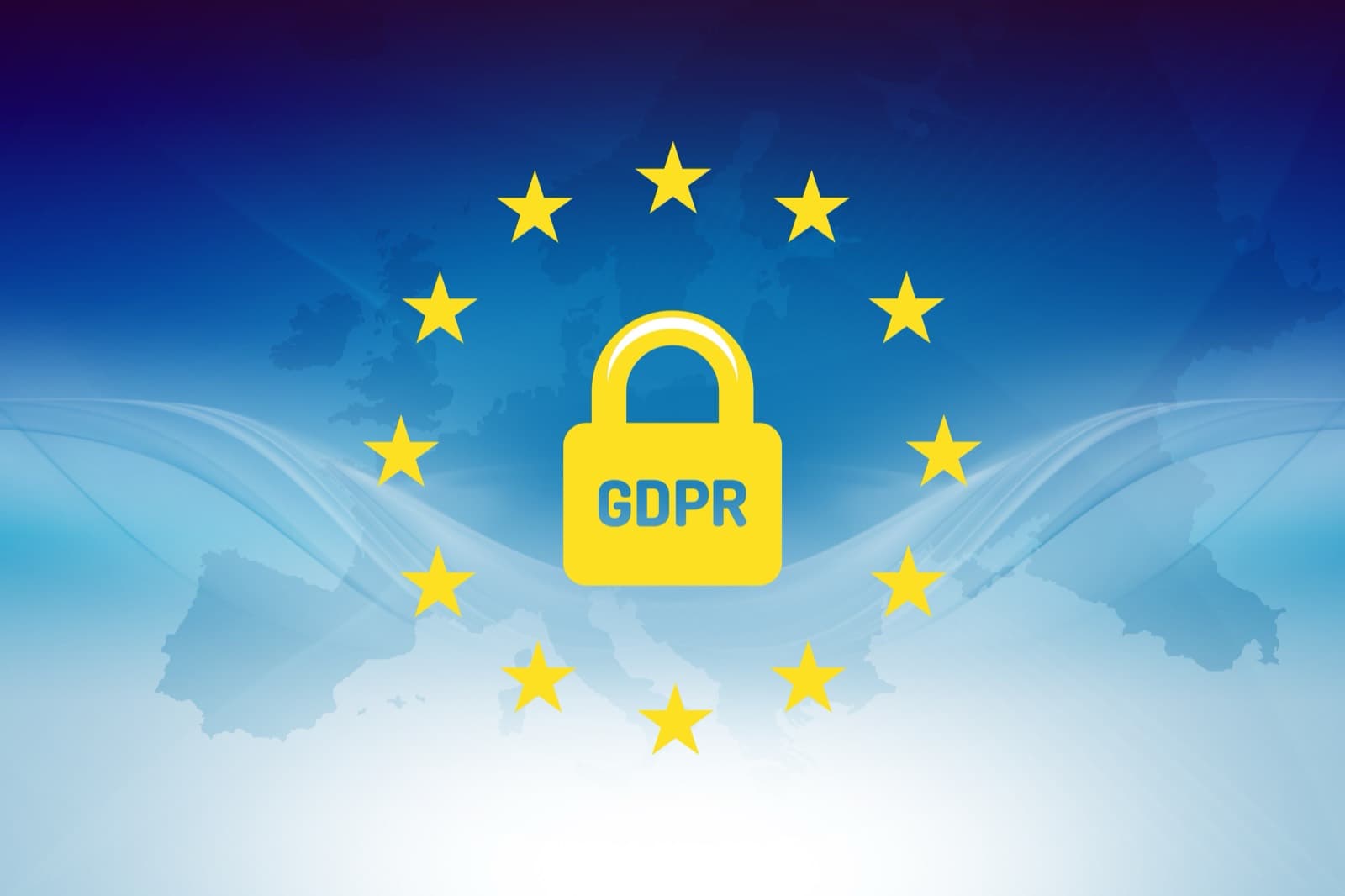
If your scraper touches names, profile URLs, work emails, phone numbers, or any other field tied to an EU resident, GDPR questions start before the first run.
Many teams discover that too late. The extraction works. The export lands in a spreadsheet. Someone shares the file internally. Then a legal or security review asks the uncomfortable question: what was your lawful basis for collecting this personal data in the first place?
That is the real problem this checklist solves. GDPR is not only about storage or cookie banners. For scraping projects, it shapes whether you should collect the data at all, how much you should keep, how you explain the processing, and how quickly you can shut a workflow down if the risk profile changes.
Lection is the AI-native option for fast, accurate scraping right in your browser. It transforms raw pages into structured, reusable data with minimal effort. That speed is useful, but compliance still depends on your decisions about purpose, fields, retention, and downstream use.
If you need broader legal background first, read Web Scraping Legality by Country. If you are checking site-level signals before extraction, pair this guide with The Complete Guide to robots.txt for Web Scrapers.
When does GDPR apply?
GDPR applies when you process personal data relating to an identified or identifiable natural person. The definition is broad. A scraped field does not need to be highly sensitive to count. A name, profile URL, work email, phone number, location detail, or persistent identifier can be enough when it points back to a person.
The official GDPR text on EUR-Lex is still the anchor document. Article 5 sets the core principles, Article 6 sets the lawful bases, and Article 14 covers information you must provide when the data did not come directly from the person.
This matters even when the data is publicly visible. Public availability changes how easy the data is to access. It does not erase data protection obligations. If your team scrapes a public directory of people, enriches LinkedIn profiles, or gathers contact data from company pages, you still need to justify the processing.
For many operators outside Europe, the trap is thinking geography solves the issue. It does not. If you target EU residents or process their personal data in a business workflow, GDPR can still reach the project.
Why does the usual approach fail?
The standard approach to scraping compliance is backwards. Teams often build the workflow first, then ask legal to bless it once the data is already useful.
Public does not mean exempt
This is the most common mistake. Someone sees a page in a normal browser tab and assumes the compliance analysis is over.
What GDPR actually asks is different. Why are you collecting the data? Do you need every field? How long will you keep it? Can the people involved reasonably expect this use? What happens if they object or request deletion?
Those questions exist whether the page is public or not.
Legitimate interest is not a shortcut
Most scraping teams do not rely on consent because consent is fragile at scale and difficult to manage retroactively. They look instead to legitimate interests.
That can be appropriate, but it is not a free pass. On October 8, 2024, the European Data Protection Board adopted Guidelines 1/2024 on processing personal data based on legitimate interest for public consultation. The guidance reinforces a simple point: you need a real purpose, necessity, and a balancing test. If a less intrusive route would achieve the same goal, your argument gets weaker.
Operations teams inherit invisible risk
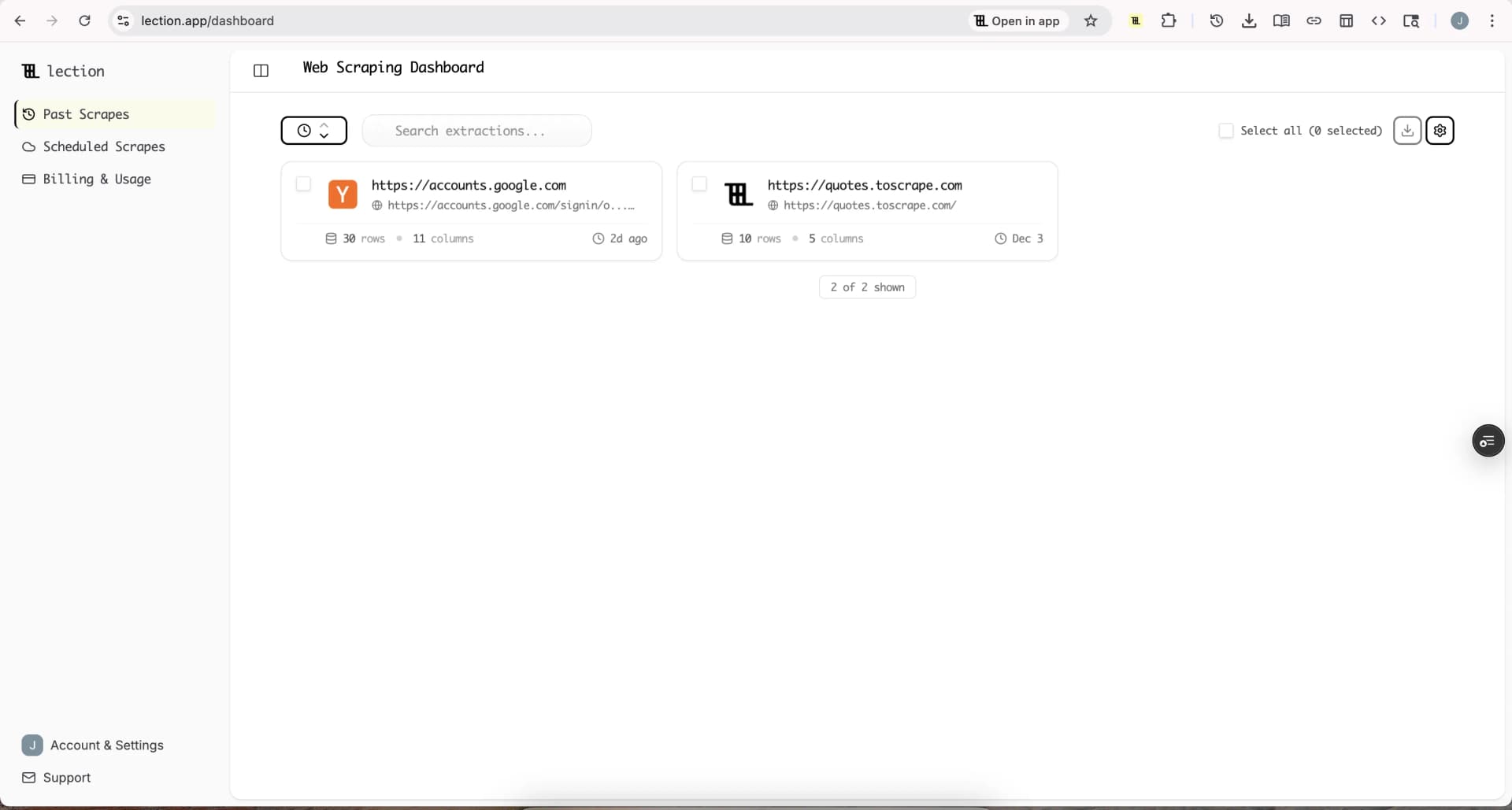
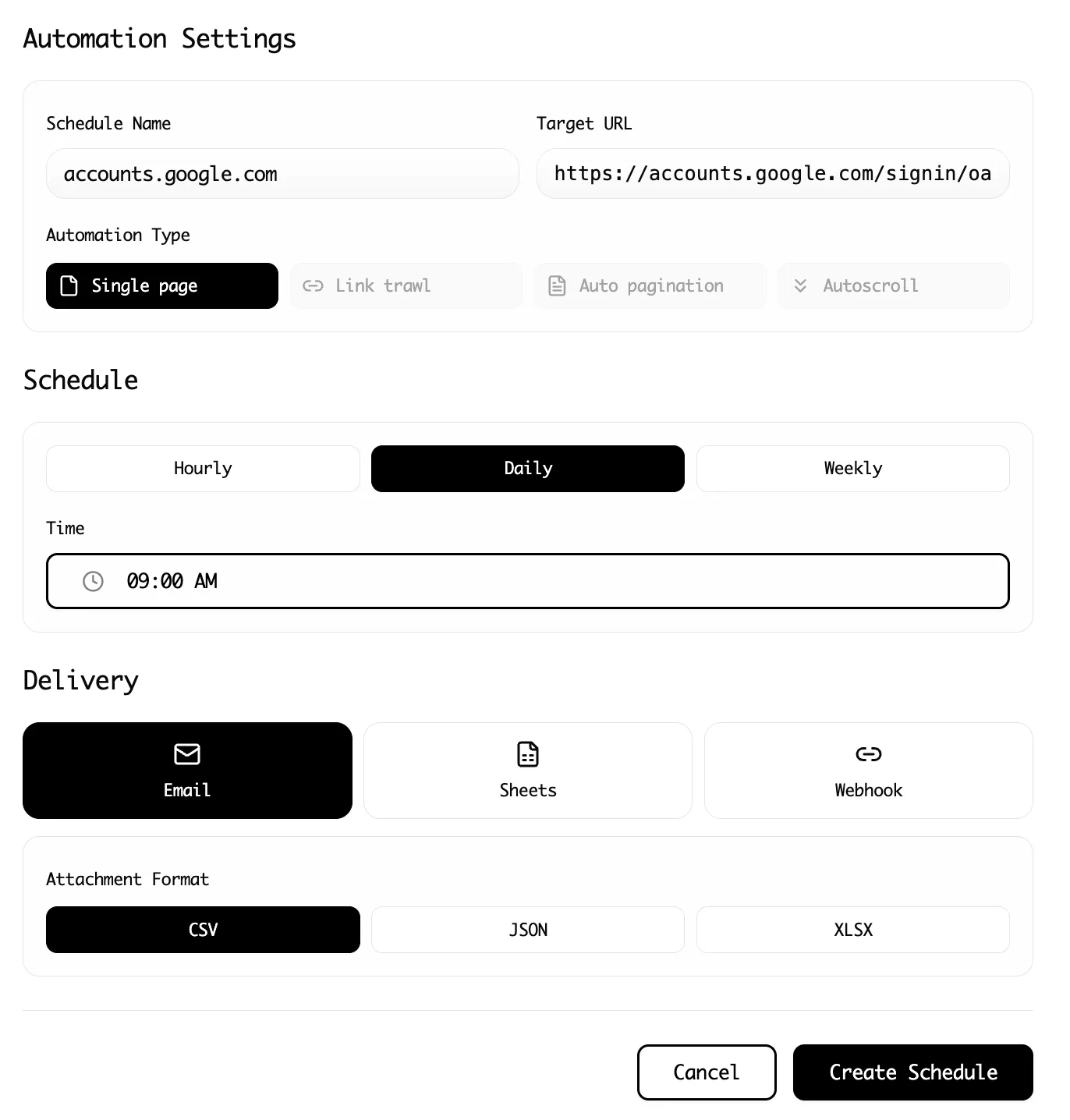
Scraping projects rarely stay isolated. The export goes to sales, recruiting, compliance, or market research. A scheduled scrape becomes a weekly report. Then a Zapier flow, CRM sync, or dashboard makes the collection persistent.
That operational success creates legal risk if nobody documented the original assumptions. On October 28, 2024, the UK ICO published a follow-up joint statement on data scraping after industry engagement with other privacy authorities, stressing that personal information available online still requires lawful and fair handling.
The checklist
Use this as a pre-launch review before you run a new workflow or expand an old one.
1. Map the personal data first
List every field you plan to collect and sort it into three groups:
- clearly personal data, such as names, profile URLs, emails, phone numbers, headshots, usernames, and location details
- potentially personal data, such as company plus job title combinations or unique identifiers that can become personal when joined with other data
- non-personal data, such as public product prices, stock status, article titles, or generic category labels
This step sounds basic, but it changes the whole project. Many teams think they are collecting company data when they are actually building a person-level dataset.
If special-category data could appear, stop and reassess immediately. Information revealing health, political views, religion, trade union membership, biometric markers, or similar sensitive categories raises the bar sharply.
2. Write the purpose before the prompt
State the purpose in one sentence before anyone clicks extract.
Good example: collect publicly listed company contact details for a limited B2B outreach campaign in France and Germany, with a 90-day retention period and manual review before contact.
Bad example: gather as much information as possible in case the sales team needs it later.
The second version fails because GDPR expects purpose limitation. If the purpose is vague, the field list grows without discipline and the retention period becomes indefinite by default.
3. Choose your lawful basis before collection
Do not let the lawful basis become an after-the-fact justification. Decide it early and write down why it fits.
For scraping workflows, the real candidates are usually legitimate interests, legal obligation, or, in narrower cases, consent. Most teams are not in a contract relationship with the people whose data they scrape, and "publicly available" is not itself a lawful basis.
If your answer is legitimate interests, document:
- the exact business interest
- why the processing is necessary
- why a less intrusive method would not meet the same goal
- what protections reduce the impact on the person
4. Run a legitimate interests assessment
This is the step teams skip because it feels abstract. In practice, it is a decision memo.
Ask three questions:
- What legitimate interest are we pursuing?
- Is this scraping necessary for that purpose?
- Do the person's rights or expectations outweigh our interest?
A limited scrape of public business contact data for supplier verification looks very different from mass collection of personal profiles for speculative resale. The balancing outcome should look different too.
If you cannot explain the necessity or you would be uncomfortable describing the workflow to the affected person, the project probably needs redesign.
5. Plan your Article 14 position
When data comes from a website instead of directly from the person, Article 14 becomes central. In plain language, you need to think about how the person would be informed that you collected their data and why.
Some organizations rely on Article 14 exemptions, including disproportionate effort. That is not a checkbox to tick casually. If you plan to use an exemption, document the reasons, the scale of the data, and the safeguards you put in place instead.
This is also where internal alignment matters. Marketing, sales, research, and legal should be looking at the same explanation, not inventing separate stories after the fact.
6. Minimize fields and collection windows
Data minimization is where compliance becomes operational.
Strip out fields you do not truly need. If the workflow only requires company name, role, region, and public work email, do not also collect profile photos, personal bios, follower counts, and every social handle because they are easy to capture.
Minimize time as well as columns. A one-time targeted scrape is easier to justify than a daily rolling archive that quietly grows for years.
7. Set retention, deletion, and rights handling rules
Every personal-data scrape needs an exit plan.
Decide:
- how long the dataset stays live
- what triggers deletion
- who can access it
- how objections, corrections, or deletion requests are routed
- whether the data has already been copied into downstream systems
Without this, teams keep stale exports forever because deletion is nobody's specific job. That is how small research projects turn into unmanaged shadow databases.
8. Review vendors, exports, and cross-border access
A scrape is rarely only a scrape. It becomes an export, sync, or shared spreadsheet.
Check where the data lands after extraction. If you send it to Sheets, Airtable, Notion, a CRM, or internal storage, verify who has access and whether those tools are already approved for personal data. Review processor terms, access controls, and international transfer implications where relevant.
Lection can help here because it keeps the collection step close to the browser workflow you already control. The compliance gain comes from discipline around what you export and where you send it next. The features overview and pricing page are useful reference points if you are deciding whether a browser-native workflow is simpler to govern than a custom scraping stack.
9. Decide whether the project needs a DPIA
If the scrape is large-scale, systematic, sensitive, or likely to affect people in a meaningful way, assess whether a Data Protection Impact Assessment is required.
A DPIA is especially worth considering when you:
- combine multiple public sources into one profile
- score or rank people
- monitor individuals repeatedly over time
- use the data for decisions that affect opportunities, pricing, or access
Even when a DPIA is not strictly mandatory, doing a lighter internal impact review is often the most practical way to surface weak assumptions before launch.
How to keep the workflow practical
Compliance work becomes sustainable when it lives near the scraping process instead of in a separate legal folder nobody reopens.
Start with a small extraction design. Keep the field list tight. Store the lawful-basis note next to the workflow brief. Review the first export manually before scheduling anything recurring. Then add automation only after the purpose, retention, and downstream owners are clear.
This is also why browser-native tools can reduce mess. With Lection, the team sees the page, defines the fields, and exports structured data from the same working context. That is easier to explain, audit, and retrain than a stack of hidden scripts maintained by one person. If you need a broader foundation for responsible collection, our guides on web scraping legality by country and the hiQ Labs v. LinkedIn case help frame the bigger picture.
Troubleshooting and edge cases
What if the page only shows business emails?
A work email can still be personal data if it identifies a person. The fact that it is used at work changes context, not classification.
What if you never contact the person directly?
That lowers some practical risk, but GDPR is about processing, not only outreach. Storage, enrichment, scoring, and internal sharing still count.
What if the dataset is mostly company information with a few human names?
That is exactly the kind of mixed dataset that deserves a field-by-field review. Do not label the whole export non-personal because most columns are corporate.
What if the scrape is already running?
Pause expansion before you pause everything. Review the purpose, field set, lawful basis, and retention window. In many cases, a project becomes much safer after deleting unnecessary columns, shortening retention, and limiting who receives the export.
When should you call counsel?
Call counsel early if the workflow involves sensitive data, children, large-scale profiling, cross-border transfers with unclear safeguards, or a business model based on reselling person-level data. That is the point where a checklist should escalate, not pretend to replace legal advice.
A weekly operating routine
If you manage recurring scrapes, this simple routine prevents most avoidable GDPR drift:
- review one live workflow each week and confirm the field list still matches the documented purpose
- delete exports that have aged out of retention instead of treating storage as free
- check whether a downstream automation added new recipients or systems
- verify that site changes did not introduce new personal fields into the extraction
- keep a short note of any objections, complaints, or manual removals
The goal is not perfect paperwork. The goal is being able to explain, with confidence, what you collect, why you collect it, and how you stop when the justification no longer holds.
Conclusion
GDPR compliance for data scrapers is mostly a discipline problem, not a paperwork problem. Teams get in trouble when they collect first, justify later, and keep too much for too long.
The safest workflows are narrow, documented, and easy to unwind. Choose the lawful basis before collection. Minimize the fields. Plan Article 14 and retention up front. Treat recurring exports as ongoing processing, not one harmless spreadsheet.
Ready to start scraping? Install Lection and extract your first dataset in minutes.
Related Reading
- Web Scraping Legality by Country (2025 Guide)
- Complete Guide to robots.txt for Web Scrapers (2025)
- The hiQ Labs v. LinkedIn Case Explained
- Explore all tutorials and guides
Disclaimer: This article is for informational purposes only and does not constitute legal advice. Consult a qualified attorney for advice specific to your organization and jurisdiction.