
Your three-person marketing team needs web data. Competitor prices, lead lists, market research, customer reviews. The data is right there on websites, waiting to be collected.
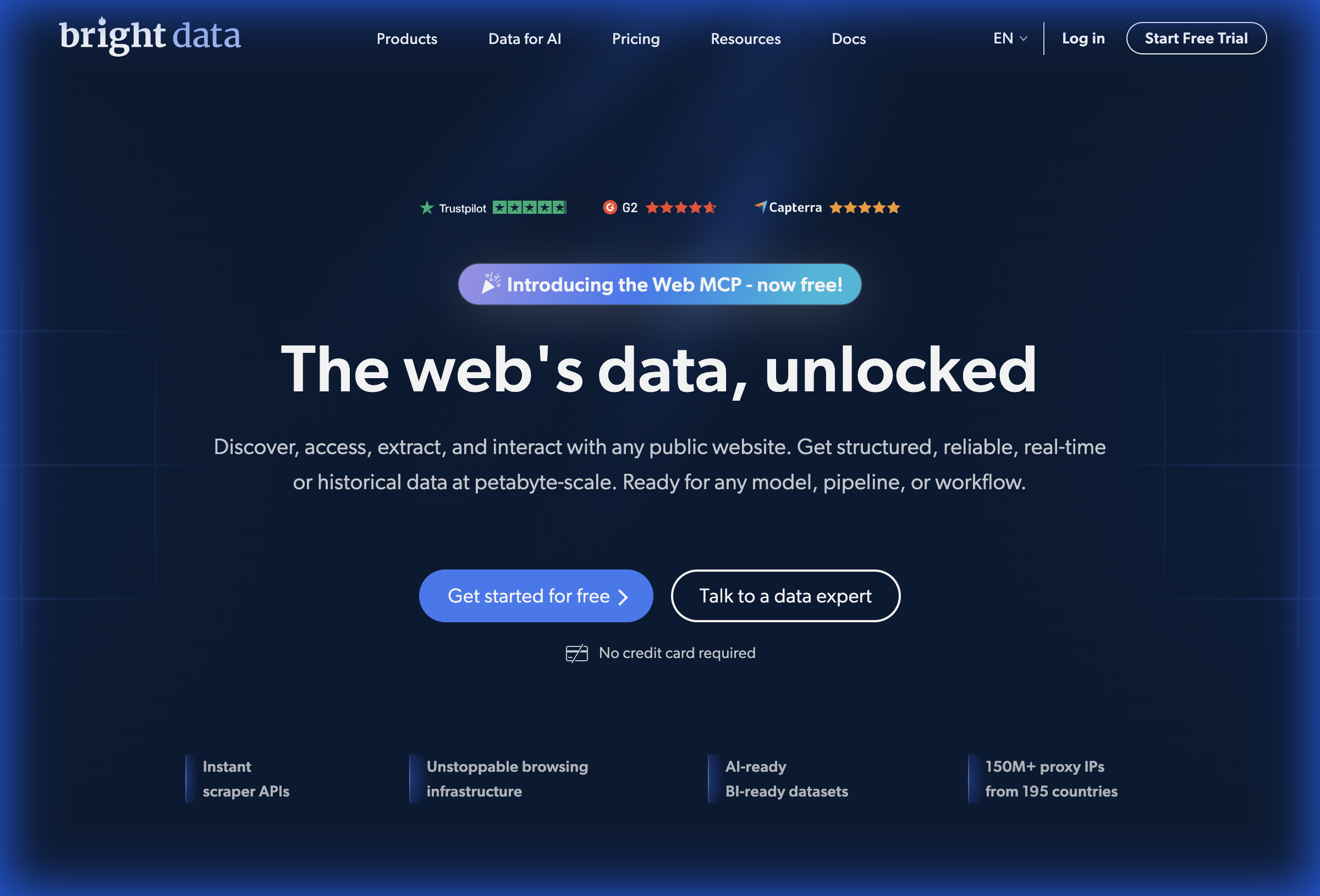
You start researching scraping solutions and land on Bright Data. Their website promises "the web's data, unlocked" with 150 million IPs and petabyte-scale infrastructure. Impressive. Then you see the pricing: plans starting at $499 per month, enterprise sales calls, compute units that somehow translate to unpredictable costs.
There is a disconnect between what small teams actually need and what enterprise platforms are selling. This comparison breaks down when Bright Data makes sense and when tools like Lection offer a better path for teams that cannot justify $6,000+ annual commitments before extracting their first dataset.
Understanding the Platforms
Before comparing features, let us understand what each tool actually is.
What is Bright Data?
Bright Data (formerly Luminati) is a web data infrastructure company serving Fortune 500 enterprises. Their platform includes:
- The world's largest proxy network (150+ million residential IPs)
- Pre-built scraping APIs for major websites
- Browser automation infrastructure
- A no-code Web Scraper IDE
- Managed data collection services
Bright Data's customers include McDonald's, Deloitte, and NBCUniversal. The platform is built for scale, handling billions of requests for the world's largest data operations.
What is Lection?
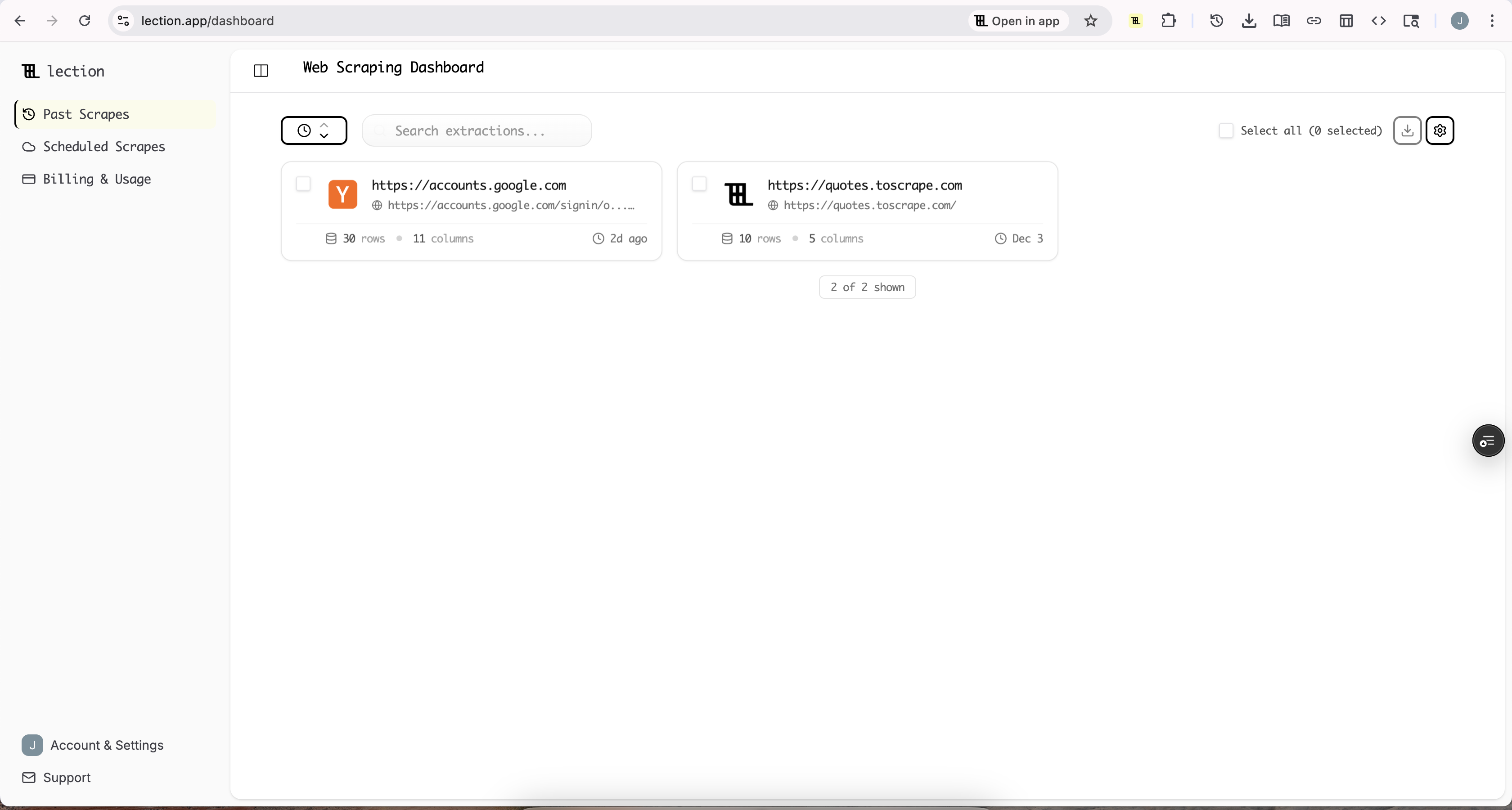
Lection is an AI-native Chrome extension designed for individual users and small teams. The approach is fundamentally different:
- Works inside your browser where you already work
- Uses visual AI to understand pages the way you see them
- Point-and-click interface with zero coding required
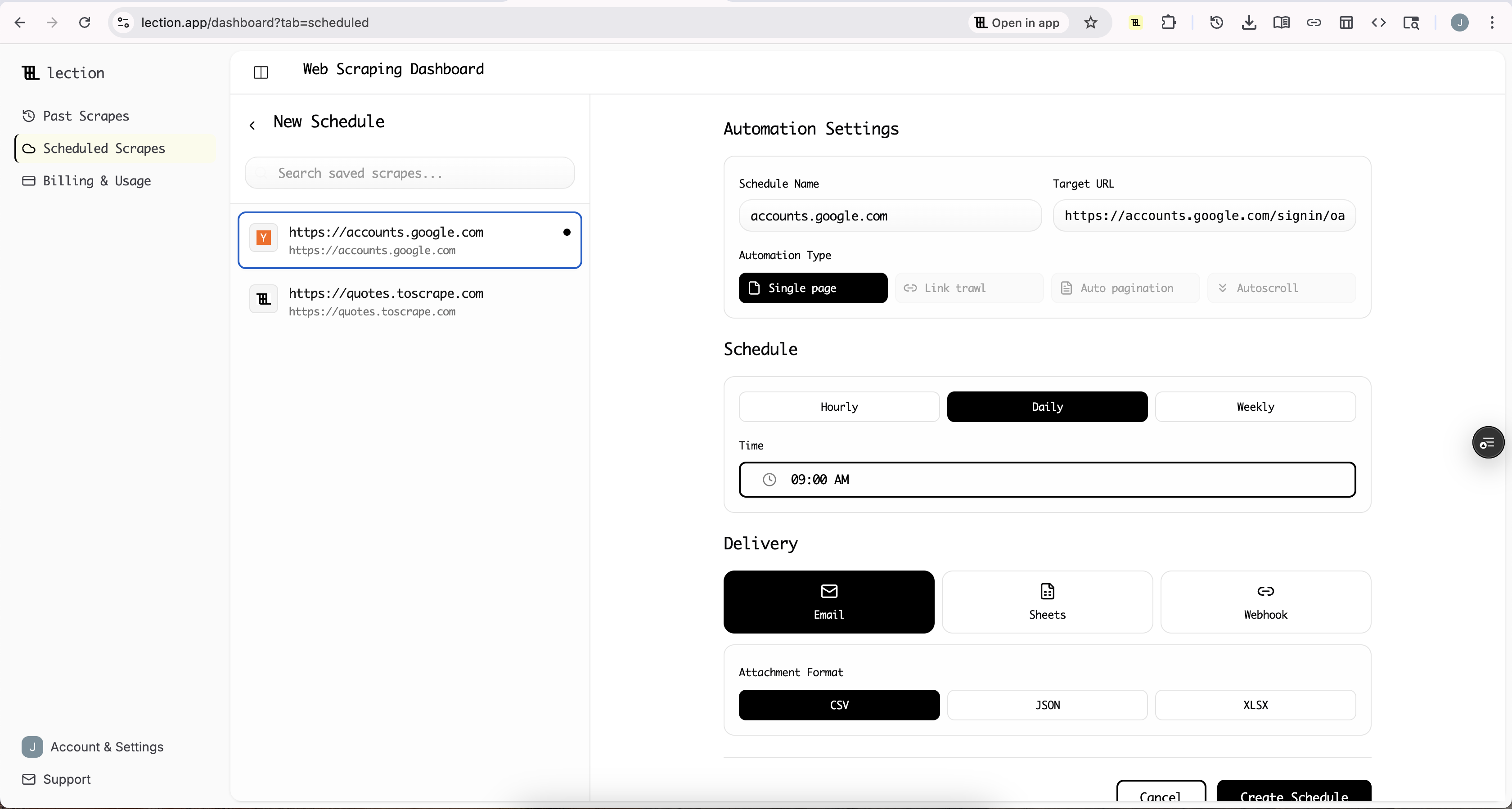
- Cloud scraping for scheduled, automated extractions
- Direct export to Google Sheets, CSV, or JSON
While Bright Data is infrastructure that powers other tools, Lection is the tool itself. You install it, navigate to a page, click on the data you want, and export it. That is the complete workflow.
The Small Team Reality
Let us be honest about what "small team" actually means in practice.
A small team typically has:
- No dedicated developer for scraping projects
- Variable data needs that change month to month
- Limited budget that cannot justify enterprise contracts
- Immediate requirements without time for lengthy onboarding
- Multiple priorities where scraping is a task, not a full-time job
This reality shapes which tool makes sense. Enterprise platforms are not wrong for small teams because of malicious pricing. They are optimized for different problems: massive scale, compliance requirements, dedicated data teams, and predictable high-volume needs.
Small teams have the opposite profile. They need flexibility, simplicity, and costs that match their actual usage.
Feature Comparison for Small Teams
Let us compare what matters most when you do not have enterprise resources.
Setup and Time to First Data
Bright Data:
- Create account and navigate their Console
- Choose from multiple product lines (Web Scraper API, Scraping Browser, Proxies, etc.)
- Learn concepts like Compute Units, Actors, and data delivery
- Configure authentication, proxy settings, and output formats
- For custom scrapers: write JavaScript/Python or use their visual IDE
- Typical time to first extraction: hours to days
Lection:
- Install Chrome extension (30 seconds)
- Navigate to target website
- Click on data elements you want
- Export to sheets or CSV
- Typical time to first extraction: 3-5 minutes
For a small team that needs data today, this difference is decisive. You probably have other responsibilities. Spending a day learning a new platform just to extract 200 records from a website is not a good use of your time.
Learning Curve
Bright Data: The platform is powerful, but that power comes with complexity. New users face:
- Understanding which of multiple products to use for their specific case
- Learning API authentication and request formatting
- Configuring proxy settings and understanding IP rotation
- Managing Compute Unit consumption to control costs
- Debugging when scrapers fail or return unexpected results
Reviews consistently mention that Bright Data has a steep learning curve, especially for users without technical backgrounds. The 24/7 customer support is excellent, but needing support for basic operations indicates underlying complexity.
Lection: The learning curve is minimal because the interface matches how you already interact with websites:
- See data on a page? Click on it
- Want more pages? Enable pagination
- Need it in a spreadsheet? Click export
There are no concepts to learn that do not map directly to what you are trying to accomplish. If you can browse the web, you can use Lection.
Pricing Reality
This is where the comparison becomes stark.
Bright Data Pricing:
- Web Scraper API: $1.50-$2.50 per 1,000 requests
- Scraping Browser: $9.50/GB plus usage fees
- Monthly plans: Starting at $499/month
- Pay-as-you-go: Available but often more expensive per unit
- Compute Unit pricing: Variable and hard to predict before running jobs
For small teams, the challenge is not just the absolute cost but the unpredictability. Combining proxies with scraping APIs with browser automation can create costs that are difficult to forecast. One Reddit user noted that costs "can accumulate quickly" and that high-tier plans may be "unaffordable" for smaller operations.
Lection Pricing: Lection offers straightforward tier-based pricing designed for predictable budgets. Free tier available for exploration, with scaling options that match actual usage patterns.
The difference in annual commitment alone ($6,000+ for Bright Data vs. significantly less for Lection) represents real opportunity cost for small teams with tight budgets.
When Bright Data Makes Sense
To be fair, Bright Data is the better choice in specific scenarios:
You need massive scale: If you are scraping millions of pages monthly, Bright Data's infrastructure handles volumes that browser-based tools cannot match.
You face aggressive anti-bot measures: Bright Data's proxy network, browser fingerprinting, and automatic unblocking are battle-tested against the most defensive websites.
You have developer resources: If your team includes engineers who can build and maintain custom scrapers, Bright Data provides the infrastructure to support sophisticated automation.
You need managed services: Bright Data offers fully managed data delivery where their team handles the entire scraping process. For companies that want data without touching any tools, this is valuable.
Compliance is critical: For enterprise procurement processes, Bright Data's ISO 27001 certification and established vendor status simplify approval.
When Lection Makes Sense
For small teams, Lection is typically the better fit because:
No developers required: Marketing, sales, and operations teams can extract data without engineering support.
Predictable costs: Know what you are paying before you start, not after surprising bills arrive.
Immediate results: Start extracting data minutes after deciding you need it.
Flexible usage: Some months you scrape heavily, others barely at all. Pay accordingly.
Browser-native workflow: Work with websites the way you already browse them.
Real Scenarios: Which Tool Wins?
Let us walk through common small team scenarios.
Scenario 1: Building a Prospect List
Your sales team needs 500 leads from an industry directory. You have a specific criteria: companies in the Midwest, 50-200 employees, in the manufacturing sector.
With Bright Data:
- Navigate their Console and find the Web Scraper IDE
- Create a new project for your target directory
- Define selectors for company name, location, size, industry
- Configure pagination handling
- Run the scrape and wait for results
- Export to CSV and filter for your criteria
Time: 2-4 hours including learning curve
With Lection:
- Navigate to the directory in your browser
- Filter to Midwest, manufacturing
- Click Lection and select company name, location, size fields
- Enable pagination
- Export to Google Sheets
- Filter in the spreadsheet
Time: 15-30 minutes
For a one-time prospect list, the Lection workflow is dramatically faster.
Scenario 2: Ongoing Price Monitoring
You need to track competitor pricing weekly. 50 products across 3 competitor sites.
With Bright Data: Good fit if you can invest time upfront. Build scrapers once, schedule them, and receive weekly deliveries. The infrastructure handles the automation reliably.
With Lection: Also works well. Set up scrapes once, schedule cloud runs, and export to sheets on your schedule. Less upfront complexity, same automated results.
Both tools handle this scenario. The question is upfront investment vs. ongoing simplicity.
Scenario 3: Scraping a Niche Website
You need data from an obscure industry platform that no major scraping service has pre-built support for.
With Bright Data: You will need to build a custom scraper using their IDE or API. This requires understanding their infrastructure, writing selectors, and testing until it works.
With Lection: Navigate to the site. Click on data. Export. The AI-native approach does not care whether the site is popular or obscure. If it loads in your browser, you can extract from it.
For niche sites, Lection's universal approach wins.
The Hidden Costs of Enterprise Tools
Choosing Bright Data as a small team creates costs beyond the subscription:
Opportunity cost of learning: Hours spent understanding the platform are hours not spent on your actual job.
Engineer time: Even "no-code" enterprise tools often require developer support for edge cases.
Minimum commitments: Annual contracts lock in spending regardless of whether your needs change.
Overhead of complexity: Managing API keys, monitoring compute usage, and debugging failed jobs all take time.
Small teams should optimize for total cost of ownership, not just sticker price. A tool that costs less but requires twice the time to operate is not actually cheaper.
Making the Right Choice
Here is a simple framework:
Choose Bright Data if:
- Your monthly scraping budget exceeds $500
- You have developer resources available
- You need to scrape more than 100,000 pages monthly
- You face sites with enterprise-grade anti-bot protection
- Procurement requires established enterprise vendors
Choose Lection if:
- Your team has no dedicated developers for scraping
- You need data today, not after a learning period
- Your scraping needs are variable month to month
- You want costs that match your actual usage
- Simplicity matters as much as capability
For most small teams, Lection is the pragmatic choice. You get structured data from any website, scheduled automation through cloud scraping, and direct integrations with tools you already use. All without the enterprise overhead.
Getting Started
The best way to evaluate is to try both.
Bright Data offers a free trial for their platform. You can explore the Console, run some test scrapes, and see if the complexity matches your team's appetite.
Lection offers a free tier that lets you extract real data immediately. Install the extension, navigate to any website with data you need, and see how quickly you can get results.
For small teams, the proof is in the workflow. Can you get the data you need, in the format you need, without becoming a scraping expert?
Ready to see the difference? Install Lection and extract your first dataset in minutes, not hours.