SEC filings are public, structured, and full of signals that finance, compliance, research, and sales teams need to revisit. The problem is rarely access. It is the repeated work of finding the right company, narrowing the form type, opening each result, recording the filing date, and keeping a usable review queue in sync.
That process becomes stressful when the question changes. A finance analyst may begin with recent 10-K and 10-Q filings, then need 8-K current reports, ownership filings, or a search for a specific phrase. A compliance team may need an audit trail showing which filing was reviewed and when. A researcher may want a spreadsheet of companies with a particular disclosure pattern. Manual copying makes each new question feel like starting over.
Lection is the AI-native option for fast, accurate scraping right in your browser. It transforms visible pages into structured, reusable data with minimal effort. For SEC research, that means you can define the fields you need on an EDGAR results page, export them to Google Sheets, and keep a human review step where interpretation matters.

What can you collect from EDGAR?
The SEC's Search Filings page provides free public access to millions of documents in the EDGAR system. It supports company searches by name, ticker symbol, or CIK, as well as filters for filing type, date, state, country, and industry classification. EDGAR also provides full-text search for keywords and phrases across electronic filings.
For a spreadsheet tracker, you usually do not need the entire filing text in every row. Start with the metadata that makes each result findable and reviewable:
- company or filer name
- ticker symbol or CIK when visible
- form type, such as 10-K, 10-Q, or 8-K
- filing date
- reporting period or report date
- accession number
- filing detail URL
- short review status
- analyst notes or follow-up owner
The filing URL and accession number are especially important. They let another person open the source later instead of treating a copied sentence or summary as the evidence.
Why does the standard approach fail?
The obvious method is to search EDGAR, copy the visible results into a spreadsheet, and repeat the process whenever new filings appear. That works for a small one-time check. It becomes fragile when the same companies need monitoring every week.
Manual copying loses the research trail
People often copy a company, form, and date but forget the accession number or source URL. A row may look complete until someone asks, “Which filing did this come from?” If the answer requires another search, the spreadsheet is not an audit trail. It is only a note-taking surface.
Broad searches produce review noise
EDGAR contains many types of submissions. A search that starts with “all filings” can quickly mix annual reports, current reports, ownership forms, amendments, correspondence, and registration materials. More rows are not automatically more useful. The right workflow narrows the form types and date range before extraction.
Filing metadata is not the same as financial analysis
A spreadsheet can organize filings, but it cannot decide whether a disclosure is material, whether a risk factor changed meaningfully, or whether a filing satisfies a legal obligation. Treat the sheet as a collection and review layer. Keep interpretation with a qualified person and escalate legal or accounting questions appropriately.
Static formulas are not a monitoring plan
Google Sheets can calculate dates, flag duplicates, and assign statuses. It cannot reliably replace a source-specific collection workflow for dynamic search pages. When the search results change, a formula may not preserve the same rows, source links, or review history.
How do you set up the spreadsheet?
Before opening Lection, create a small schema in Google Sheets. The goal is to make each row useful to the next person, not to capture every possible field on the first run.
Start with a focused watchlist
Choose one research question. Examples include:
- Which companies in a watchlist filed a 10-Q in the last 90 days?
- Which public companies have new 8-K filings this week?
- Which issuers have amended a previously reviewed filing?
- Which filings mention a defined phrase or business event?
Then create a sheet with columns such as Company, CIK, Form, Filing date, Reporting date, Accession number, Filing URL, Status, Owner, and Notes. Add Source checked on if the sheet will be used for recurring review.
Keep identifiers separate from display text
Do not use a company name as the only identifier. Names can change, contain punctuation, or be shared by more than one filer. Keep CIK and accession number in their own columns when they are available. The identifiers make deduplication and follow-up much safer.
Decide what “new” means
For a recurring sheet, define a rule before the first refresh. “New” might mean a filing date after the last checked date. It might mean an accession number not already present. It might mean a new filing form for a company already in the sheet. A clear rule prevents the same filing from appearing as a new event on every run.
How do you scrape SEC search results with Lection?
The workflow is easiest when collection and review are separate stages.
1. Open a narrow EDGAR search
Go to the SEC's EDGAR search tools. Search by company name, ticker, or CIK when you have a defined issuer. Use form filters and a date range when the question is time-bound. For phrase research, use full-text search and record the phrase in a separate column or in the sheet title.
Avoid starting with a giant cross-company search unless you have a clear plan for pagination and review. A smaller search is easier to validate and makes it obvious when the workflow needs to be expanded.
2. Select the visible result fields
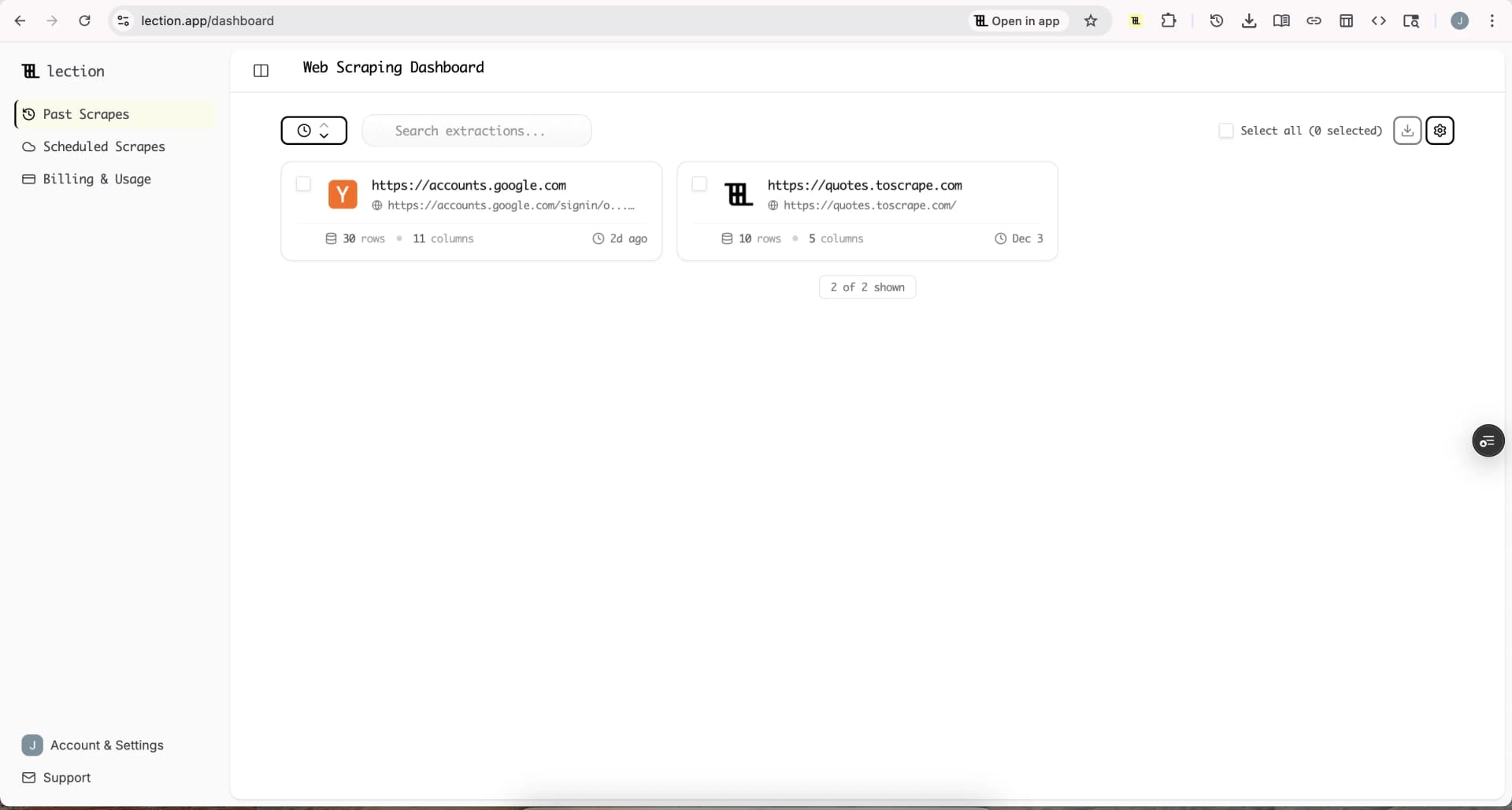
With the results page open in your browser, use Lection to identify the repeating filing rows. Select the company, form, filing date, reporting date, accession number, and filing link. If the page exposes a description or filing category, include it when it helps a reviewer distinguish similar forms.
The right extraction is often less than ten columns. A short, stable schema is easier to spot-check than a wide export full of fields nobody uses.
3. Export into a review tab
Send the first export into a staging tab instead of overwriting the working sheet. Add a Run date column and preserve the original source URL. Then compare the staging rows with the existing tracker before moving records into the reviewed tab.
This gives you a simple separation of responsibilities. The scrape captures what EDGAR showed. The review tab records what a person decided to do with it. That distinction matters when an analyst needs to explain why a filing was marked relevant, irrelevant, or waiting for a second review.
4. Validate before acting
Check at least one result link manually. Confirm that the form, company, and filing date in the row match the source page. Scan for duplicate accession numbers. Make sure the filing URL opens the detail page rather than a transient search result.
For a recurring workflow, compare row counts with the previous run and inspect unexpected drops. A sudden zero may mean no new filings, but it may also mean the search parameters changed or the page layout no longer matches the extraction. Our data validation checklist for scraped data gives you a reusable QA framework for this step.
How should you handle SEC access responsibly?
The SEC publishes guidance for developers and automated access. Its developer resources say that company submissions and extracted XBRL data are available through RESTful JSON APIs at data.sec.gov. The same page asks users to download only what they need, moderate request volume, and stay within a current limit of no more than 10 requests per second.
The SEC's webmaster FAQ also explains that scripted requests should declare a user agent with a company name and contact email. Those details are important if you build a programmatic pipeline. A browser-based collection workflow still needs the same basic respect for source availability: keep searches narrow, avoid unnecessary refreshes, and do not treat public access as permission to overload the service.
If the workflow involves personal data, insider transactions, or a decision with legal or investment consequences, keep collection and interpretation separate. Review the applicable rules, platform terms, and internal policies. Our guide to web scraping legality by country is useful background, but it is not a substitute for professional advice.
What should a recurring review process look like?
A good filing tracker has a small operating rhythm:
- run the saved search on a defined schedule
- append new rows to a staging tab
- deduplicate by accession number
- assign an owner and review status
- open the source filing for high-priority rows
- record the decision and next action
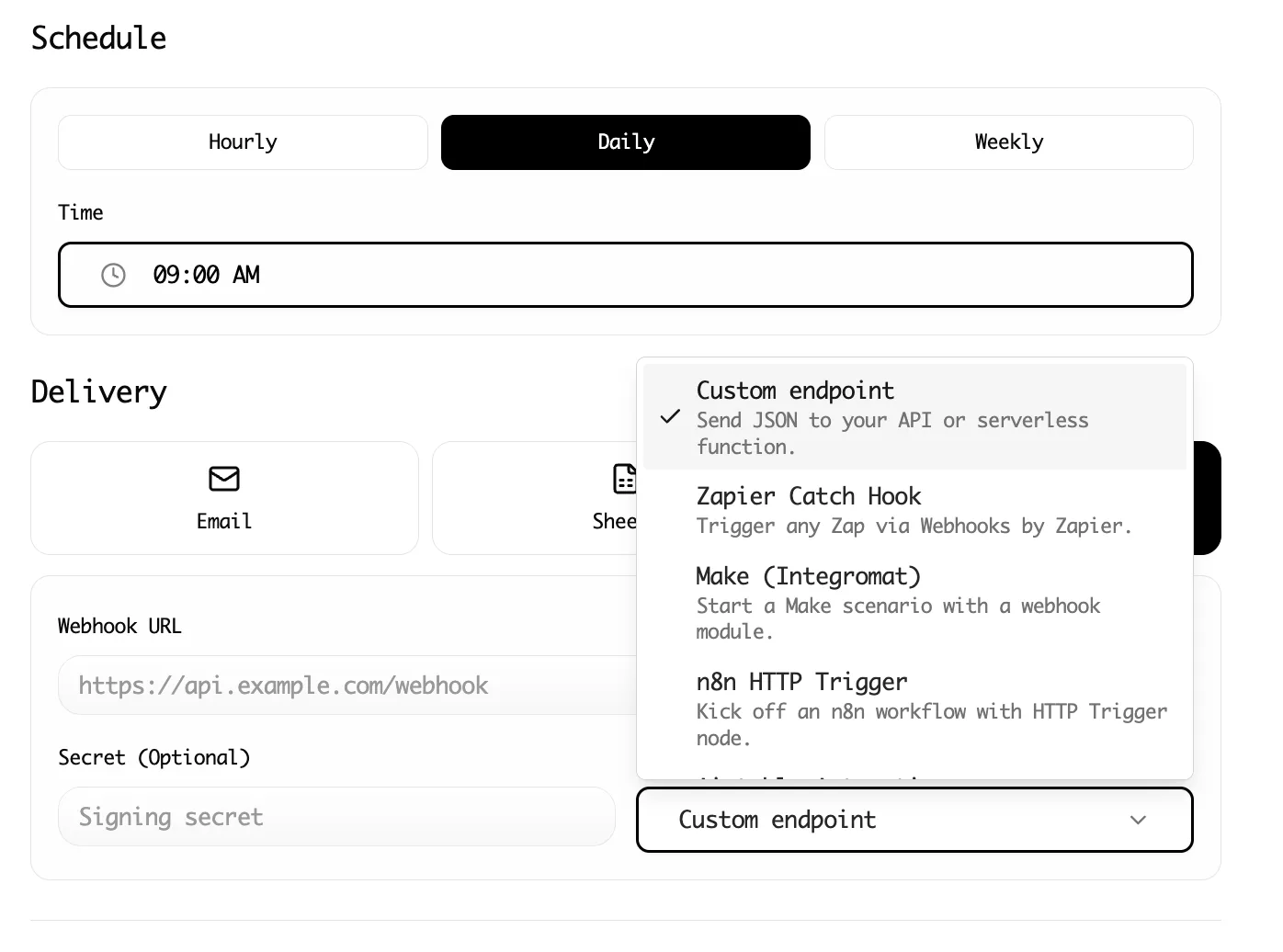
Statuses might include New, In review, Relevant, Not relevant, and Escalate. Keep the choices controlled so that a filter does not split one concept across five spellings. If you need a daily feed, Lection's cloud scraping and scheduling options can reduce the number of manual browser visits while leaving the review decision with your team.
Troubleshooting and edge cases
The same filing appears twice
Use accession number as the first duplicate key. If it is not visible in your selected results, include the filing detail URL and combine it with the company and filing date. Do not deduplicate on company name alone.
An amendment changes the result set
Amended forms often deserve their own row because they are distinct submissions. Keep the original form text, including an amendment suffix when shown, and add a note linking the amendment to the earlier filing if your review process requires it.
The company name does not match your watchlist
Use CIK to verify the filer. A subsidiary, former name, or similarly named entity can otherwise enter the wrong queue. Keep the visible name for readability, but use the stable identifier for matching.
A filing is visible but the review is incomplete
Do not mark a row as complete because the metadata was collected. Use separate statuses for “captured” and “reviewed.” That small distinction prevents a clean-looking sheet from overstating what the team has actually examined.
You need the numbers inside the filing
Metadata extraction is a good first layer. If you need structured financial facts, evaluate the SEC's XBRL data and company facts resources rather than copying values from arbitrary document text. Keep the source taxonomy, unit, period, and filing reference with the metric so someone can reproduce the analysis.
Conclusion
Scraping SEC filings into Google Sheets is most useful when the spreadsheet becomes a review system, not a pile of links. Start with a narrow EDGAR query, capture stable identifiers and source URLs, validate the first run, and separate automated collection from human interpretation.
Lection gives finance, compliance, and research teams a practical browser-native way to turn recurring EDGAR searches into structured rows. Once the schema is stable, the same workflow can support watchlists, filing reviews, market research, and recurring reporting without asking someone to rebuild the sheet from scratch each time.
Ready to start scraping? Install Lection and extract your first dataset in minutes.