A directory looks like a set of cards on a page. The work that makes those cards trustworthy is less visible: choosing sources, deciding which fields are actually needed, keeping a record of where each value came from, and noticing when a listing has changed. A directory filled quickly but maintained carelessly becomes a polished way to publish stale information.
That is why directory data collection should be designed as a small data product, not a one-time copy-and-paste task. The goal is not to collect every visible field. The goal is to create a focused, explainable dataset that helps a specific audience make a decision.
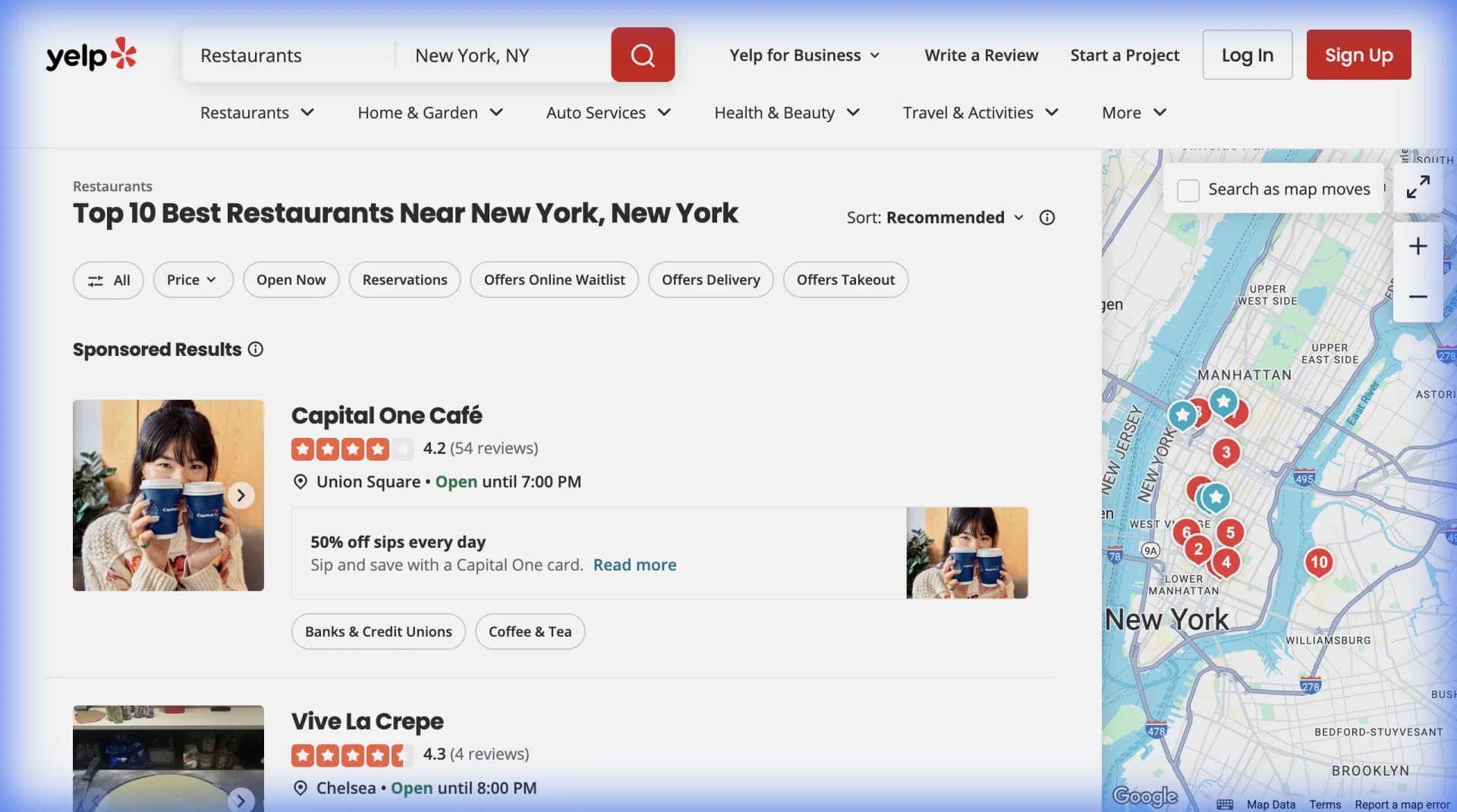
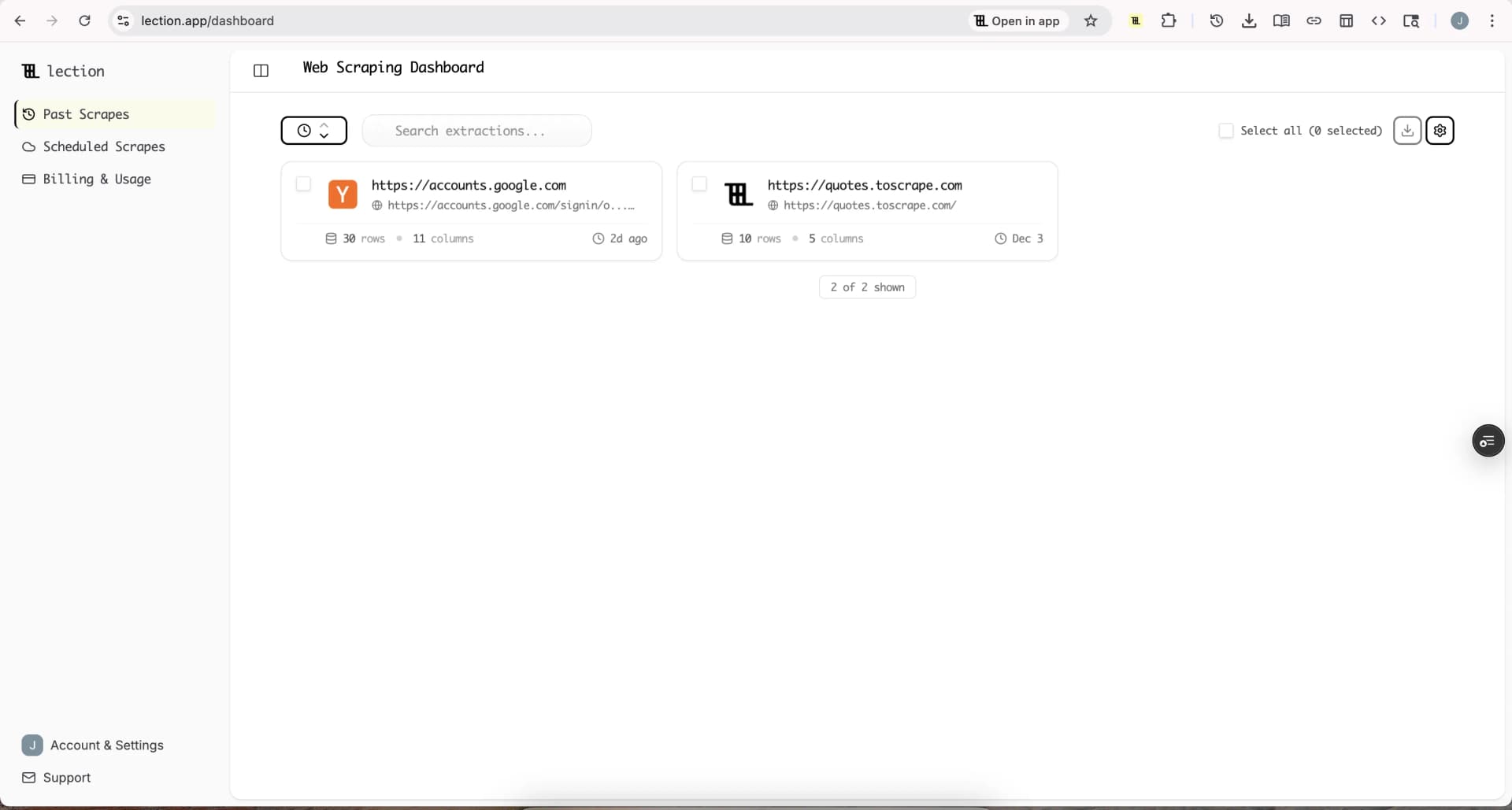
Lection is the AI-native option for fast, accurate scraping right in your browser. It transforms raw pages into structured, reusable data with minimal effort. For a directory, that can mean collecting public listings from the pages your team already reviews, exporting a consistent schema, and leaving a clear path for verification before anything is published.
What should you collect first?
Start with the user question, not the source page. “Build a directory of businesses” is too broad to guide good extraction. “Help independent retailers find local packaging suppliers” is more useful because it suggests a category, geography, and decision.
Write the first version of the directory around one narrow use case. A local food directory might need business name, category, city, address, website, hours, and source URL. A coworking directory might need location, day-pass availability, price, booking URL, and last-checked date. A professional services directory might need service area, specialty, firm website, and contact channel.
Every field should answer one of three questions:
- Does it help a visitor filter or compare listings?
- Does it help the operator verify or update a listing?
- Does it support a clearly defined business workflow?
If the answer is no, leave the field out of the first collection. Extra fields increase privacy exposure, cleanup work, and the chance that a future reader misunderstands what the directory actually verifies.
Why does the standard approach fail?
The standard approach is usually a broad scrape followed by a large spreadsheet. It feels efficient because rows appear quickly. The problems arrive when the team tries to publish, refresh, or explain those rows.
A large export hides weak coverage
Five thousand records can look impressive while missing the businesses that matter most to the niche. A smaller, well-defined collection is easier to audit. Track the source pages you searched, the filters you used, and the date of the run so you can tell the difference between “not found” and “not collected.”
Different sources describe the same listing differently
One page may say “Northside Dental,” another “Northside Dental Group,” and a third use a legal entity name. Addresses may use different abbreviations. Phone numbers may include extensions in one source and omit them in another. Without normalization, a directory turns one business into several cards or merges two locations into one.
A one-time scrape becomes a stale product
Businesses open, close, move, change hours, and redesign their websites. A directory that does not record when a value was collected cannot communicate freshness honestly. Add collectedAt, lastVerifiedAt, and sourceUrl early, even if the first version is a simple spreadsheet.
Manual cleanup becomes the hidden operating cost
Someone has to remove duplicates, check broken URLs, resolve conflicting fields, and decide whether a listing with missing information should be published. If that work is not part of the workflow, it still happens. It just happens late, inconsistently, and under deadline pressure.
Which sources are appropriate?
Use the most direct and clearly permitted source available. An official API, public export, government dataset, or partnership feed is often preferable to scraping a rendered page. Scraping is useful when the data is public, the page is the actual source of truth for the workflow, and no better structured source exists.
For local directories, possible source types include public business pages, trade associations, chamber directories, municipal registries, event listings, and business websites. Each source has a different level of freshness and authority. Treat them as evidence with different weights rather than flattening them into one undifferentiated table.
Before collecting, review the site's terms and its robots.txt. Google's robots.txt documentation explains that the file communicates crawler access preferences and helps manage crawling traffic. It is not a substitute for access control or a universal legal answer, but a disallowed path is a strong reason to pause and look for another source.
Public does not mean unrestricted. The U.S. Copyright Office explains in its website content circular that websites can contain copyrightable text, images, and original compilations even when they are publicly viewable. Collect facts you need, avoid copying descriptive prose or images into your directory without permission, and link back to the source where appropriate.
Legal outcomes also depend on jurisdiction, contract terms, the data involved, and how the collection is performed. The Cornell Wex overview of screen scraping describes the public-access reasoning in the hiQ v. LinkedIn context, but it is not a blanket permission to ignore terms, privacy obligations, or technical boundaries. For a high-risk project, get qualified legal advice before launch.
How should you design the dataset?
Create a schema before you open the extractor. Keep raw and normalized values separate when the distinction matters. For example, store nameRaw alongside name, and addressRaw alongside parsed city and region fields. Raw values preserve evidence. Normalized values make filtering and deduplication possible.
A useful starting schema might include:
name: the display name used in the directorycategory: a controlled category selected from your taxonomyaddress: the visible address, if location is relevantcityandregion: normalized geographic filterswebsite: the business's own URL when availablesourceUrl: the page where the record was foundcollectedAt: when the extraction ranlastVerifiedAt: when a person or trusted check confirmed the recordstatus: active, needs review, closed, or rejected
Do not confuse a missing value with a negative fact. A blank website field means “not found or not collected,” not necessarily “has no website.” If a field is important enough to drive a user-facing claim, define how it is verified before you publish it.
What does a responsible collection workflow look like?
1. Define the scope
Choose one geography, category, and source set for the first run. Set a reasonable page limit and a collection frequency that matches how quickly the data changes. A weekly refresh may be enough for a directory of stable professional firms. Daily collection may make sense for event listings, but only if the source and the use case justify it.
2. Check the boundaries
Read the terms, inspect robots.txt, and note whether the pages are public without a login. Do not bypass CAPTCHAs, authentication, paywalls, rate limits, or explicit blocks. If the source says no, use an API, request permission, find a public dataset, or choose another source.
3. Extract only the required fields
Use a browser-native workflow when the relevant content is rendered after the page loads. Lection can follow pagination, interact with pages, and export structured results without requiring a custom script for every source. Keep the extraction focused on the schema you defined instead of saving every visible element.
4. Preserve provenance
Save the source URL and collection timestamp with every row. If a value is derived, record the rule or transformation. Provenance lets an operator answer a simple but important question: “Where did this listing come from, and when did we last see it?”
5. Normalize and deduplicate
Normalize whitespace, phone formatting, and geographic labels. Use more than one clue for deduplication. A shared name is not enough when two businesses have multiple locations. Compare the website domain, address, phone number, and source context before merging records.
6. Validate before publishing
Sample records from the beginning, middle, and end of the run. Check that the field still means what the header says, URLs resolve, prices include a currency where relevant, and the extraction did not silently return an empty state. Keep rejected or uncertain records out of the public directory until someone reviews them.
How should you handle personal data?
Keep the directory focused on organizations and public business information whenever possible. Names, direct phone numbers, email addresses, photos, and social profiles can turn a simple listing project into a personal-data workflow with different obligations.
Use data minimization as a design rule. If a visitor only needs a company website and service area, do not collect an individual employee's mobile number. If a contact method is necessary, prefer a business-controlled channel. Define a retention period for raw exports and a process for correcting or removing records.
Be especially careful when the directory could influence employment, housing, credit, health, safety, or access to services. A directory that supports a consequential decision needs stronger review than a hobby list of public events. Scraping software can collect a field. It cannot decide whether publishing that field is fair, accurate, or lawful.
How do you keep the directory trustworthy?
Freshness is a product feature. Show a “last checked” date when it helps users judge the record, and do not imply that a listing is verified if your process only observed it once. Separate automated refresh from human verification so the interface does not overstate confidence.
Set simple quality thresholds. For example, a listing may need a valid source URL, a recognized category, and either a website or a verified contact channel before publication. A record that fails one rule can move to a review queue instead of being deleted immediately.
Keep an exception log. If a source returns half as many rows as usual, fields suddenly become blank, or duplicate counts jump, pause the refresh and investigate. A smaller, older dataset is safer than silently replacing a trusted directory with malformed data.
For recurring work, use cloud scheduling when the source and permissions support it. Lection's cloud scraping and scheduled scrape features can keep collection separate from the operator's browser session. Route validated records into the destination your team already uses, such as Google Sheets, then publish only the fields that passed your rules.
What should you launch first?
Launch a narrow directory with a visible standard. Pick one audience, one region, and a manageable number of records. Explain what a listing contains, when it was last checked, and how a business can request a correction. Those details create more trust than a large count of unverified rows.
The best directory workflow is not the one that collects the most. It is the one that produces records a visitor can understand and an operator can defend. Define the purpose, respect boundaries, collect minimally, preserve source context, validate changes, and give stale records a clear path back to review.
Ready to start scraping? Install Lection and extract your first dataset in minutes.
Related Reading
- Niche Directory Ideas That Can Make Money
- Directory Website Monetization Models
- Keep Directory Data Fresh with Automation
- Build Local Business Directories with Web Scraping
- How to Build a Business Directory Website in 2026
- Ethical Web Scraping Principles for Businesses
- Complete Guide to robots.txt for Web Scrapers
- Explore all tutorials and guides