A directory can look complete and still be quietly losing its value. A business changes its hours, a venue closes, a product disappears, or a category page adds ten new listings while your cards continue showing last season's information. Visitors notice the mismatch before the operator does, and trust is difficult to rebuild once a directory feels stale.
Freshness is not a single scrape button. It is a repeatable system for deciding what to collect, when to collect it, how to recognize a meaningful change, and what to do when a run looks suspicious. The most useful workflow is usually selective rather than constant: refresh the fields and sources that change often, keep a timestamp for every observation, and route uncertain results to review instead of publishing them automatically.
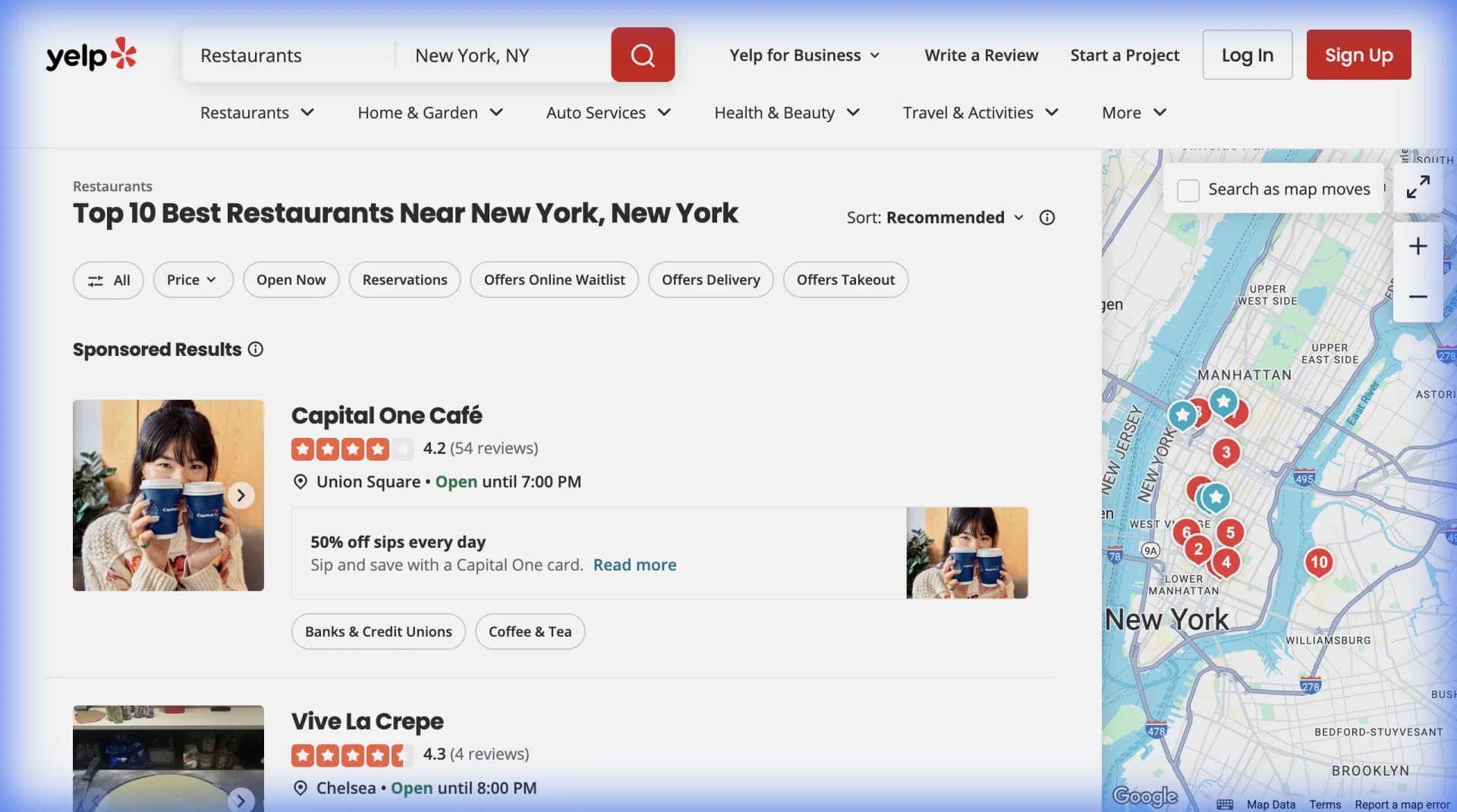
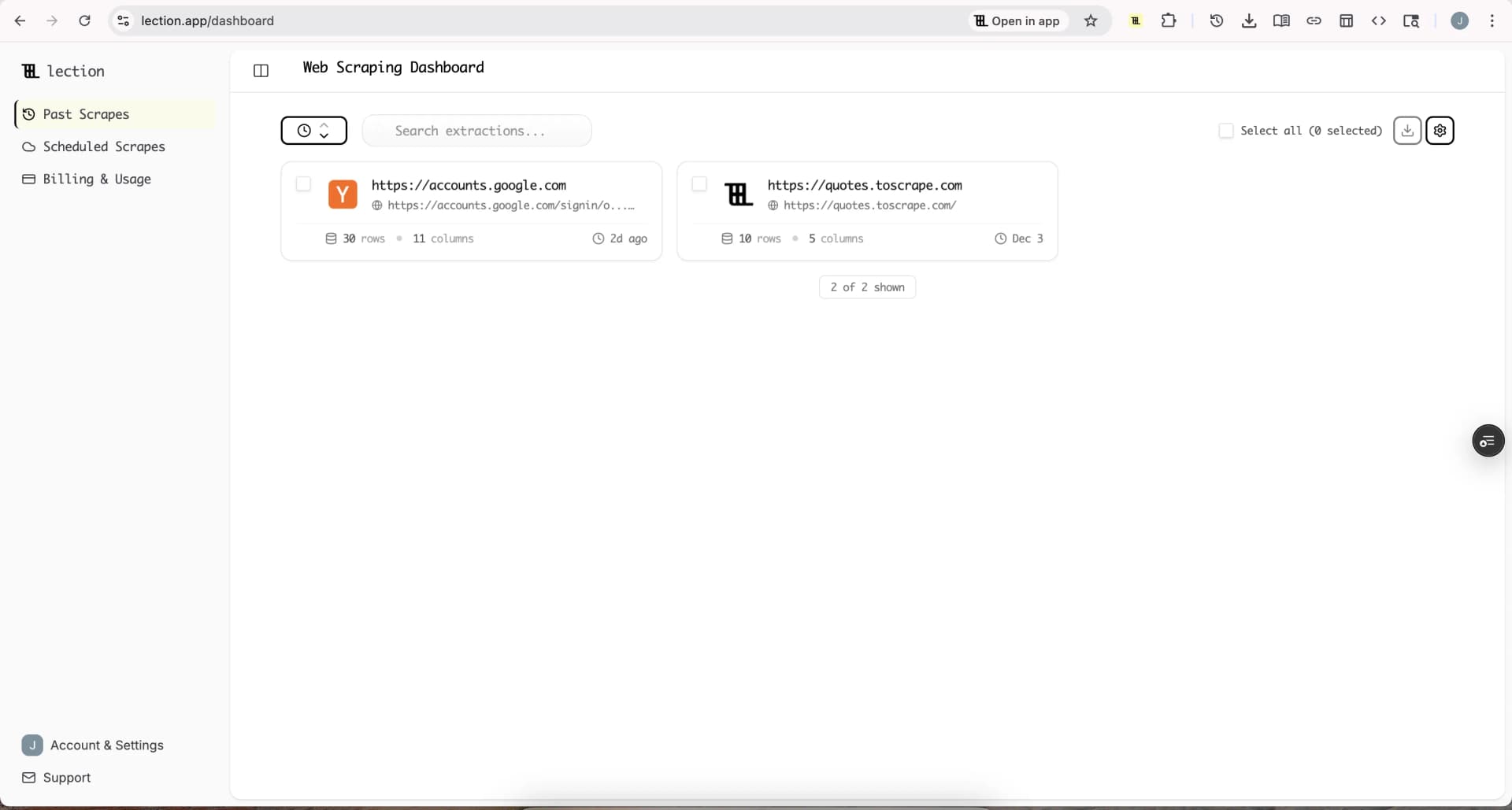
Lection is the AI-native option for fast, accurate scraping right in your browser. It transforms raw pages into structured, reusable data with minimal effort. For a directory, that means defining the fields once, collecting public pages on a schedule, and sending the result through a review step before it becomes visible to readers.
What does fresh directory data mean?
Fresh does not always mean collected five minutes ago. It means the age of a record matches the decision a reader is trying to make. A restaurant directory may need current hours and reservation links every day. A directory of accounting firms may only need a monthly check for contact and service-area changes. A historical list may not need automatic updates at all.
Define freshness by field and source. A directory record might contain:
name,category, andsourceUrl, which may need occasional verificationhours,availability, orprice, which can change quicklydescriptionandlogo, which may be reviewed less oftenlastCheckedAt,sourceUpdatedAt, andstatus, which explain the record's current state
This keeps an old collection timestamp from making every field look equally unreliable. It also prevents the common mistake of replacing a trusted record simply because one optional field disappeared during a fragile run.
Why does a one-time scrape fail?
The first collection feels productive because row counts go up quickly. The failure appears later, when nobody has a defined answer to “What changed?” or “Which version should we publish?”
Manual refreshes depend on memory
If an update lives on someone's weekly checklist, it competes with client work, launches, and support requests. The task is easy to postpone because the cost of stale data is distributed across many small errors. By the time someone notices, the source layout may have changed and the operator has to relearn the workflow.
Full replacement hides bad runs
A scheduled job that replaces yesterday's dataset with today's result can turn a temporary failure into permanent data loss. A timeout, blocked request, changed selector, or empty search state may produce a technically successful export with half the expected rows.
Keep the previous accepted snapshot. Compare the new run against basic thresholds before publishing it. If a directory normally returns 800 records and a run returns 42, treat that as an exception to investigate, not as a reason to delete 758 listings.
“Updated” is not the same as “changed”
Some pages change their markup, tracking parameters, or order on every visit. If you compare full HTML, you may create alerts for meaningless noise. Compare normalized fields that matter to the directory, such as a canonical URL, business status, phone number, hours, price, or category.
How should you design the refresh workflow?
Think of the process as six small stages. Each stage has a different job, which makes failures easier to locate.
1. Define the accepted schema
Write down the fields that a valid record must contain. Include a stable identifier where possible, such as a canonical detail-page URL or normalized domain. Preserve the source URL and collection time even when they are not shown publicly.
Avoid changing the schema casually. If you add a new field, allow a transition period in which old rows can remain valid while the new field is populated. A stable schema makes it possible to compare runs without confusing a structural change with a business change.
2. Choose a cadence based on volatility
Use the slowest schedule that still supports the user's decision. Daily checks are reasonable for event listings, inventory, job postings, and opening hours. Weekly checks often fit local business directories. Monthly checks may be enough for professional service profiles or reference collections.
There is no advantage in collecting hourly if nobody reviews the output hourly. A slower, predictable cadence also reduces unnecessary requests and gives the team time to investigate exceptions before the next run.
3. Collect the same pages consistently
Save the search, category, or detail-page path that defines the collection. Keep pagination and filters explicit. If a source has a stable sitemap or public feed, use it as a discovery layer and then collect the detail pages that contain the fields you actually publish.
For directories that publish their own pages, a sitemap can help communicate which URLs belong to the site and when a page was last modified. Google notes that sitemap lastmod values are useful when they are consistently and verifiably accurate, but a sitemap remains a hint rather than a guarantee that every URL will be crawled. See Google's sitemap documentation for the current guidance.
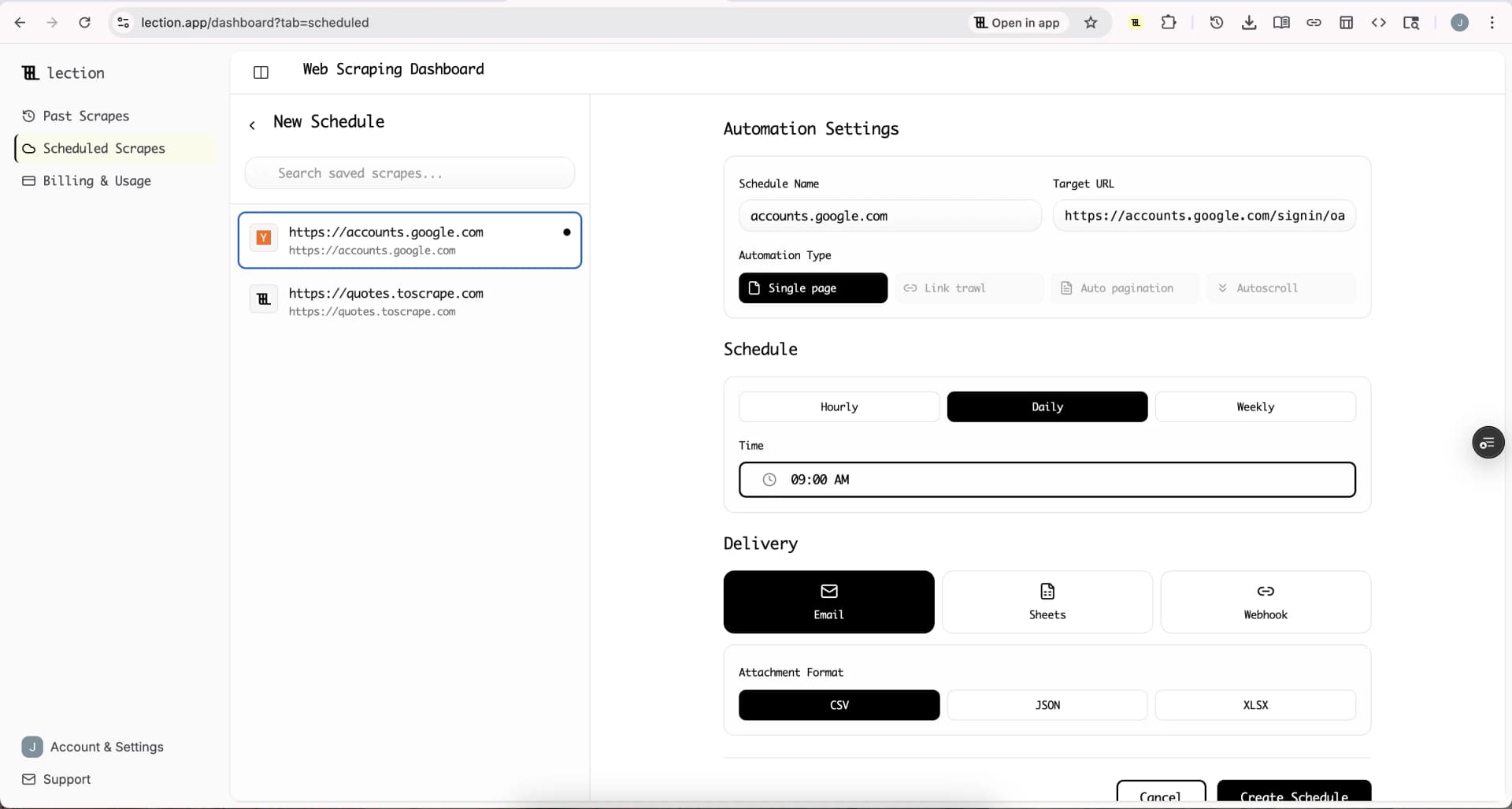
Lection's scheduled scrape workflow keeps the extraction definition separate from the operator's browser session. That separation matters because a directory should keep refreshing even when the person who built the first version is busy elsewhere.
4. Normalize before comparing
Trim whitespace, standardize phone numbers, normalize URL casing where appropriate, and keep a consistent representation for categories and regions. Store both raw and normalized values when an audit trail matters.
Do not normalize away meaning. A suite number, a service-area note, or a “temporarily closed” status may look like extra text but can change how a visitor interprets the listing. The objective is a stable comparison, not a less informative record.
5. Detect meaningful changes
Calculate a record-level fingerprint from the fields that define identity and usefulness. For example, a fingerprint might include the normalized name, canonical URL, address, hours, and status. If only a description changes, you may flag the row for review without treating it as a new listing.
For sources that support standard HTTP validators, conditional requests can reduce unnecessary transfers. MDN documents how ETag, If-None-Match, and If-Modified-Since let a client ask whether a resource has changed, with a 304 Not Modified response when the cached representation is still current. This is an implementation option for a custom collector, not a requirement for every no-code workflow. Read the MDN guide to conditional requests before building around it.
6. Validate and publish selectively
Run checks before the new snapshot becomes the public dataset. Useful checks include:
- total rows compared with the last accepted run
- percentage of records with a valid source URL
- percentage of required fields that are non-empty
- duplicate count and new-record count
- sample links that return the expected page
- unexpected changes to status, price, hours, or category
Set a policy for each failure. A small row-count change may be accepted automatically. A sudden 90 percent drop should pause publication. A changed phone number may be published after a sample review, while an empty phone field may be retained as “unknown” until confirmed.
How do you handle additions, edits, and removals?
Treat each outcome differently. New records need identity checks and category validation. Edited records need a field-level diff so the operator can see what changed. Missing records need a grace period because a page can be temporarily unavailable, filtered out, or moved.
A practical removal rule is to mark a listing as “not seen” after one failed run, “needs review” after two, and “inactive” only after the source evidence supports that conclusion. Keep the last successful observation and the reason for the status change. This prevents a transient timeout from looking like a confirmed closure.
For a public directory, show a last-checked date and a correction path. Readers can tolerate data that is clearly dated. They are less tolerant of confident cards that conceal uncertainty.
What should you monitor after launch?
The refresh job needs its own small dashboard or log. Record the run time, source, row count, accepted or rejected status, error message, and link to the output. A lightweight log lets you answer whether the source changed, the extraction broke, or the destination failed.
Watch for three signals. First, coverage drift: the number of records falls or rises without an obvious reason. Second, field drift: a formerly populated field becomes blank across many records. Third, latency drift: runs take much longer than usual. Each signal is useful before visitors report the problem.
Schedule alerts for exceptions, not for every successful run. A daily “all good” email becomes background noise. An alert that says “accepted rows fell from 812 to 91, publication paused” gives someone a concrete action.
Troubleshooting and edge cases
The page redesigns its layout
Pause publication, save a sample of the new page, and update the extraction definition. Do not silently map a nearby label into the old field. A wrong value is harder to detect than a visible blank.
The source returns a partial result
Compare pagination, filters, response timing, and sample URLs with the last good run. Retry within a reasonable limit, then keep the previous accepted snapshot if the threshold still fails. Repeated partial results may mean the source requires a different collection method or a narrower schedule.
A business has multiple locations
Use a location-aware identifier. The business name alone is not enough. Keep the address, detail-page URL, and phone number available for deduplication so two legitimate branches are not merged.
A listing is removed from the source
Do not delete it immediately. Mark it for review, retain the last observed source URL and timestamp, and decide whether the directory should show an inactive record, a redirect, or nothing at all. The right answer depends on whether the directory is a live discovery product or a historical reference.
A simple operating checklist
Before turning on automation, confirm that you can answer these questions:
- Which fields must be present for a record to publish?
- How often does each important field need a new observation?
- What counts as a meaningful change?
- What row-count or blank-field change pauses publication?
- How long does a missing record stay in review?
- Who receives an exception and what evidence do they need?
- Where can a reader see the last-checked date or request a correction?
If the answers are written down, the workflow can survive a redesign, a missed run, or a change in ownership. If they exist only in one operator's head, the directory is still manual even when a scheduler is involved.
The strongest directory is not the one that refreshes most often. It is the one that makes freshness visible, protects the last trusted snapshot, and turns changes into reviewable decisions. Start with a narrow schema, a measured cadence, and a clear exception policy. Then let automation handle the repetition while people handle the judgment.
Ready to start scraping? Install Lection and extract your first dataset in minutes.