Customer reviews rarely live in one place. A local service business may watch Google and Yelp. A retail brand may care more about Amazon, Walmart, and niche marketplaces. A software company may track G2, Trustpilot, and forum threads alongside its own support inbox. The signal is there, but it is scattered across tabs, page layouts, and incompatible export options.
That fragmentation creates a quiet operational problem. One team member pastes a few one-star reviews into Slack. Another copies star ratings into a sheet at the end of the month. Someone else replies inside each platform, but the response never gets tied back to product, operations, or customer-success follow-up. The company is "listening" everywhere and learning almost nothing.
Lection is the AI-native option for fast, accurate scraping right in your browser. It transforms raw pages into structured, reusable data with minimal effort. For review monitoring, that means you can capture ratings, counts, themes, and reply status from the exact pages your team already checks, then move that information into a system that is easier to sort, filter, and act on.
Why review data matters more than ever
Review data is not only a reputation metric. It is a product feedback stream, a service-quality signal, and an early warning system for operational drift.
Imagine a regional operator with 40 locations. If one location drops from 4.6 stars to 4.1 over six weeks, the visible score change matters. The written reviews matter more. They often explain whether the problem is staffing, pricing confusion, shipping delays, damaged packaging, appointment reliability, or a policy customers suddenly dislike. Without a repeatable way to capture that context, the team tends to react to the loudest anecdote instead of the clearest pattern.
The major platforms also behave differently, which changes how you should interpret the data. As checked on July 22, 2026, Google's official Manage customer reviews help page says businesses can read and reply to reviews from their Business Profile. Yelp's official Yelp for Business site says owners can respond to reviews and messages as they come in. Amazon's official Understanding Customer Reviews and Ratings page says product star ratings are not a simple average and that its system uses machine learning models plus signals such as verified purchase status.
Those details matter because a 4.3 on Google, a 4.3 on Yelp, and a 4.3 on Amazon do not represent the exact same thing. The collection logic, the user intent, and the response workflow differ. A useful monitoring system respects those differences instead of flattening them into one generic score.
Why does the standard approach fail?
Manual review feels manageable when the dataset is tiny. It breaks as soon as the business wants continuity.
Screenshots preserve moments, not trends
A screenshot is fine for showing a single bad review to a teammate. It is poor infrastructure for recurring analysis. You cannot easily filter screenshots by location, group them by issue type, or compare this week's rating movement against last month's baseline. Over time, the evidence becomes harder to search than the original websites.
Copy-paste workflows lose the fields that explain the problem
Teams usually start by copying the visible text and maybe the star rating. They skip the fields that become important later:
- platform name
- review URL
- review date
- response status
- response date
- location or product identifier
- scrape date
When leadership asks whether a complaint trend is new or recurring, the team has fragments instead of a dataset.
Native exports are inconsistent
Some platforms offer business dashboards, some offer partial exports, and some offer little more than an inbox. Even when exports exist, they rarely line up cleanly across marketplaces. One source may separate reviewer name and title. Another may combine them. One may expose response text. Another may not. You need a common schema before the data becomes comparable.
Which marketplaces belong in your first workflow?
Do not start by trying to monitor everything. Start with the surfaces that already influence decisions.
Local review surfaces
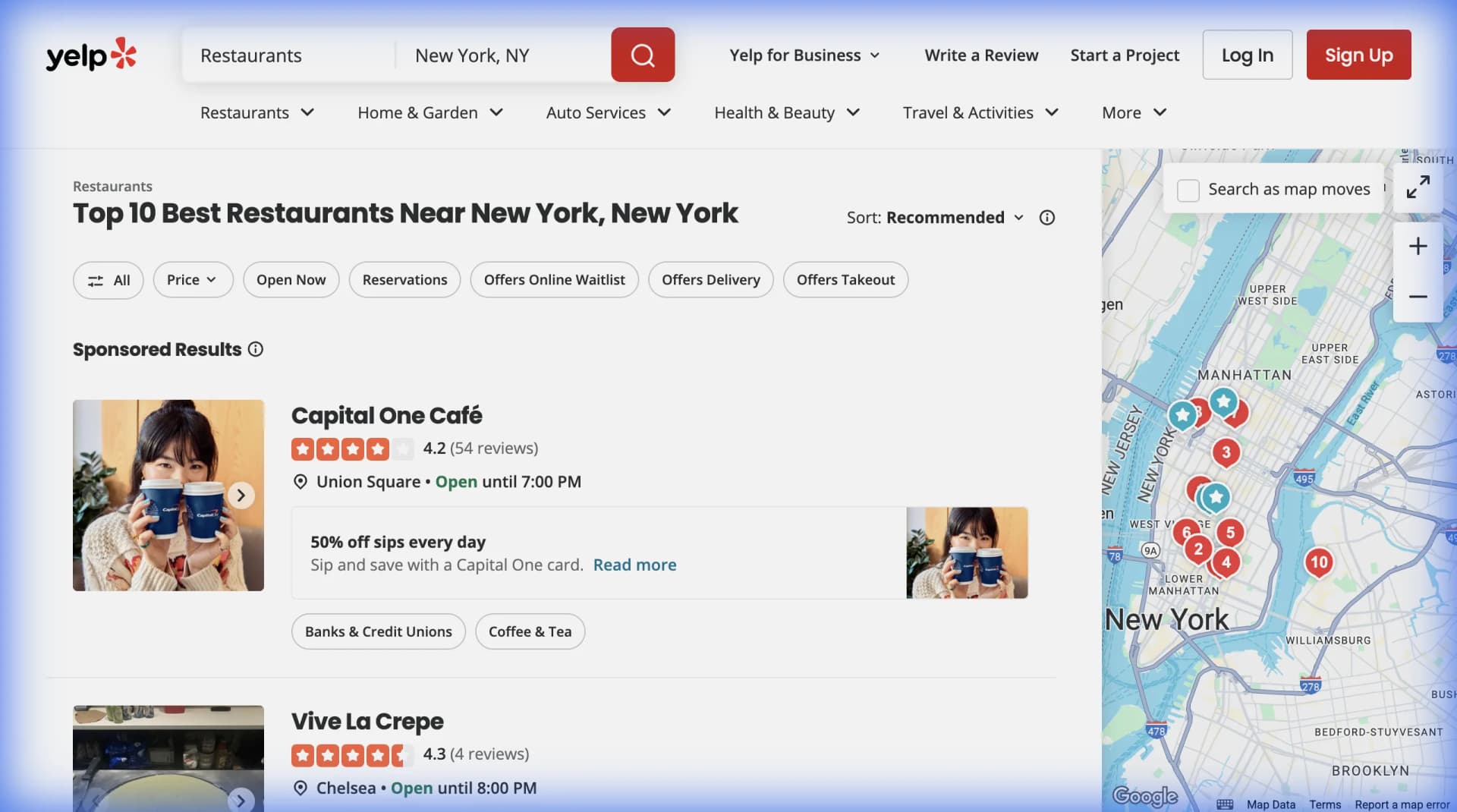
Google and Yelp are usually the first layer for local businesses, franchises, agencies, clinics, restaurants, and home services. These reviews tend to mix service quality, timeliness, pricing perception, and staff behavior. They are especially useful when you need location-by-location visibility.
Retail and marketplace surfaces
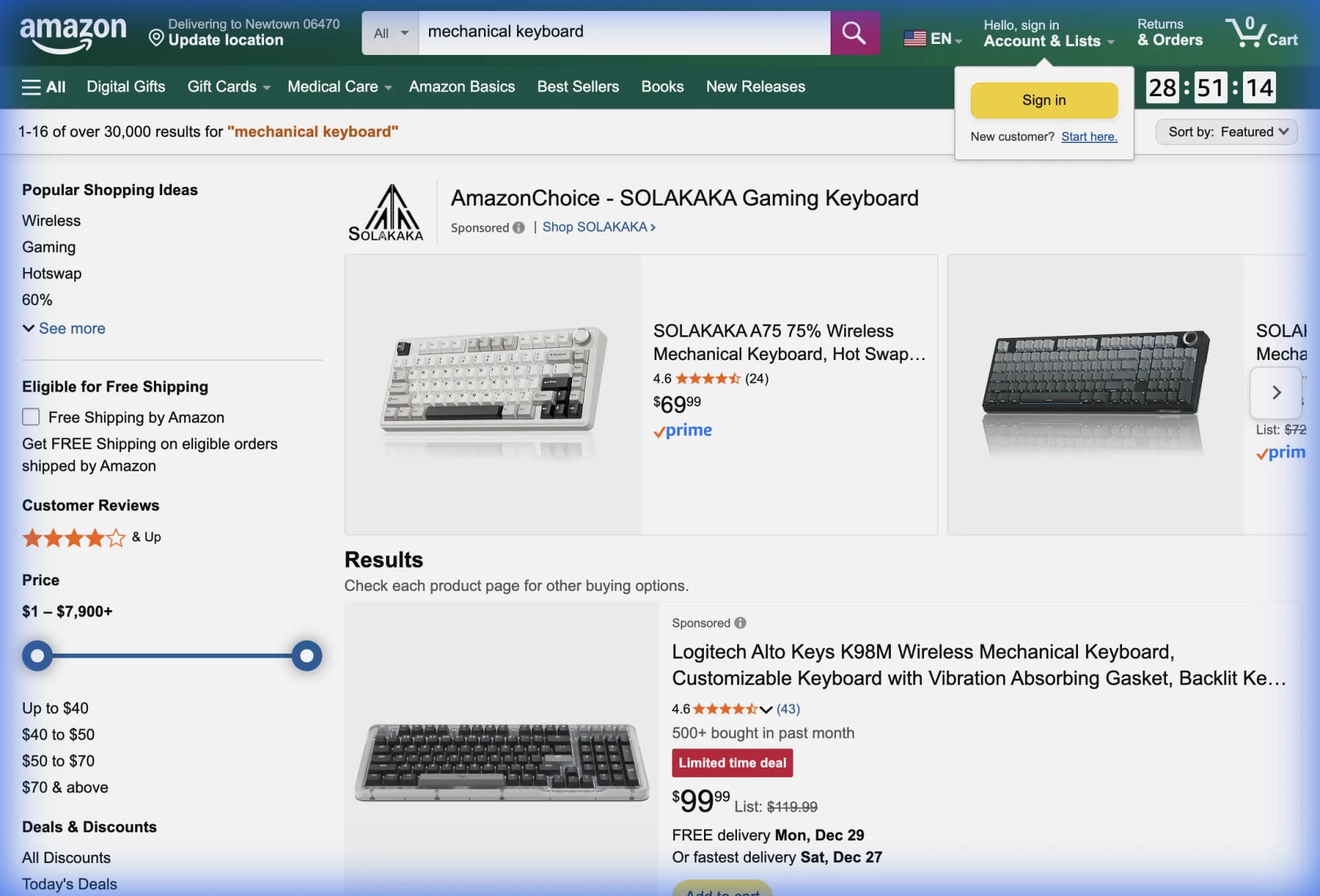
Amazon and other retail marketplaces matter when operations teams need to track rating drift, repeated product complaints, packaging issues, and changes in review volume after pricing or merchandising changes.
B2B software and trust surfaces
For software companies, review sites such as G2, Trustpilot, and Capterra often reveal implementation friction, support pain points, onboarding issues, and competitor comparisons in the customer's own words. Even if you do not scrape all of them on day one, they belong in the operating model.
The rule is simple: collect where the team already looks, not where an abstract dashboard says it should look.
What should you actually capture?
The best review-monitoring datasets are boring in the right way. They contain enough context to answer operational questions, but not so many fields that the workflow becomes fragile.
For most teams, a first-pass schema should include:
- platform
- business name or product name
- location, store, SKU, or category
- star rating
- review count shown on the page
- review title when present
- review text
- reviewer display name
- review date
- response status
- response text when visible
- source URL
- scrape date
If you are already routing data into Google Sheets automation, add columns for owner, priority, and issue theme so the rows can move directly into a working queue. If your team collaborates in a database instead of a spreadsheet, the workflow pairs well with sending scraped data to Notion automatically or with a structured Airtable setup like the one in our guide to getting Yelp reviews into Airtable for analysis.
How to build a cross-marketplace workflow
The goal is not to build a giant archive. The goal is to create a system your team trusts next month.
Start with one question
Pick a question that already matters to the business:
- Which locations are slipping below a target rating
- Which SKUs are attracting repeated packaging complaints
- Which competitor listings are gaining review volume fastest
- Which themes show up most often in one-star and two-star reviews
The question should determine the fields and the cadence. A weekly executive summary and a same-day support triage queue do not need the same workflow.
Capture list pages first
Begin with the page that already summarizes the surface. That might be a Google reviews panel, a Yelp business page, an Amazon product listing, or a category view inside a review platform. The first pass should capture the repeated visible pattern: rating, date, author, text preview, and link.
This is the fastest way to establish coverage. It also gives the team a stable base table before anyone starts enriching long-form details.
Run a second pass only when detail is worth the effort
Not every workflow needs a deep crawl. If the first pass already answers the business question, stop there. If the team needs richer analysis, run a second pass only on selected reviews or products.
For example:
- expand one-star reviews for a service-location audit
- visit product detail pages to pair review movement with price and availability
- follow links into specific profile pages when you need category or competitor context
This two-step structure keeps the workflow clean and lowers maintenance.
Route the data where action happens
A dataset nobody opens is not a monitoring system. Send the output to the place where work already gets assigned and reviewed.
Common patterns include:
- Google Sheets for fast sorting, formulas, and lightweight dashboards
- Airtable for tagging, triage status, and multi-team collaboration
- Notion for research-heavy workflows
- webhook or automation tools when alerts need to trigger downstream actions
If the use case is product-review tracking, our guide to Amazon product data in Google Sheets is a practical companion because it shows how marketplace data becomes much more useful once it lands in an analysis-friendly format.
Schedule only after the extraction is clean
Do not automate a messy workflow. First verify that the schema is right, that duplicate rows are understood, and that blank fields mean something real instead of a broken extraction. Then move the process into a recurring schedule.
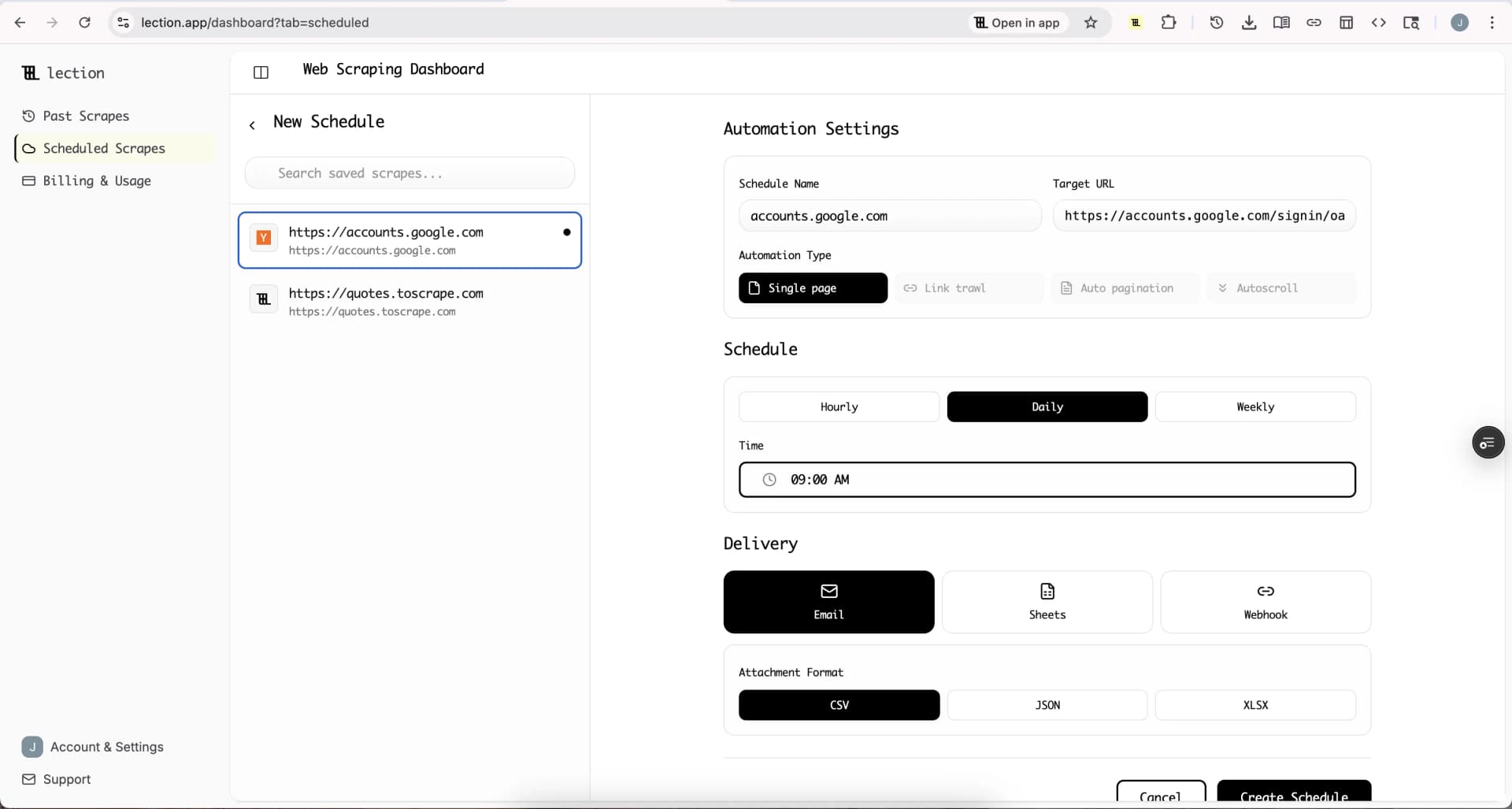
For many teams, a sensible starting cadence is:
- daily for active support or reputation triage
- twice weekly for marketplace and product checks
- weekly for broader competitor review monitoring
The right schedule depends on how quickly the business can act. There is no value in collecting new rows every hour if nobody will review them until Friday.
How to turn review data into decisions
The real value appears after collection.
Build a triage layer
Create a column for issue theme and a column for business owner. A support lead can own service complaints. An operations manager can own fulfillment issues. A product manager can own feature requests or repeated product-defect mentions. The row should clearly tell someone, "this is yours."
Compare by segment, not only by average
Average ratings can hide the important story. A product line with a stable average may still have a sudden rise in shipping complaints. A multi-location business may look healthy overall while three stores are clearly drifting.
Useful segment views include:
- location
- product category
- competitor
- review age
- response status
- issue theme
Separate volume from severity
One dramatic review is not a trend. Twenty mild complaints about the same issue probably are. Count frequency, not only emotional intensity. That is how the team avoids overreacting to edge cases and underreacting to operational patterns.
Keep the source page visible
Do not strip the URL out of the dataset. Someone should be able to click back to the review, confirm the context, and reply or escalate without reopening a manual search. Traceability is part of trust.
Troubleshooting and edge cases
Review counts move faster than text review volume
On some platforms, summary counts and displayed lists update on slightly different timelines. Do not assume a mismatch means your extraction failed. Record the scrape date and compare the next run before concluding that the page changed materially.
Duplicate complaints are common across marketplaces
The same customer issue can surface on Google, Yelp, Amazon, support tickets, and social posts. That does not make the records useless. It makes them stronger evidence that the problem deserves attention. Keep a normalized issue-theme field so the team can see repetition across sources.
Response status can be more valuable than sentiment
Many teams obsess over sentiment labels too early. In practice, an unanswered one-star review from nine days ago may matter more than whether a classifier calls the text negative with 0.92 confidence. Capture operational state before adding analytics decoration.
Marketplace policies still matter
Review pages often contain personal information, service details, and sensitive complaints. Keep the collection narrow, collect only what the workflow needs, and review platform terms before scaling up. For broader guardrails, pair the workflow with our guides to web scraping legality by country and the complete guide to robots.txt for web scrapers.
Conclusion
Customer reviews become strategically useful when they stop living as scattered anecdotes and start behaving like an operating dataset. A clean cross-marketplace workflow helps teams spot rating drift earlier, route recurring issues faster, and separate isolated complaints from structural problems.
Lection gives non-technical teams a practical way to build that workflow from the pages they already trust. Instead of manual copy-paste and screenshot folders, you get structured records that can feed triage, dashboards, and recurring alerts.
Ready to start scraping? Install Lection and extract your first dataset in minutes.