Crunchbase is one of the first places revenue teams, investors, agency researchers, and startup operators look when they need a fast snapshot of a company. Funding history, industry tags, headquarters, acquisitions, investors, and related companies all help you decide who to prioritize and what to do next.
The problem is that Crunchbase rarely stays inside Crunchbase. Once you identify a promising list of companies, you usually need that data somewhere else: Google Sheets for cleanup, Airtable for qualification, HubSpot for routing, or a research doc for deeper analysis. That is where the manual workflow starts to crack. Teams copy fields one by one, lose context between tabs, and end up with a spreadsheet that is already stale by the time it reaches the rest of the workflow.
Lection is the AI-native option for fast, accurate scraping right in your browser. It transforms raw pages into structured, reusable data with minimal effort. For Crunchbase workflows, that matters because you can stay on the live page, define the exact fields you need, and move the output directly into the system that actually drives outreach or research.
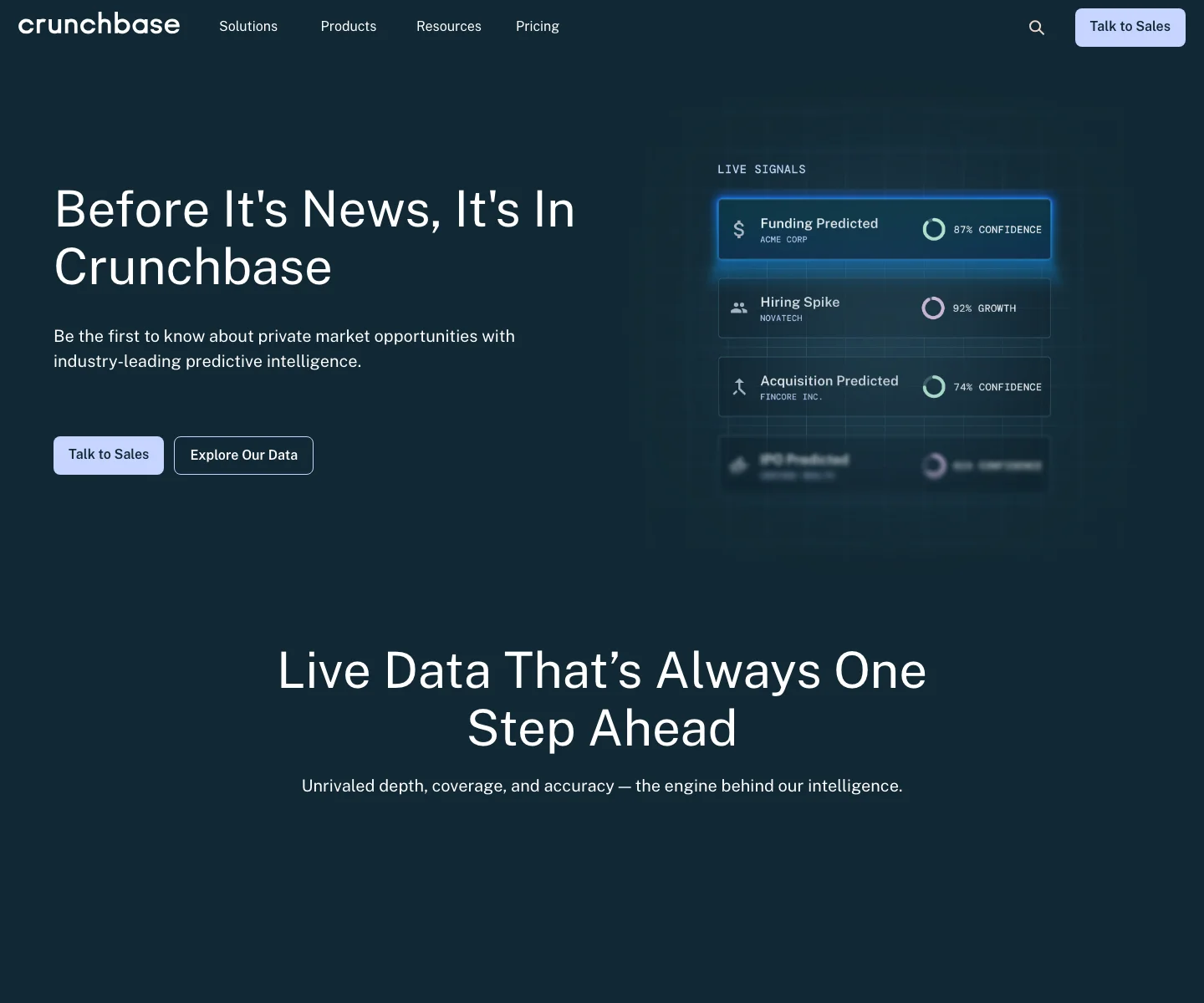
Why Crunchbase company data is worth extracting
Crunchbase is valuable because it compresses several layers of company research into one place. You are not only capturing names. You are capturing context.
What makes the dataset useful in 2026
As of July 15, 2026, Crunchbase's product updates page says its coverage surpassed 5 million companies in June 2026. Its official Crunchbase API page also emphasizes financials, firmographics, and predictive company intelligence built for teams that need more than static exports.
That combination matters for practical scraping jobs. When a dataset covers millions of companies and updates constantly, it becomes a useful starting point for several workflows:
- building account lists for outbound sales
- enriching startup and VC research
- tracking category leaders in a niche market
- monitoring competitors, partners, or acquisition targets
- keeping internal prospecting sheets fresh
If your team already uses B2B prospect datasets or sends records into Airtable, Crunchbase can become one of the highest-signal sources in that stack.
Why the data feels richer than a basic directory
Many directories give you a company name, a homepage URL, and maybe a location. Crunchbase often adds the layers that make a list actionable:
- category and industry labels
- funding stage and recent round context
- total funding or investor information
- leadership and related organization clues
- profile pages that link back to source entities
That means a 200-row export can be more useful than a 2,000-row generic directory dump. The dataset gives you a reason to prioritize the rows, not only store them.
Why does the standard approach fail?
The normal way people work with Crunchbase is deceptively simple. Open a search. Filter for a market. Copy a few fields. Paste them into a sheet. Repeat until the list is "done."
That approach breaks as soon as the project matters.
Manual copy-paste is slow and error-prone
The first 10 companies feel manageable. The next 50 are where the friction becomes obvious. Someone misses a funding stage, pastes the wrong URL into the wrong row, or forgets which filters were active when the list started. That creates quiet errors, which are harder to catch than obvious failures.
For sales teams, those mistakes show up as poor routing and weak personalization. For investors and analysts, they show up as false comparisons or incomplete market maps. For agencies, they show up as rework and missed deadlines.
Fixed scrapers struggle when the page flow changes
Crunchbase pages are not static spreadsheets in disguise. Filters, sorting, popovers, detail pages, pagination, and logged-in views all add complexity. A rigid scraper can work during setup, then fall apart when:
- the page loads a little slower
- the team changes the sort order
- one field only appears on a detail page
- the list view and profile view use different structures
That is why many no-code users give up after an early prototype. The data source was good, but the extraction method was too brittle.
The API is powerful, but it is not always the best starting point
Crunchbase clearly offers structured data products and API access, and for some teams that is the right route. But many operators are not trying to design a platform-level integration on day one. They want a reliable browser workflow for this week's account list, founder watchlist, or sector research project.
In those cases, starting from the live page can be faster and easier to validate. You can see the results, adjust the schema as you learn, and export without waiting for a deeper engineering project to happen first.
What company fields should you capture?
Before you scrape, decide what will make the dataset useful after export. A clean schema matters more than a long schema.
For most Crunchbase workflows, the best starting columns are:
- company name
- Crunchbase profile URL
- company website
- headquarters or geographic region
- industry or category labels
- funding stage
- total funding or last funding amount
- recent investors or notable signals if visible
- scrape date
If the goal is outbound prospecting, add columns for qualification notes and owner assignment. If the goal is market research, add columns for theme, competitor set, or region grouping. If the goal is ongoing monitoring, add a last-checked column so the team knows when the row was refreshed.
How to scrape Crunchbase company data with Lection
The easiest way to keep the workflow stable is to scrape the page the same way you review it.
Start with a focused company list
Open the list or search results page you actually care about. That could be a market category, a geography filter, a funding-stage search, or a manually assembled list of organizations.
Starting with a focused list does two things:
- It keeps the output aligned with a real business question.
- It prevents the "export everything, filter later" habit that usually creates noisy datasets.
If you are building a go-to-market list, define the market and stage first. If you are researching funding activity, define the sector and time window first. The clearer the question, the better the schema.
Teach Lection the schema visually
With the page open, launch Lection and click the first field you want, such as the company name. Then add the supporting fields one by one: location, industry, funding stage, website, or profile link.
Because the extraction happens in the browser, you can validate the pattern while looking at the actual page. That matters on Crunchbase because list items often contain repeated visual structures. If one field is pulling the wrong value, you can catch it immediately instead of discovering the problem after export.
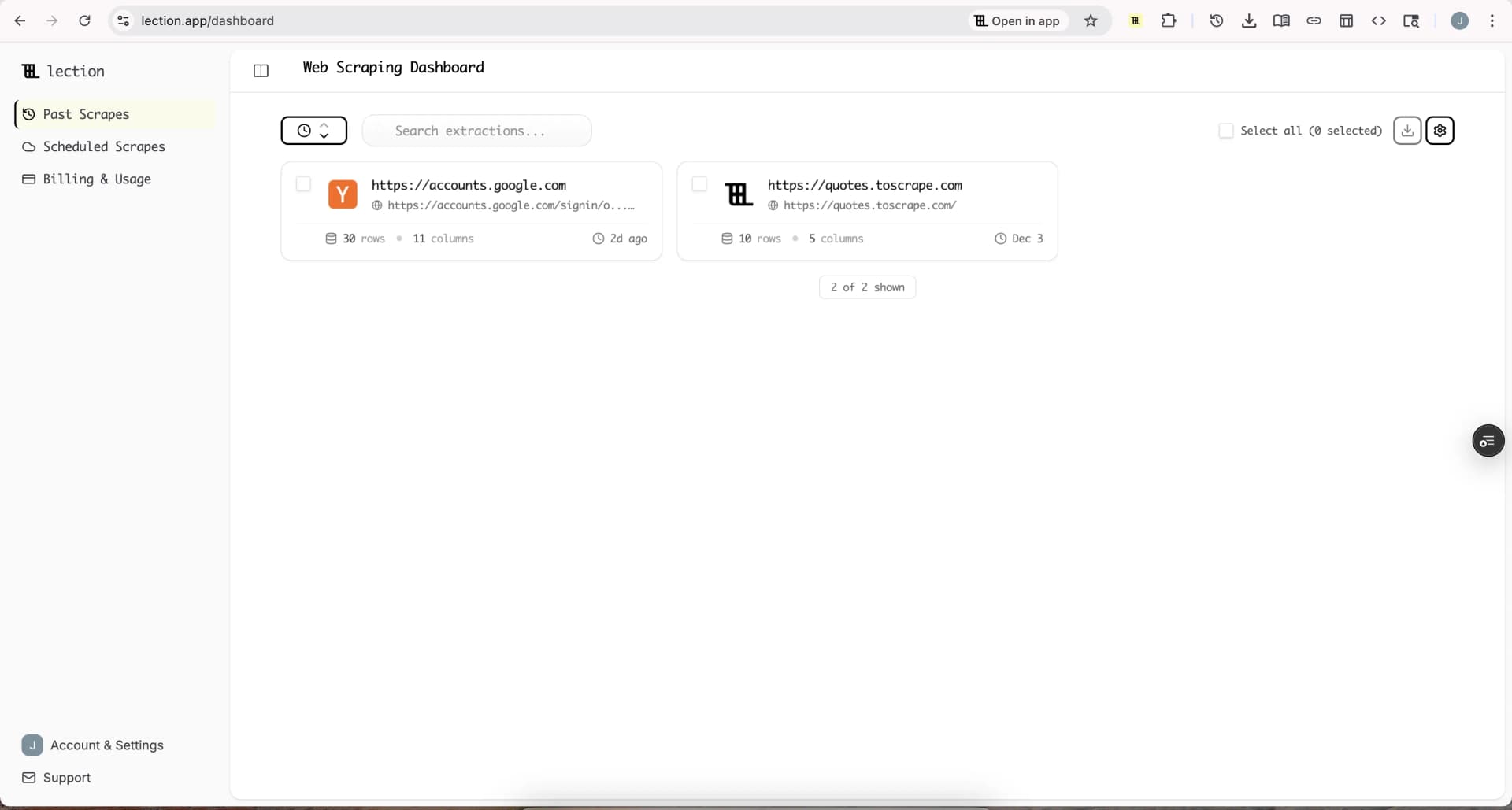
Use pagination and detail-page follow-ups where needed
Some projects only need the list view. Others need deeper fields that only appear on company pages. That is where you should separate the workflow into two passes:
- Extract the broad company list first.
- Follow the company profile links for the fields that require more detail.
This is usually cleaner than trying to do everything at once. A broad pass gives you a reliable base dataset. A second pass lets you enrich only the companies that are actually worth the extra time.
Lection's browser-native flow helps here because you can keep the relationship between list view and detail view obvious. You are not guessing which selector maps to which entity. You are following the page the same way an analyst would.
Export into the workflow that owns the outcome
Do not stop at "the scraper worked." The output becomes useful only when it lands in the system your team already uses.
For example:
- export to Sheets for quick cleanup and handoff
- send the rows into Airtable for segmentation and assignment
- route qualified accounts into HubSpot for outreach
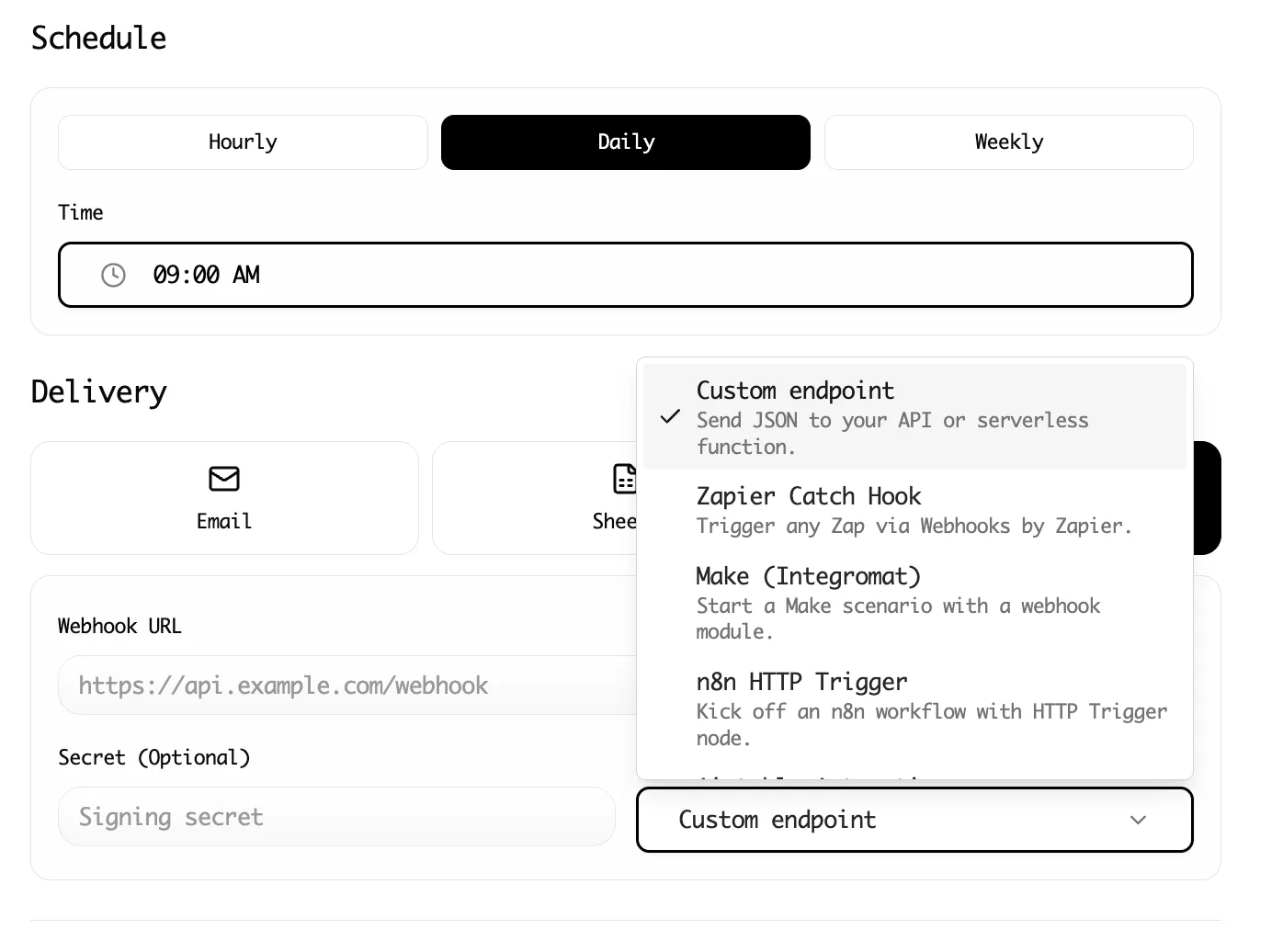
- push recurring exports into automation tools for weekly refreshes
If that is your next step, the guides on sending scraped leads to HubSpot, getting LinkedIn data into Airtable, and scheduling recurring web scrapes connect naturally with this workflow.
How to keep the workflow accurate and compliant
Crunchbase data is valuable enough that it deserves a little discipline.
Review the terms and your internal policy first
Crunchbase's official Terms of Service govern access to its service and content. If you are building a recurring workflow for a team, review the terms alongside your company's internal data-use policy before scaling the extraction.
That step is not only about legal caution. It is also about setting clear expectations for how the data will be used, stored, refreshed, and shared. If you need a broader framework, our guides on web scraping legality by country and the complete guide to robots.txt for web scrapers are the right companion references.
Validate high-stakes fields before you act on them
If the data will drive outreach, pricing strategy, investment research, or executive reporting, validate the fields that matter most before distribution. Funding data, company status, and category labels can carry more business weight than a simple contact export.
A practical rule is to spot-check at least 10 to 20 rows before you share the final dataset widely. That is enough to catch most schema mistakes before they spread through the rest of the workflow.
Refresh the dataset on a schedule
Crunchbase is useful because it changes. That same strength becomes a weakness if your team treats one export like a permanent truth.
If a list will matter next week, next month, or next quarter, schedule recurring refreshes. A simple weekly or biweekly update is often enough to keep funding-stage lists, competitor lists, and account research sheets from drifting out of date. You can see the operational side of that in Lection's features overview and pricing page.
Troubleshooting and edge cases
Crunchbase projects usually fail for operational reasons, not because the idea was wrong.
Some of the fields you want only appear on profile pages
Do not force a single pass to do every job. Use the list page to capture the broad set of companies, then run a second extraction for high-value profiles that need deeper enrichment. This reduces noise and keeps the first export fast.
Filters or sort order keep changing the output
Lock the workflow before you run the bigger extraction. Confirm the active filters, sort order, and page size, then keep them fixed for the run. If several teammates will use the workflow, document the exact page state so a second person can reproduce it later.
The dataset is clean, but it is not actionable yet
This is common. A company list is not automatically a prospect list. Add the fields that turn rows into decisions: owner, priority, notes, next action, or region. The strongest scrape is the one that arrives ready for the next step, not the one with the highest row count.
Conclusion
Crunchbase company data is useful because it gives you more than names. It gives you market context that can power prospecting, founder research, partnership mapping, and category analysis. The challenge is getting that context out of the browser without turning the process into manual admin work.
Lection keeps the workflow close to the page, which makes Crunchbase extraction easier to validate, easier to adapt, and easier to export into the rest of your stack. That is the difference between a one-off list and a reusable research workflow.
Ready to start scraping? Install Lection and extract your first dataset in minutes.
Related Reading
- Track Startup Funding Rounds Automatically
- How Agencies Use Web Scraping for Client Research
- Build B2B Prospect Lists with Lection
- How to Get LinkedIn Data into Airtable Without Code
- How to Scrape GitHub Repositories Without Code
- How to Send Scraped Leads to HubSpot CRM
- Explore all tutorials and guides