Data Miner IO has been a staple in the Chrome webstore for years. It was one of the first tools to bring structured data extraction to the browser, allowing users to scrape lists and tables without writing code.
But the web has changed. Modern websites use complex JavaScript, dynamic loading, and sophisticated anti-bot measures. Data Miner's interface, built for a simpler era, often struggles with today's web. The steep learning curve of XPath selectors and "Recipe" creation leaves many users looking for more intuitive, powerful alternatives.
If you're tired of broken recipes and complex configurations, this guide compares the best Data Miner alternatives available in 2026.
Why Users Are Switching From Data Miner
Before we look at the alternatives, let's understand why users are leaving Data Miner.
Steep Learning Curve. Data Miner effectively requires you to be a developer. To build reliable recipes, you often need to understand HTML structure, XPath, and CSS selectors. For non-technical teams, this is a massive barrier.
Fragile "Recipes". Data Miner relies on community-shared "Recipes" that break constantly. If a website changes its layout even slightly, the public recipe stops working, and you're left debugging selectors.
Dated Interface. The UI feels like a tool from 2015. It handles simple lists well but struggles with deep crawling, pagination on modern single-page applications (SPAs), and complex data hierarchies.
Limited Cloud Capabilities. While Data Miner offers some automation features, true cloud-based scheduling and scaling are often complex or limited compared to modern platforms.
Quick Comparison Table
| Tool | Best For | Key Advantage |
|---|---|---|
| Lection | Modern AI Scraping | No-code, AI-adapts to layout changes |
| Web Scraper | Power Users | Handles complex sitemaps & navigation |
| Instant Data Scraper | Simple Tables | One-click extraction for flat tables |
Alternative 1: Lection (Best All-Around Modern Alternative)
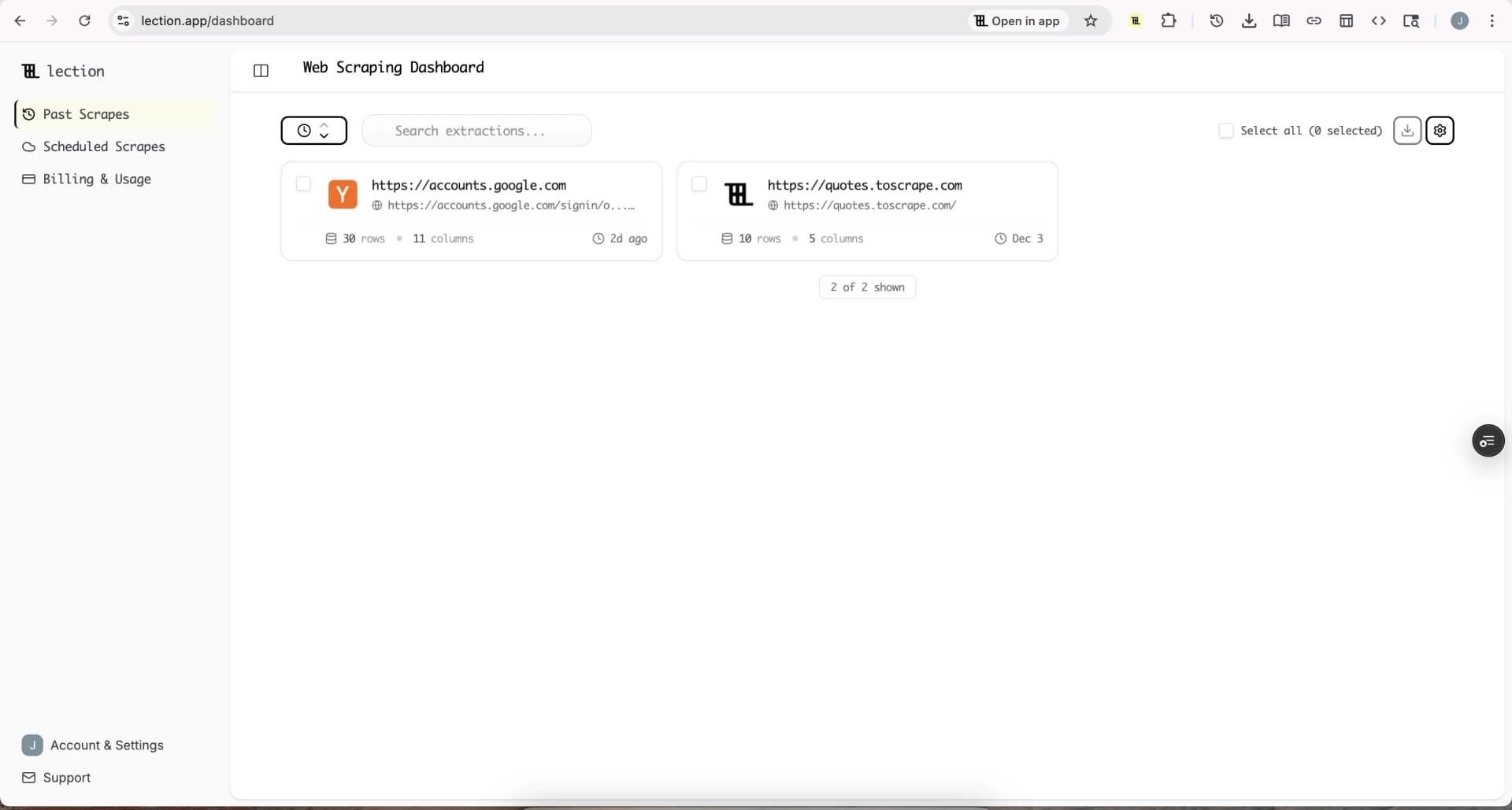
Lection represents the next generation of browser-based scraping. Instead of forcing you to learn selectors, it uses AI to understand the page structure visually—just like a human does.
How It Solutionizes Data Miner's Pain Points
No Selectors Needed. You don't need to know what an <div> or <span> is. You simply click on the data you want—prices, names, dates—and Lection's AI identifies the pattern across the page.
Resilient to Changes. When a website updates its code but keeps the visual layout the same, Data Miner breaks. Lection continues working because it recognizes the data, not just the underlying code.
Cloud Power. Lection isn't just a browser extension. It connects seamlessly to cloud execution, allowing you to schedule scrapes to run 24/7 without keeping your computer on.
Modern Workflow. Export directly to Google Sheets, or connect to Zapier and Make for automated workflows.
Alternative 2: Web Scraper (Best for Complex Navigation)
Web Scraper is a powerful alternative for users who are comfortable with some complexity but want more control than Data Miner offers.
Strengths
- Sitemap Building: Excellent for defining complex navigation paths (e.g., "click this category, then go to page 2, then click this product").
- Visual Selector: A point-and-click selector that generates CSS selectors for you, bridging the gap between coding and no-code.
- Local Execution: Runs entirely in your browser effectively.
Weaknesses
- Complexity: Like Data Miner, it has a learning curve. Understanding the concept of a "sitemap graph" is necessary.
- Browser Resource Heavy: Running large scrapes locally can slow down your machine.
Alternative 3: Instant Data Scraper (Best for One-Click Tables)
If your needs are extremely simple—like grabbing a single table off a wikipedia page—Instant Data Scraper is a great tool.
Strengths
- Zero Config: It literally tries to guess the table on the page as soon as you open it.
- Fast: For cleaning simple lists, it's faster than configuring a full recipe.
Weaknesses
- Limited Control: If the AI guesses wrong, customization is difficult.
- No Deep Crawling: It's designed for single pages or simple "next button" pagination, not complex workflows.
Conclusion
If you're moving on from Data Miner, your choice depends on your technical comfort and needs:
- Choose Lection if you want a modern, AI-powered tool that handles complex sites without code and offers cloud automation.
- Choose Web Scraper if you need to build intricate navigation maps and are comfortable with a steeper learning curve.
- Choose Instant Data Scraper for quick, one-off grabs of simple tables.
The era of manually debugging XPath selectors is over. Modern tools like Lection let you focus on the data, not the extraction method.
Ready to see the difference? Install Lection and experience AI-powered scraping.