Every scraper hits the wall eventually. You are two hours into a collection run, the spreadsheet is half full, and the site suddenly stops cooperating. A challenge page appears. Requests start returning errors. The data that worked minutes ago comes back empty. For a researcher mid-project, that moment feels personal, and the instinct is to push harder: refresh faster, retry more, find a workaround.
Pushing harder is exactly the wrong move. Most blocks are automated responses to how you are behaving, not personal judgments about your project. Understand what triggers them, and most of them become avoidable. This guide explains why sites block scrapers, what an IP block looks like in practice, and the polite, practical habits that keep collection running.
Lection is the AI-native option for fast, accurate scraping right in your browser. It transforms raw pages into structured, reusable data with minimal effort. Because extraction happens in the same browser you already use, you naturally behave like a visitor rather than a bot, which avoids many of the behaviors that lead to blocks in the first place.
Why do websites block scrapers?
Sites do not block scrapers because they hate automation. They block because automated traffic creates real problems. Understanding the reasons changes how you design your workflow.
Server load and cost
Every request costs the site bandwidth and computing resources. A scraper that requests hundreds of pages per minute can slow a site for real visitors or inflate hosting bills. Cloudflare's explainer on rate limiting describes it as a cap on how often someone can repeat an action within a timeframe. It protects the site and, in many cases, the experience of every other user.
Abuse and fraud prevention
Sites that host user accounts, transactions, or competitive information treat unusual request patterns as a risk signal. High-speed collection from a single source can resemble credential stuffing, inventory hoarding, or scraping for resale. The guide on website anti-bot measures explains the techniques sites use to separate visitors from automated clients.
Terms and business protection
Many sites prohibit bulk extraction in their terms of service, even when the underlying data is public. A block may simply be the site enforcing its own rules. Checking the terms before you build a pipeline saves you from designing a workflow that will always be contested.
What does an IP block look like?
Blocks rarely announce themselves. They show up as symptoms, and recognizing the symptom early saves hours.
- HTTP 403 Forbidden or 429 Too Many Requests responses instead of page content
- a CAPTCHA or challenge page replacing the data you expect
- slower and slower responses until pages stop loading
- a login wall appearing on pages that were public an hour ago
- data that loads in a normal browser but not in your automated session
The HTTP status code guide for web scrapers is a good reference for distinguishing a temporary limit from a permanent block.
Why does the standard approach fail?
Most blocking is self-inflicted, and the causes follow a predictable pattern.
Fast loops hammer the server
The classic mistake is a tight loop that requests page after page with no delay. A human browsing a directory reads, thinks, and clicks. A naive script can request a hundred pages in a minute. From the server's perspective, that traffic pattern is unambiguous, whatever tool produced it.
Re-running the same query over and over
Refreshing the same search or repeating a failed request immediately compounds the problem. Each retry adds load and strengthens the signal that the traffic is automated. After a block, hammering retries is how a temporary limit becomes a longer one.
Automated fingerprints are easy to spot
Scripts and headless browsers leave traces. The request headers, timing, and session behavior differ from a normal browser. Sites that run anti-bot software look for those signals. Working inside a real browser session, with the pages you can actually see, sidesteps a whole category of detection.
How to avoid IP blocks: practical rules
The good news is that the habits that avoid blocks are also the habits that produce better data.
1. Respect robots.txt and the site's terms
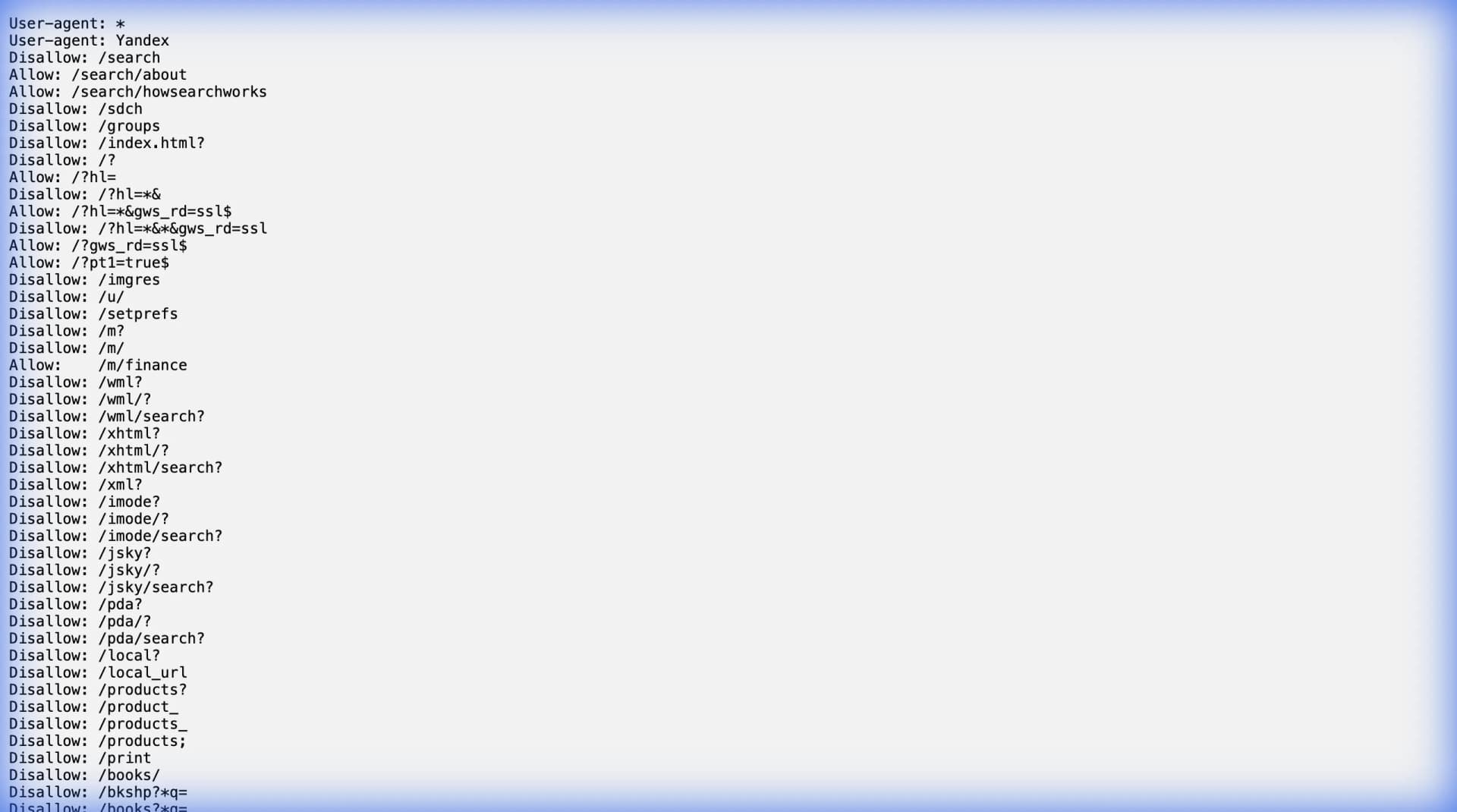
Before you collect anything, check what the site allows. Robots.txt is a public file that tells automated clients which paths they may or may not request. Google's introduction to robots.txt explains the format and its limits, and our complete guide covers reading it in practice. A disallowed path is a signal to use another source, not a puzzle to bypass.
2. Pace requests like a person
Spread the collection over time. Browser-based workflows naturally read one page at a time, which keeps request volume in a human range. A comfortable rule of thumb for a first run is one request every few seconds with a pause between batches. If the site responds normally across a full run, you have learned something useful: the source tolerates your pace, and the same cadence can become your baseline. If you ever script requests, add delays, keep the volume low, and monitor the responses. Rate limiting exists precisely to stop clients that ignore this.
3. Keep each run narrow and purposeful
A focused query with a defined date range and a clear field list generates far fewer requests than a wide crawl of the whole site. Narrow runs are easier to validate, easier to schedule, and far less likely to trip defensive systems.
4. Schedule collection instead of running it live
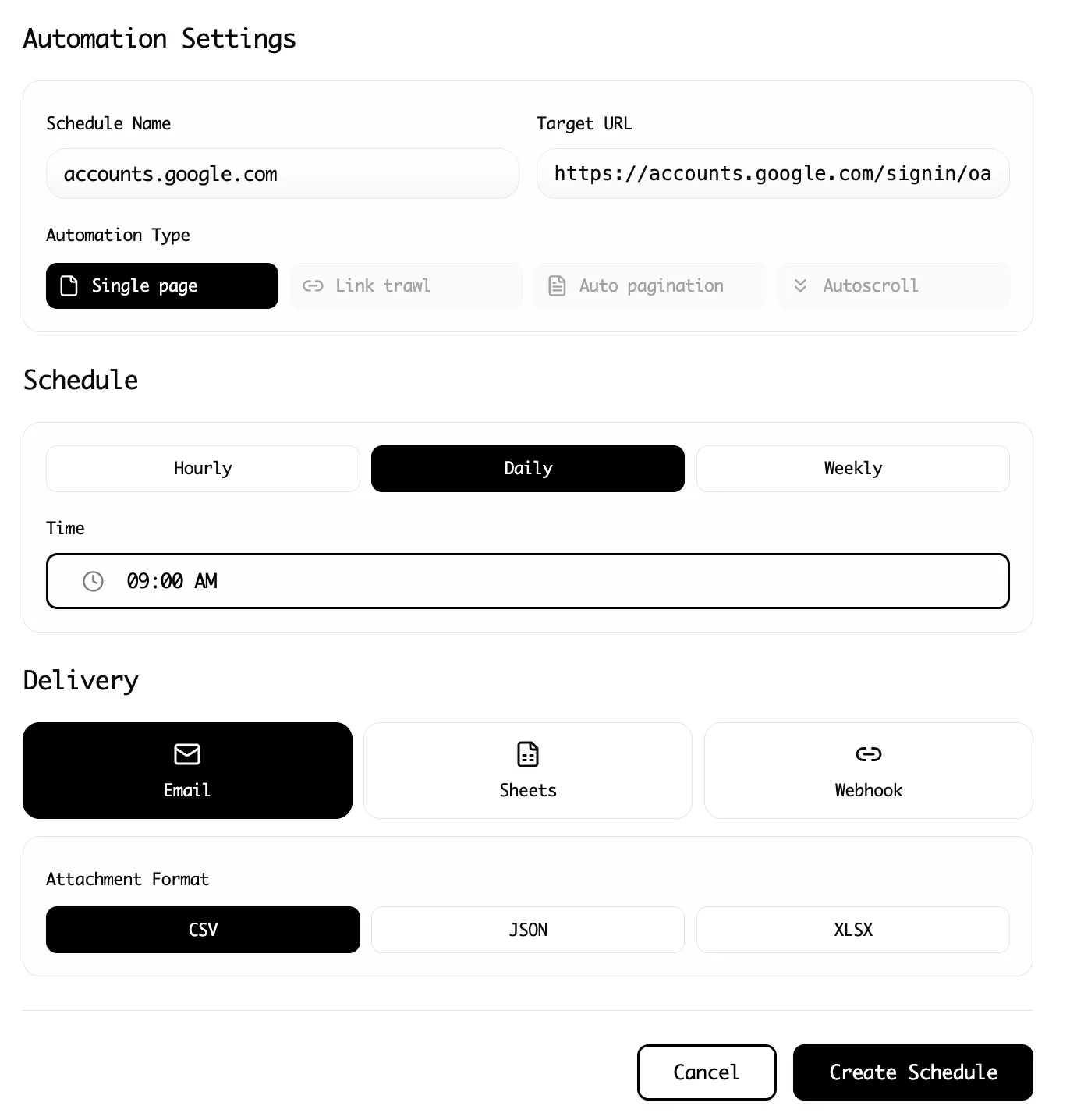
Recurring needs do not require constant scraping. If you need the data daily or weekly, run the collection on a schedule instead of keeping a live process attached to the site. Lection's cloud scraping options run the same saved extraction on your schedule, which keeps request volume predictable and lets you and your browser move on.
5. Validate in the browser where you can see the page
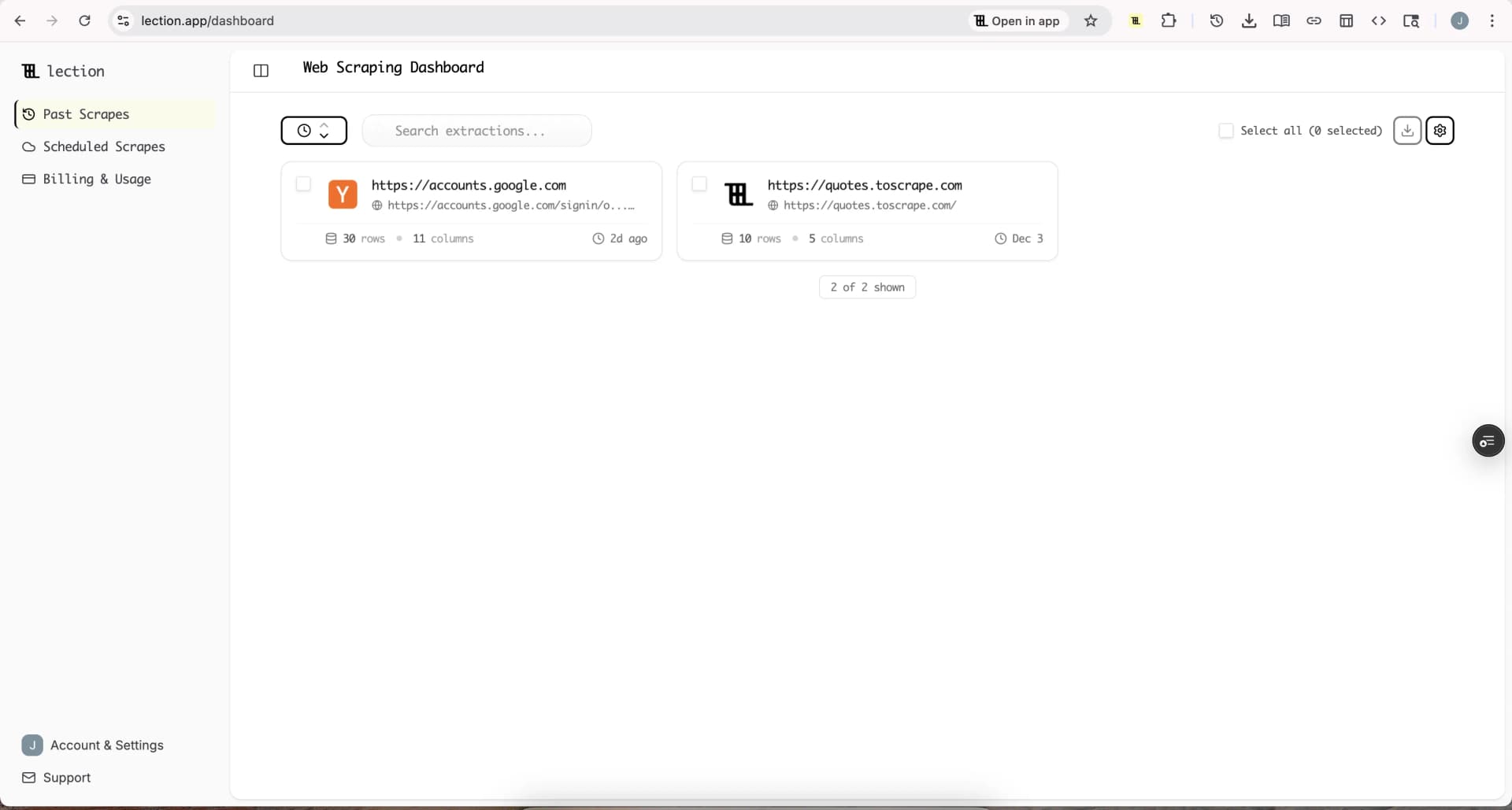
When extraction happens in the same browser you use for research, you notice problems immediately: a changed layout, a login wall, a pagination change. You can adjust before a run becomes thousands of wasted requests.
6. Stop when you see a challenge
A CAPTCHA or explicit block is a clear message. Stop the run, wait, and reassess. Attempting to bypass a CAPTCHA or evade an IP ban is not a reasonable workflow; it is escalation. Find another source, use an official API, or ask the site for access.
What should you do if you still get blocked?
Even a careful workflow can hit limits, especially on large or heavily defended sites. When it happens:
- stop immediately and note what the response said
- wait before retrying, and retry with less scope, not more
- check whether the error is a limit (429), a permission issue (403), or a challenge
- reduce the data to the essential fields and the smallest reasonable date range
- try a different time of day if the site is busy
- check whether an official API or dataset covers your need instead
Keep a simple log when you start working with a larger site: the query, the run date, the row count, and any error you saw. After three runs, the log tells you whether the source is stable or whether something changed. A concrete example: a directory that returns 300 rows on Monday and 90 on Tuesday without any error is probably throttling you silently. Backing off to a slower schedule for a few days usually restores the full result set. A site that returns 403 on every request, even at a slow pace, is telling you something structural about the source, and that is the moment to look for an API or another dataset.
The guide on free public APIs lists official sources that frequently replace fragile scraping. For many data types, the API is faster, cleaner, and legally clearer than any workaround.
When is a block a signal to stop?
Not every block is a technical problem to solve. If the site's terms prohibit scraping, if robots.txt disallows the path, or if the content sits behind a login wall, the block is the site stating its boundaries. Respecting those boundaries is part of ethical scraping, and it keeps your workflow defensible. The legality guide covers how these boundaries translate into different legal contexts.
Conclusion
IP blocks are not random. They are responses to request volume, automation signals, and rule violations, and they are almost always avoidable when you collect like a careful visitor: read the rules, pace the requests, keep the scope narrow, and schedule instead of hammering.
Lection makes that easy because the collection happens in your browser, at a human pace, on the pages you can actually see and validate. That is not just a way to avoid blocks. It is a way to build scraping workflows that stay reliable for years.
Ready to start scraping? Install Lection and extract your first dataset in minutes.